25
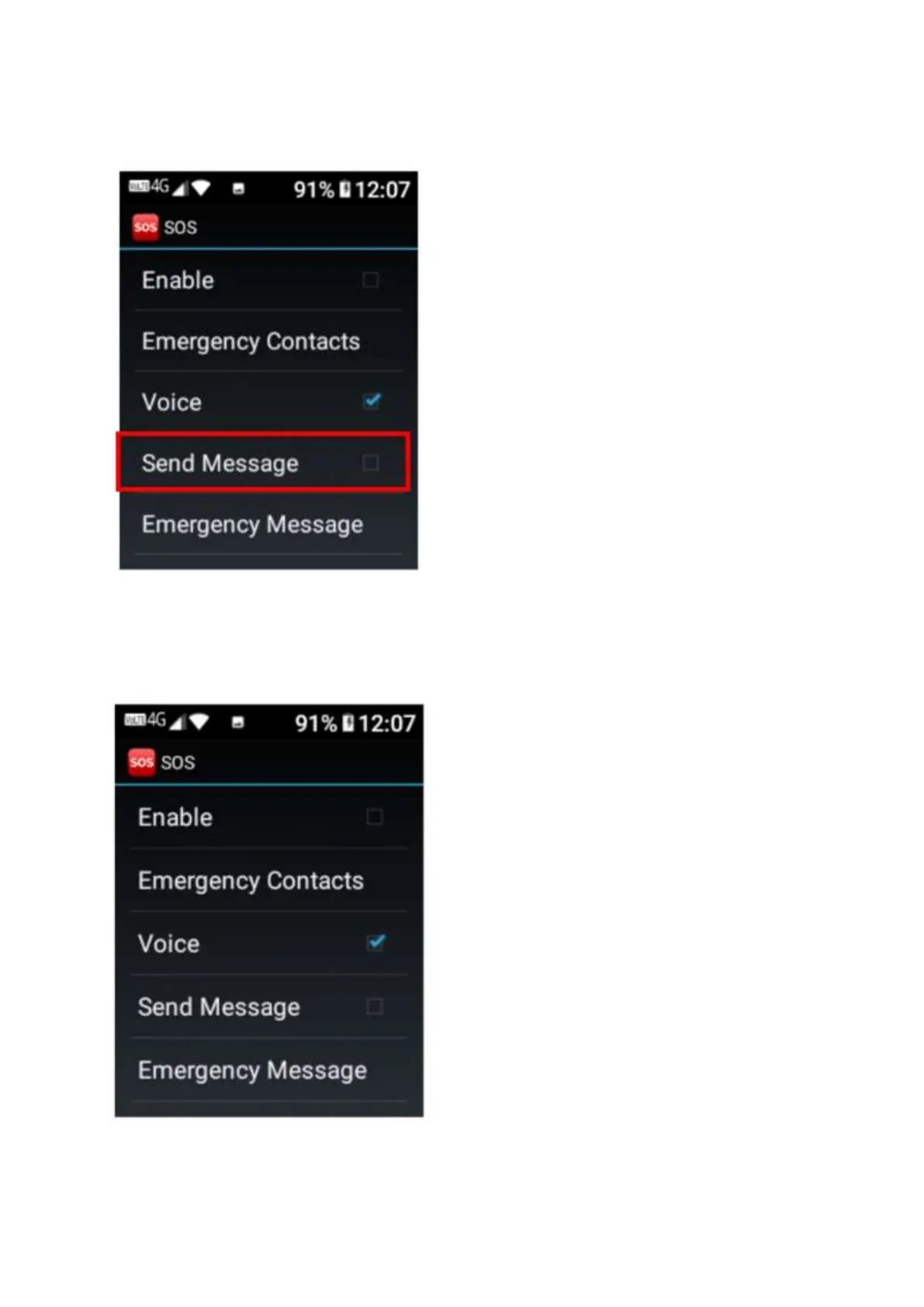
10. Then scroll down to Send Message. If you wish for a text message to be sent to your
emergency contacts when you activate SOS, tap or click ok to turn this function on, it will
show a tick symbol when activated.
11. Now scroll down to Emergency Message. Tap or click on this setting to open it to type in your
emergency text message using the keypad.















 To Next Page