82 Operation
Falcon+ Operator Manual
OPEX Corporation
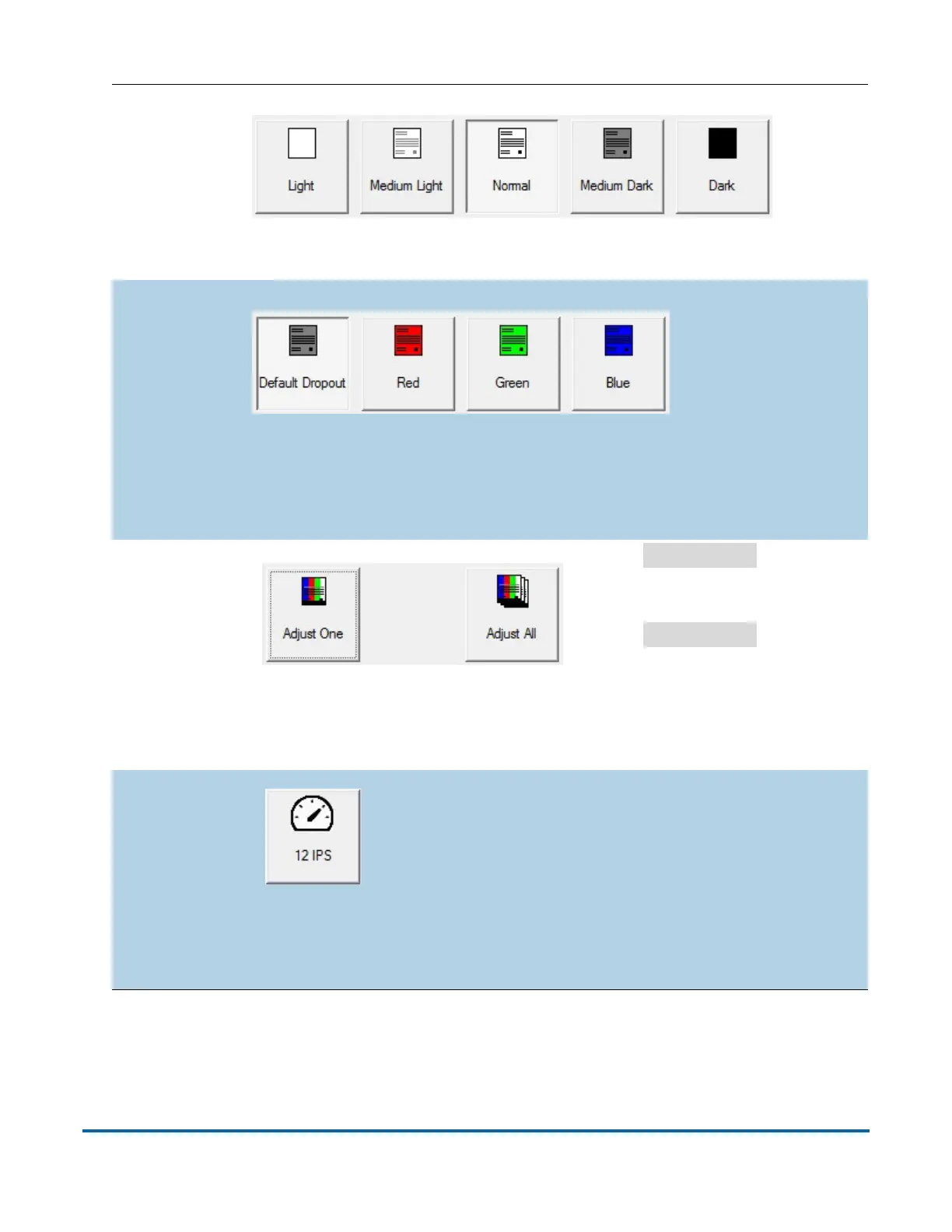
Brightness
Adjust the brightness of the item images from Light to Dark.
Press a button to adjust the brightness. The default is Normal.
Dropout
Remove a color (Red, Green, Blue, or White) from the item
image. The default is White.
Note: To use this feature, the items must be printed with a
specific dropout color.
Adjust All/
Adjust One
Select
Adjust All
to apply
the image quality changes to
all the items in the current
job, or
Adjust One
to make
the adjustments only to the
next item scanned.
Note: These buttons have no affect on alternate track speed
or alternate DPI mode.
Alternate
Track Speed
mode
This button allows you to switch to an alternate
track speed mode. Useful when you encounter a
complicated item for which it is desirable to scan
at a lower track speed (for example, a document
requiring more processing time). The button works
like a toggle: selecting it enables the alternate track speed
mode. Once finished with the alternate mode, you must
deselect it to revert back to the normal track speed mode.



 To Next Page