Operation 45
Falcon+ Operator Manual
OPEX Corporation
4.2.5. Run Screen Views
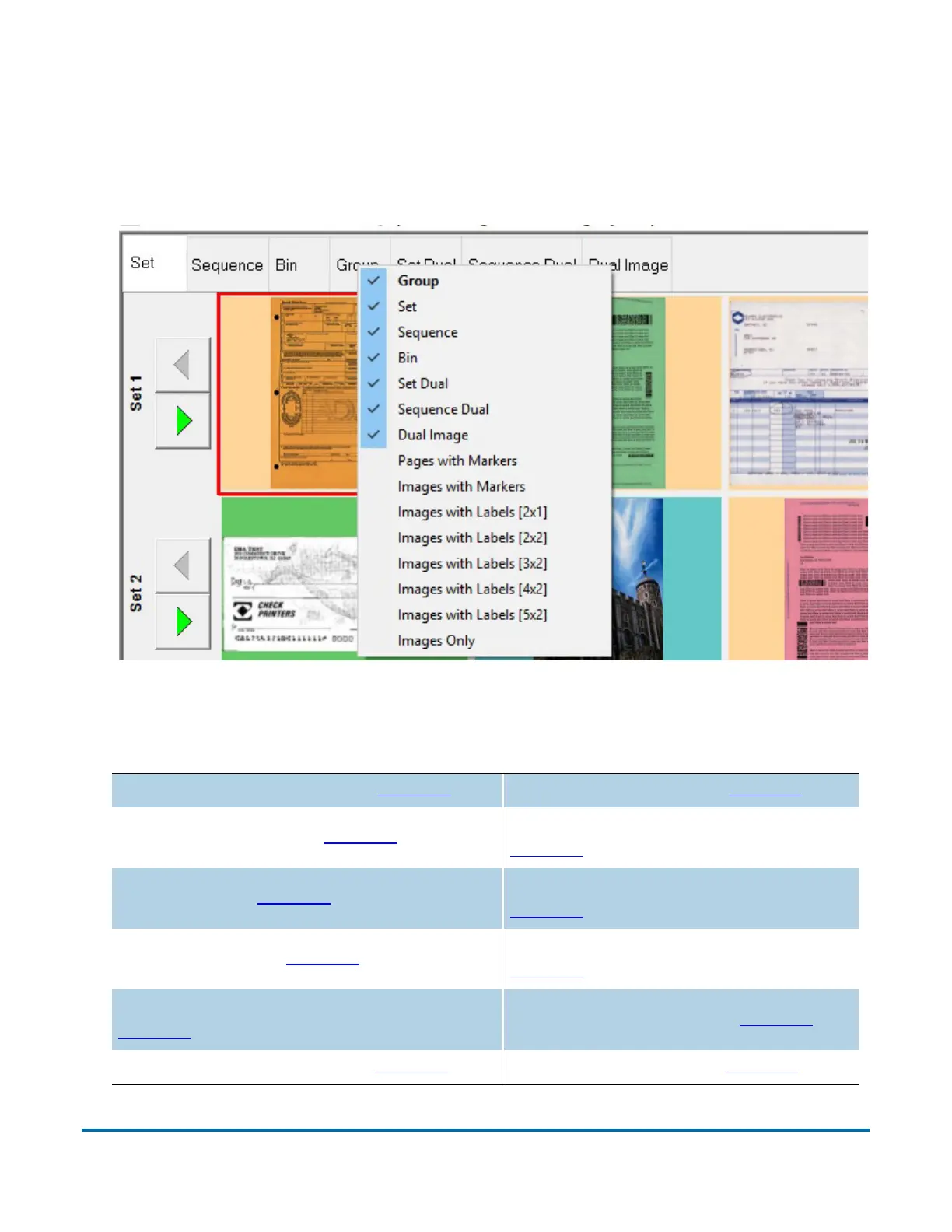
You can choose which thumbnail view tabs to display on the screen by right-
clicking anywhere on the top bar of the Thumbnail view pane and selecting a
desired view tab from the menu (Figure 4-10).
Figure 4-10: View Tab Display Menu
Use the tabs to arrange thumbnails in one of many available configurations:
Set/Transaction View (see page 46) Dual Image View (see page 52)
Sequence View (see page 47
)
Pages with Markers View (see
page 56
)
Bin View (see page 48)
Images with Markers View (see
page 57
)
Group View (see page 49
)
Images with Labels View (see
page 58
)
Set/Transaction Dual View (see
page 50
)
Images Only View (see page 59)
Sequence Dual View (see page 51
) Preview Window (see page 60)



 To Next Page