Operation 51
Falcon+ Operator Manual
OPEX Corporation
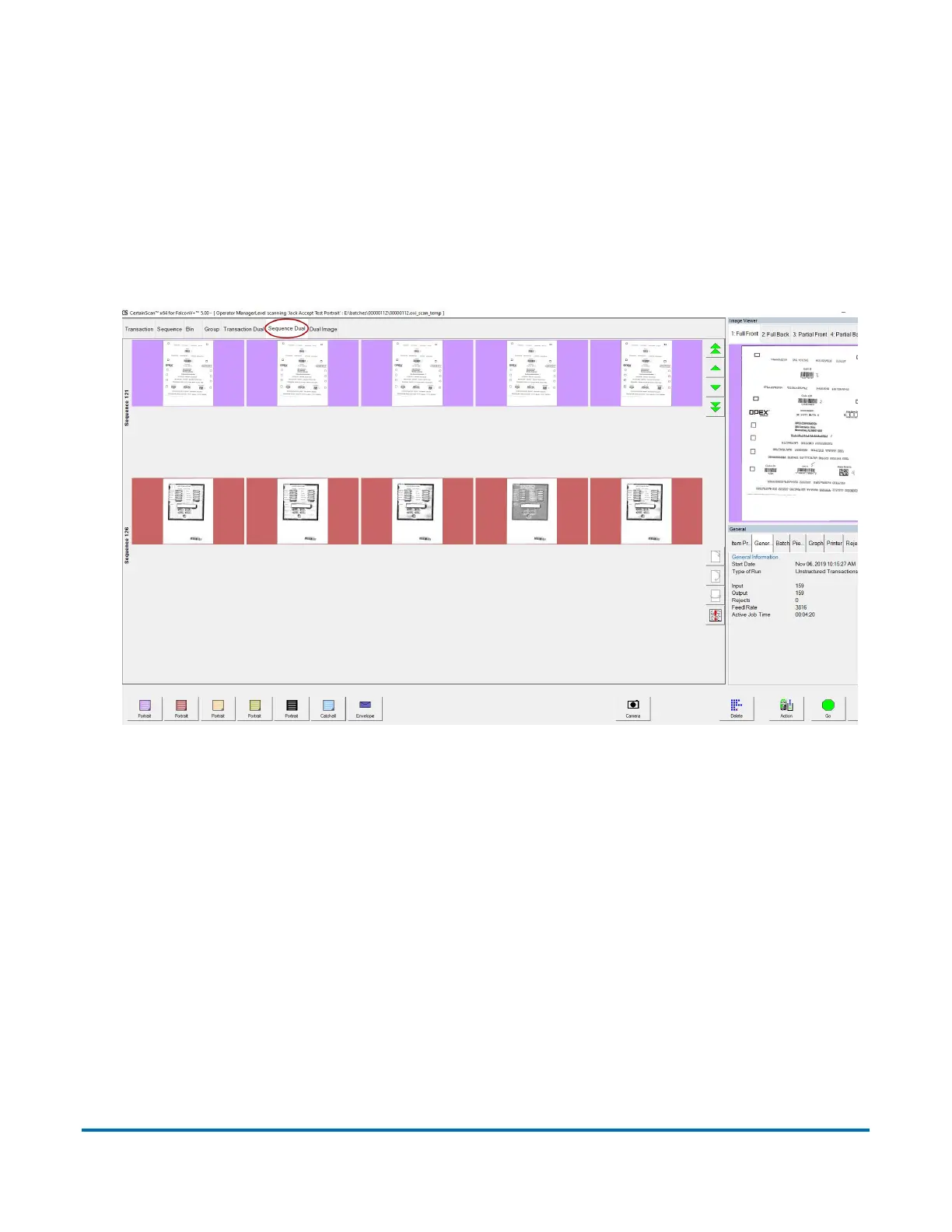
4.2.5.6. Sequence Dual View
The sequence dual view shows two thumbnails for each piece, grouped in the
order they were scanned. Each piece is displayed on two rows, one for each
image (see Figure 4-16).
Sequence dual view will only work properly if the page types in your job are set
up to include a “secondary” thumbnail.
Figure 4-16: Sequence Dual View



 To Next Page