Operation 95
Falcon+ Operator Manual
OPEX Corporation
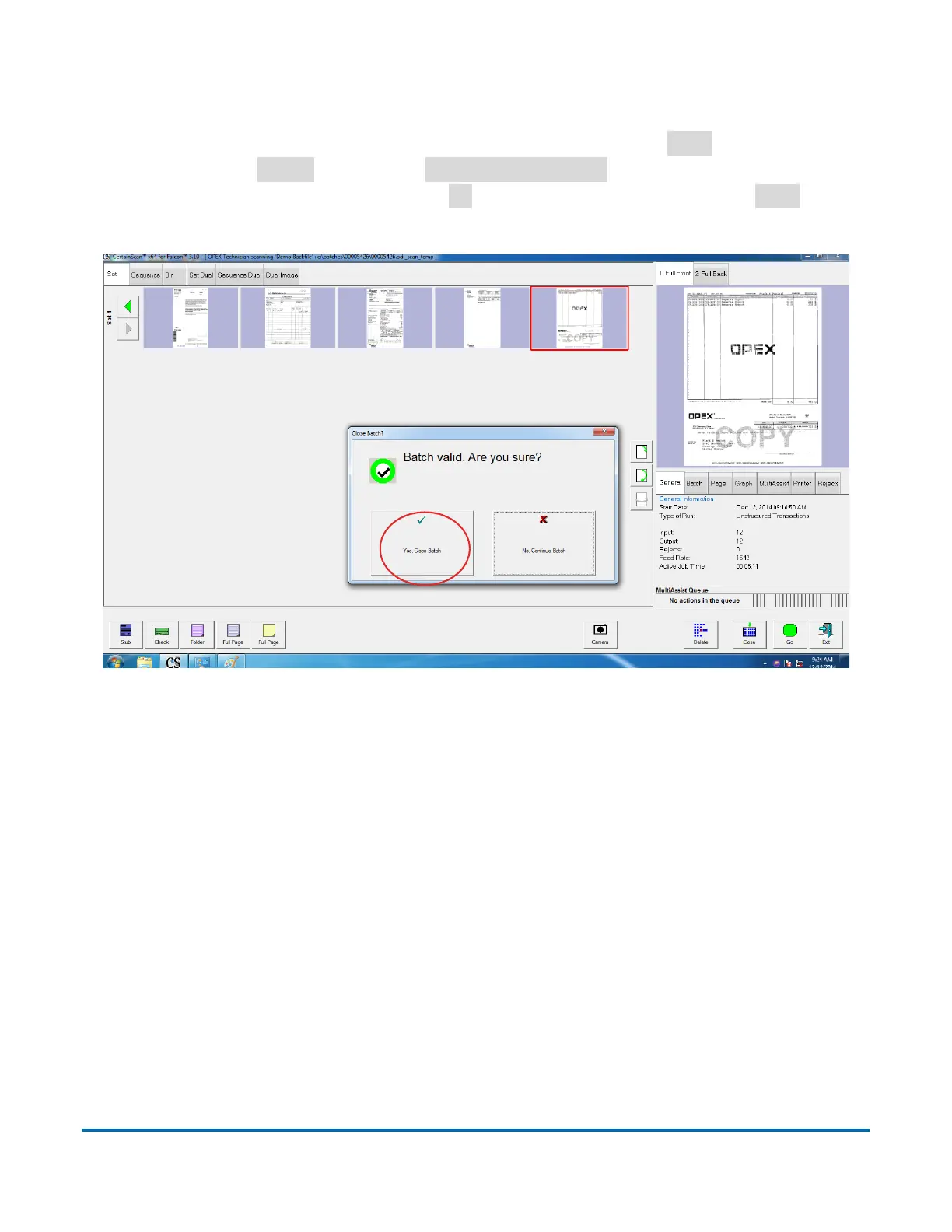
4.3.14. Closing/Starting a Batch and Existing Job
When you have finished scanning items in a batch, press
Stop
to turn off the
motors. Select
Close
and select
Yes, close Batch
to the “Close Batch?”
prompt. Next, you can either select
Go
to start a new batch or select
Exit
to exit
the job run screen and return to the Main job select screen (see Figure 4-55).
Figure 4-55: Ending the Job
4.3.15. Internal Batch Editor
There is an internal Batch Editor that was introduced in an earlier CertainScan
software version. It should not be confused with the robust, separate Batch
Edit application introduced with CertainScan 3.0. The internal editor is typically
used to recover batches after a crash. Refer to the “CertainScan Edit” software
manual for complete information regarding the new application.



 To Next Page