50 Operation
Falcon+ Operator Manual
OPEX Corporation
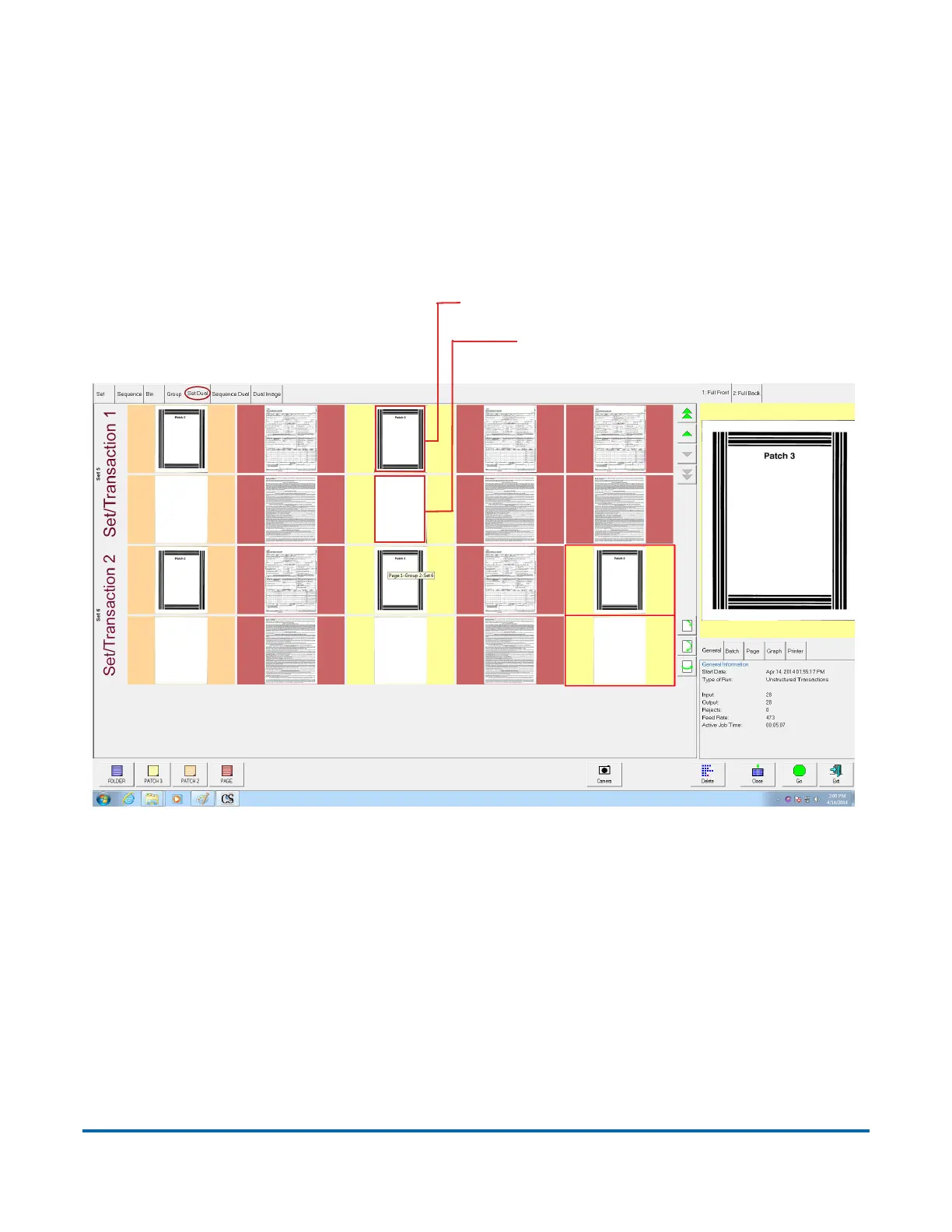
4.2.5.5. Set/Transaction Dual View
The Set/Transaction Dual view shows two thumbnails for each piece, grouped
by set or transaction. The first row will show one image; the following row will
show the secondary image (see Figure 4-15).
Set/transaction dual view will only work properly if the page types in your job
are set up to include a “secondary” thumbnail.
Figure 4-15: Set/Transaction Dual View
Image 1 (front)
Image 2 (secondary image)



 To Next Page