46 Operation
Falcon+ Operator Manual
OPEX Corporation
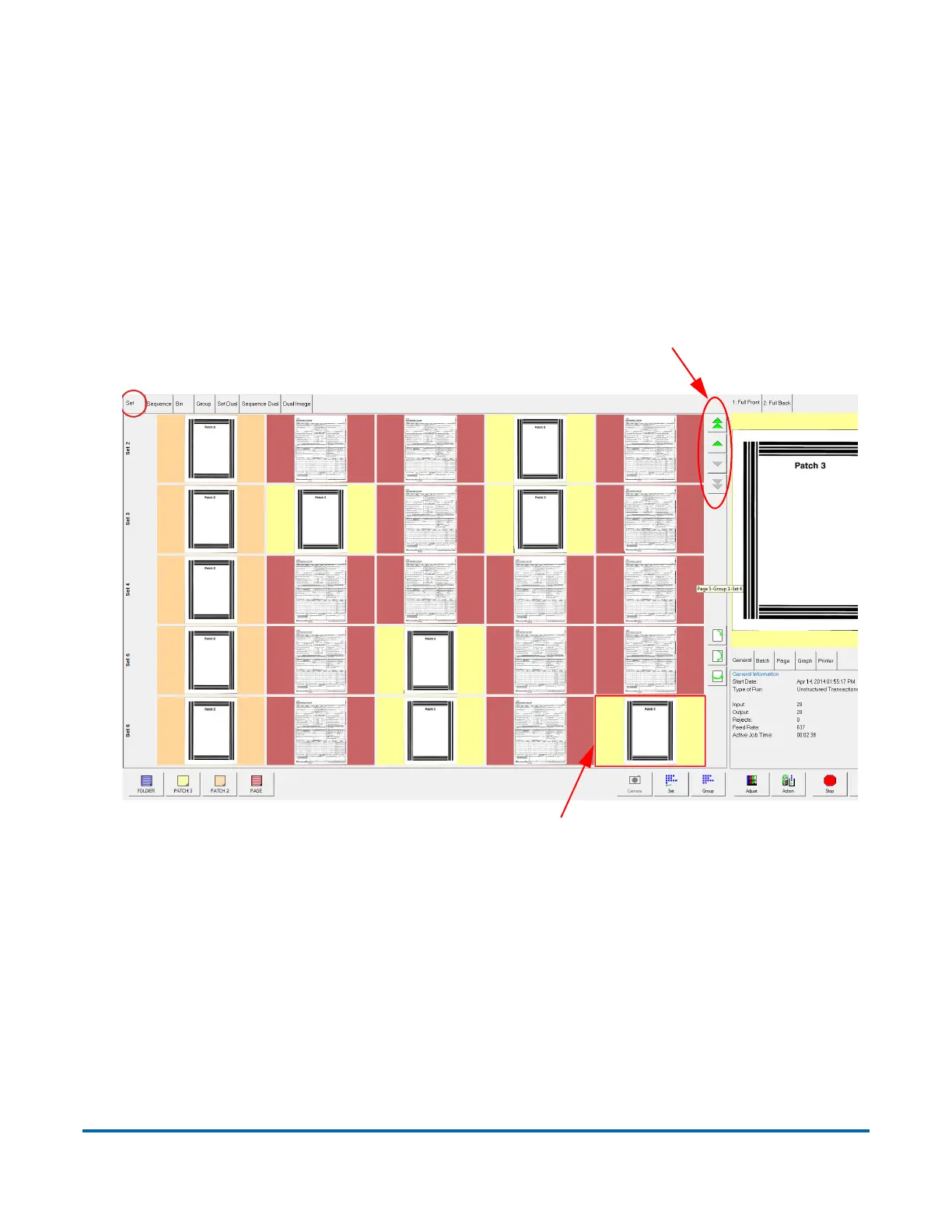
4.2.5.1. Set/Transaction View
The set/transaction view groups thumbnails by set or transaction, depending
on the software version you have installed. All of the pieces are displayed in a
single row from left to right in the order they were scanned. One thumbnail is
displayed for each piece. Scroll buttons appear on the left of the Thumbnail
pane when the number of thumbnails in the set/transaction exceeds the pane
width (see Figure 4-11).
Figure 4-11: Set/Transaction View



 To Next Page