Maintenance 125
Falcon+ Operator Manual
OPEX Corporation
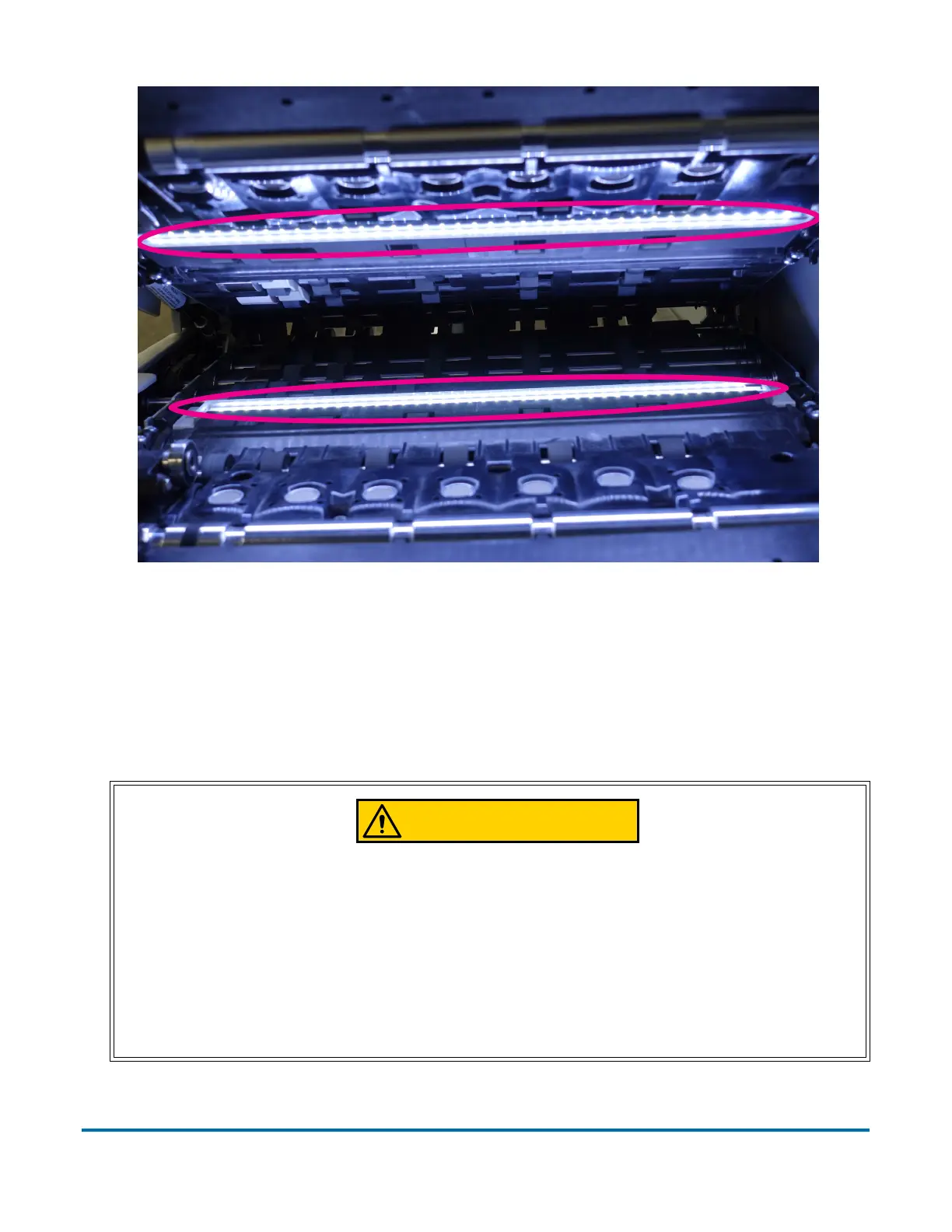
Figure 5-19: Contact Image Sensor Locations
Feed Assembly
Black lines on the image can be caused by dirt (toner, ink, white out, glue, etc.)
transferred from the paper to the rollers and feeder. Using a cleaner such as
Formula 409, clean the feed mechanisms on a weekly basis.
Be careful when working with cleaners. A cleaner-soaked cloth or similar
material should never be used to clean moving objects. For example, do not
clean belts or rollers when the motors are running. The use of a cloth or a
similar material on moving mechanisms can result in severe personal injury. If
a belt, roller, pulley, or a similar part needs to be cleaned, hand-crank it during
cleaning or clean it while stationary.



 To Next Page