Operation 119
Sure Sort™ Operator Manual
OPEX Corporation
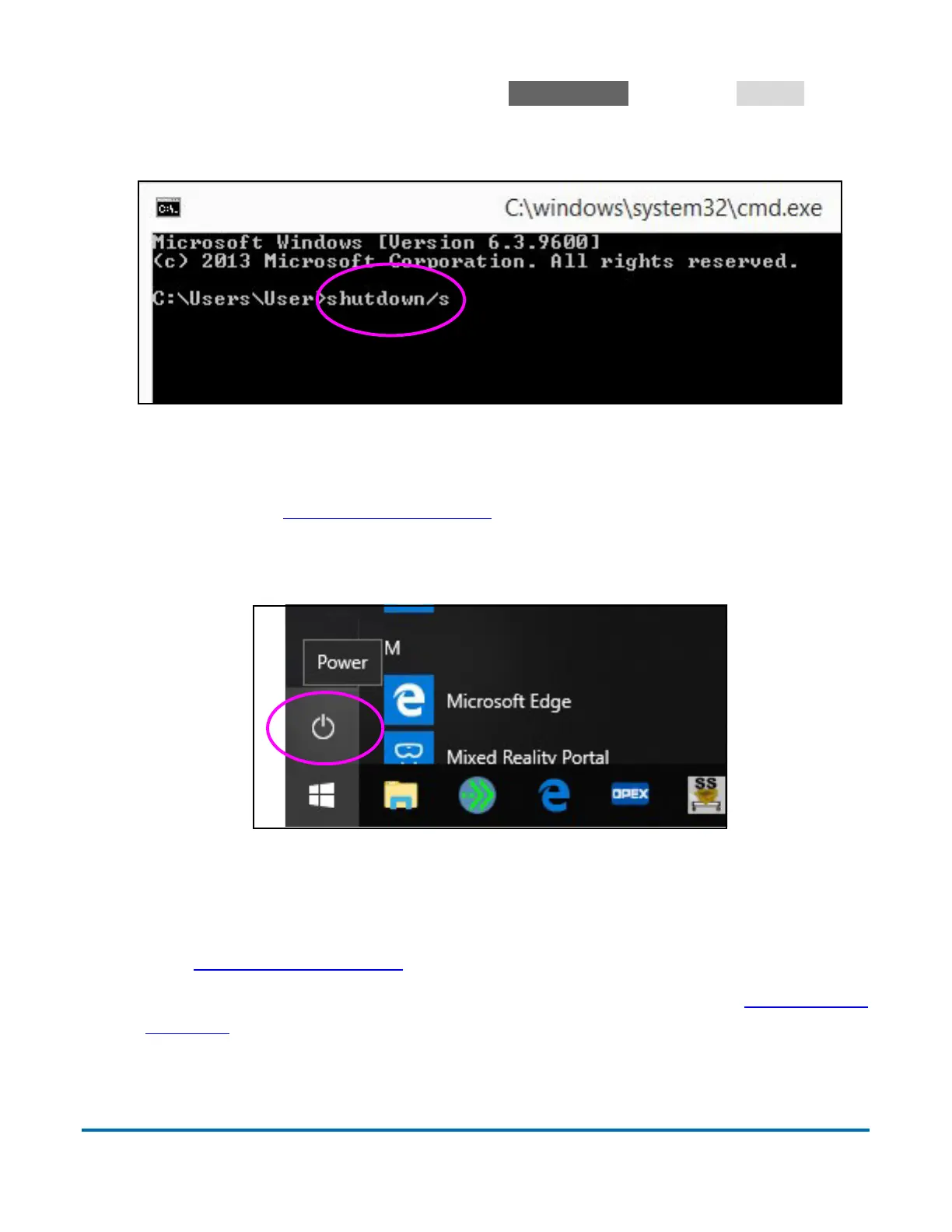
d. From the Command prompt, type shutdown/s and press
Return
(Figure 4-10).
- The RTM computer will begin shutting down.
Figure 4-10: Command prompt
e. On the back of the RTM, wait for the green power indicator LED to
switch off (Figure 4-4 on page 115
).
4. Shut down the host computer using the Windows 10 power button
(
Figure 4-11).
Figure 4-11: Windows 10 desktop
5. Press and hold the Power button on the UPS until the readout indicates
“UPS Turnoff By...”. Wait for the display screen and power LED to turn off
(see
Figure 4-3 on page 114).
6. Turn the red main disconnect switch handle to the Off position (Figure 4-2 on
page 114).



 To Next Page