EasyManua.ls Logo

Oppo BDP-80 - User Manual

Oppo BDP-80
76 pages
Print Icon
To Next Page IconTo Next Page
Loading...
®
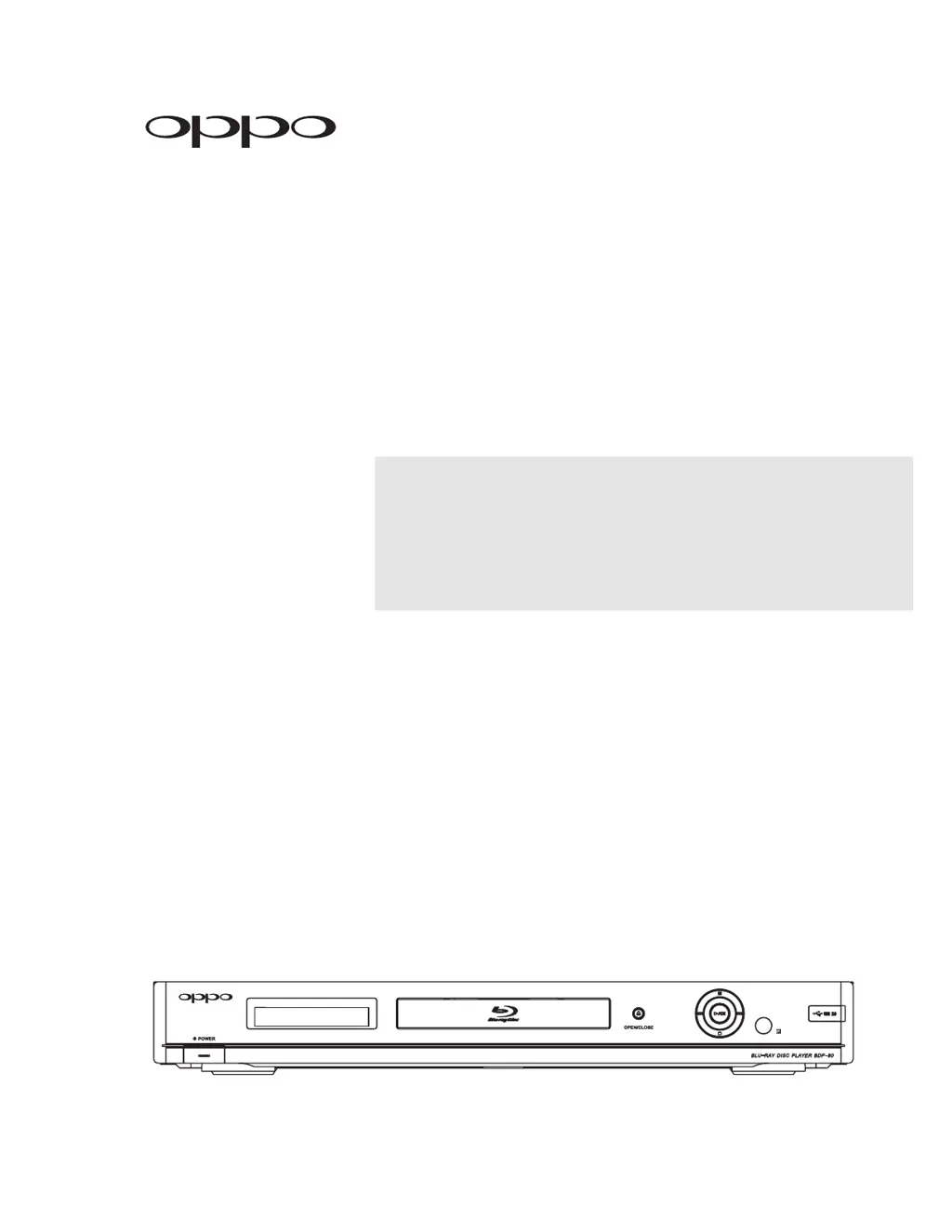
Blu-ray Disc Player
Model No. BDP-80
USER MANUAL
READ CAREFULLY
BEFORE OPERATION

Table of Contents

Questions and Answers

Summary

Important Information

Important Safety Instructions

Crucial safety guidelines for operating the player.

Precautions

Important precautions to ensure safe and proper use of the appliance.

FCC Statement

Compliance statement regarding FCC regulations for digital devices.

Trademarks

List of trademarks associated with the product and technologies.

Compatible Disc Types

Details on supported and unsupported disc formats.

Disc care and handling

Instructions for cleaning and maintaining discs for optimal playback.

Notes about BD-ROM compatibility

Information regarding compatibility issues with Blu-ray discs.

Copyright Protection

Information on copyright protection technology used in the product.

Region management information

Details on region coding for BD-Video and DVD-Video discs.

INSTALLATION

Front Panel Controls

Identification and function of buttons on the front panel.

Front Panel Display Window

Explanation of indicators and symbols on the front display.

Rear Panel Connectors

Description of all input and output ports on the rear panel.

Remote Control

Details on the remote control and its buttons.

Remote Control Buttons

Detailed list and explanation of all buttons on the remote control.

Back Side

Description of the remote control's back side, including battery compartment.

Battery Installation

Steps for installing batteries in the remote control.

Using the Remote Control

Guidelines for aiming and operating the remote control.

Setting the Remote Code

How to set a remote control code to avoid conflicts.

Connecting to a Display

Methods for connecting the player to a TV or monitor.

HDMI Connection

Connecting the player to a display via HDMI for optimal video quality.

DVI Connection

Connecting the player to a display using a DVI connection with adapter.

Component Video Connection

Connecting the player using component video cables for analog output.

Connecting to an Audio System

Methods for connecting the player to an audio system.

Connecting to a Receiver;Amplifier with HDMI Input;Output

Connecting audio via HDMI to a receiver for high-quality sound.

Connecting to a Receiver;Amplifier with 7.1 ch;5.1 ch Audio Input

Connecting multi-channel analog audio to a receiver.

Connecting to a Receiver;Amplifier with Dolby Digital or DTS Decoder

Connecting digital audio outputs for surround sound receivers.

Connecting to a Stereo Audio System

Connecting stereo audio to a system with limited inputs.

Connecting to the Internet

Setting up an internet connection for BD-Live and firmware updates.

Setting Up the Player - Easy Setup Wizard

Guided initial setup process for the player.

Access the Easy Setup Wizard

How to start the initial player setup wizard.

Choose the Primary Video Output

Selecting the main video output port (HDMI or Component).

Select the Best Output Resolution

Choosing the video resolution that best matches the TV.

Determine the Display Aspect Ratio

Setting the image aspect ratio to match the TV screen.

Select the Audio Setting

Choosing audio output compatibility settings.

Complete the Easy Setup Wizard

Finalizing the initial setup process.

BASIC OPERATIONS

Disc Playback

How to play discs, including start, stop, and pause.

Fast Playback

How to fast forward or reverse during playback.

Pause and Frame-by-Frame

How to pause and advance playback frame by frame.

Slow Playback

How to play video in slow motion.

Blu-ray Disc Menu Playback

Navigating menus on Blu-ray discs.

DVD Menu Playback

Navigating menus on DVD discs.

On-Screen Display

Information displayed on the screen during playback.

Volume Control

Adjusting the audio volume using the remote or player.

Mute

Muting and unmuting the audio output.

Audio Language;Track Selection

Choosing the preferred audio language or track.

Subtitle Selection

Selecting or turning off subtitles.

Angle Selection

Choosing different camera angles for scenes.

Picture-in-Picture and Secondary Audio

Using PiP video and secondary audio features.

BD-Live

Overview of BD-Live features and internet connectivity requirements.

ADVANCED OPERATIONS

TV System Selection

Setting the TV output system (NTSC/PAL).

Output Resolution

Selecting the optimal video output resolution for your TV.

Zooming and Aspect Ratio Control

Adjusting image zoom and aspect ratio.

Subtitle Shift

Adjusting subtitle display position.

Repeat Playback

How to repeat chapters, titles, or entire discs.

Repeat a Selected Section

How to loop a specific segment of content.

Shuffle and Random Playback

Options for randomizing playback order for audio discs.

Playback by Chapter or Track Number

Jumping to specific chapters or tracks.

Playback from a Specific Location

Searching for and playing content from a specific time or location.

Memory and Automatic Resume

Player remembers playback position for discs.

Viewing Pictures on DVD-Audio Discs

Navigating static pictures within DVD-Audio discs.

Pure Audio Mode

Enhancing audio quality by disabling video output.

MEDIA FILE PLAYBACK

Playback from a USB Drive

How to play media files from a USB storage device.

The Home Menu

Navigating the menu for media file access.

Playing Music Files

How to play music files from discs or USB drives.

Playing Movie Files

How to play movie files from discs or USB drives.

Viewing Photo Files

How to view photo files from discs or USB drives.

Adding Background Music

How to add background music to photo slideshows.

SETUP MENU OPTIONS

Using the Setup Menu System

Overview of navigating and using the player's setup menu.

Playback Setup

Configuring playback preferences for different content types.

Video Setup

Adjusting video output settings like resolution and aspect ratio.

Audio Format Setup

Configuring audio output formats for various connection types.

Audio Processing Setup

Settings for speaker configuration and audio processing.

Speaker Configuration

Setting up speaker parameters like size, distance, and trim.

Down Mix Mode

Converting multi-channel audio to fewer channels.

Speaker Settings

Adjusting individual speaker parameters.

Other Audio Processing Settings

Additional audio processing options like Dynamic Range Control.

Device Setup

Configuring player hardware and control functions.

Network Setup

Configuring internet connection and BD-Live settings.

IP Configuration

Setting up IP address acquisition (DHCP or Manual).

BD-Live Network Access

Controlling access to BD-Live content.

Connection Test

Testing the internet connection.

MAC Address

Displaying the player's MAC address.

REFERENCES

Useful Notes

General notes and recommendations for player usage.

Troubleshooting

Solutions for common operational problems.

Specifications

Technical specifications of the Blu-ray Disc Player.

User Manual Updates Online

Information on obtaining the latest user manual online.

Language Code List

List of language codes for subtitle and audio selection.

LIMITED WARRANTY

Summary

Important Information

Important Safety Instructions

Crucial safety guidelines for operating the player.

Precautions

Important precautions to ensure safe and proper use of the appliance.

FCC Statement

Compliance statement regarding FCC regulations for digital devices.

Trademarks

List of trademarks associated with the product and technologies.

Compatible Disc Types

Details on supported and unsupported disc formats.

Disc care and handling

Instructions for cleaning and maintaining discs for optimal playback.

Notes about BD-ROM compatibility

Information regarding compatibility issues with Blu-ray discs.

Copyright Protection

Information on copyright protection technology used in the product.

Region management information

Details on region coding for BD-Video and DVD-Video discs.

INSTALLATION

Front Panel Controls

Identification and function of buttons on the front panel.

Front Panel Display Window

Explanation of indicators and symbols on the front display.

Rear Panel Connectors

Description of all input and output ports on the rear panel.

Remote Control

Details on the remote control and its buttons.

Remote Control Buttons

Detailed list and explanation of all buttons on the remote control.

Back Side

Description of the remote control's back side, including battery compartment.

Battery Installation

Steps for installing batteries in the remote control.

Using the Remote Control

Guidelines for aiming and operating the remote control.

Setting the Remote Code

How to set a remote control code to avoid conflicts.

Connecting to a Display

Methods for connecting the player to a TV or monitor.

HDMI Connection

Connecting the player to a display via HDMI for optimal video quality.

DVI Connection

Connecting the player to a display using a DVI connection with adapter.

Component Video Connection

Connecting the player using component video cables for analog output.

Connecting to an Audio System

Methods for connecting the player to an audio system.

Connecting to a Receiver;Amplifier with HDMI Input;Output

Connecting audio via HDMI to a receiver for high-quality sound.

Connecting to a Receiver;Amplifier with 7.1 ch;5.1 ch Audio Input

Connecting multi-channel analog audio to a receiver.

Connecting to a Receiver;Amplifier with Dolby Digital or DTS Decoder

Connecting digital audio outputs for surround sound receivers.

Connecting to a Stereo Audio System

Connecting stereo audio to a system with limited inputs.

Connecting to the Internet

Setting up an internet connection for BD-Live and firmware updates.

Setting Up the Player - Easy Setup Wizard

Guided initial setup process for the player.

Access the Easy Setup Wizard

How to start the initial player setup wizard.

Choose the Primary Video Output

Selecting the main video output port (HDMI or Component).

Select the Best Output Resolution

Choosing the video resolution that best matches the TV.

Determine the Display Aspect Ratio

Setting the image aspect ratio to match the TV screen.

Select the Audio Setting

Choosing audio output compatibility settings.

Complete the Easy Setup Wizard

Finalizing the initial setup process.

BASIC OPERATIONS

Disc Playback

How to play discs, including start, stop, and pause.

Fast Playback

How to fast forward or reverse during playback.

Pause and Frame-by-Frame

How to pause and advance playback frame by frame.

Slow Playback

How to play video in slow motion.

Blu-ray Disc Menu Playback

Navigating menus on Blu-ray discs.

DVD Menu Playback

Navigating menus on DVD discs.

On-Screen Display

Information displayed on the screen during playback.

Volume Control

Adjusting the audio volume using the remote or player.

Mute

Muting and unmuting the audio output.

Audio Language;Track Selection

Choosing the preferred audio language or track.

Subtitle Selection

Selecting or turning off subtitles.

Angle Selection

Choosing different camera angles for scenes.

Picture-in-Picture and Secondary Audio

Using PiP video and secondary audio features.

BD-Live

Overview of BD-Live features and internet connectivity requirements.

ADVANCED OPERATIONS

TV System Selection

Setting the TV output system (NTSC/PAL).

Output Resolution

Selecting the optimal video output resolution for your TV.

Zooming and Aspect Ratio Control

Adjusting image zoom and aspect ratio.

Subtitle Shift

Adjusting subtitle display position.

Repeat Playback

How to repeat chapters, titles, or entire discs.

Repeat a Selected Section

How to loop a specific segment of content.

Shuffle and Random Playback

Options for randomizing playback order for audio discs.

Playback by Chapter or Track Number

Jumping to specific chapters or tracks.

Playback from a Specific Location

Searching for and playing content from a specific time or location.

Memory and Automatic Resume

Player remembers playback position for discs.

Viewing Pictures on DVD-Audio Discs

Navigating static pictures within DVD-Audio discs.

Pure Audio Mode

Enhancing audio quality by disabling video output.

MEDIA FILE PLAYBACK

Playback from a USB Drive

How to play media files from a USB storage device.

The Home Menu

Navigating the menu for media file access.

Playing Music Files

How to play music files from discs or USB drives.

Playing Movie Files

How to play movie files from discs or USB drives.

Viewing Photo Files

How to view photo files from discs or USB drives.

Adding Background Music

How to add background music to photo slideshows.

SETUP MENU OPTIONS

Using the Setup Menu System

Overview of navigating and using the player's setup menu.

Playback Setup

Configuring playback preferences for different content types.

Video Setup

Adjusting video output settings like resolution and aspect ratio.

Audio Format Setup

Configuring audio output formats for various connection types.

Audio Processing Setup

Settings for speaker configuration and audio processing.

Speaker Configuration

Setting up speaker parameters like size, distance, and trim.

Down Mix Mode

Converting multi-channel audio to fewer channels.

Speaker Settings

Adjusting individual speaker parameters.

Other Audio Processing Settings

Additional audio processing options like Dynamic Range Control.

Device Setup

Configuring player hardware and control functions.

Network Setup

Configuring internet connection and BD-Live settings.

IP Configuration

Setting up IP address acquisition (DHCP or Manual).

BD-Live Network Access

Controlling access to BD-Live content.

Connection Test

Testing the internet connection.

MAC Address

Displaying the player's MAC address.

REFERENCES

Useful Notes

General notes and recommendations for player usage.

Troubleshooting

Solutions for common operational problems.

Specifications

Technical specifications of the Blu-ray Disc Player.

User Manual Updates Online

Information on obtaining the latest user manual online.

Language Code List

List of language codes for subtitle and audio selection.

LIMITED WARRANTY

Oppo BDP-80 Specifications

General IconGeneral
Resolution1080p
Video OutputHDMI, Component, Composite
Ethernet PortYes
USB Ports1
HDMI Output1
USB Port1
Disc TypesCD
Video Formats SupportedMPEG-2, VC-1, AVCHD
Audio Formats SupportedDolby Digital, Dolby TrueHD, DTS, DTS-HD Master Audio, LPCM
ConnectivityHDMI, Component, Composite, Ethernet, USB
Audio OutputHDMI, Optical, Coaxial

Related product manuals