EasyManua.ls Logo

Oppo udp-203 - User Manual

Oppo udp-203
98 pages
Print Icon
To Next Page IconTo Next Page
Loading...
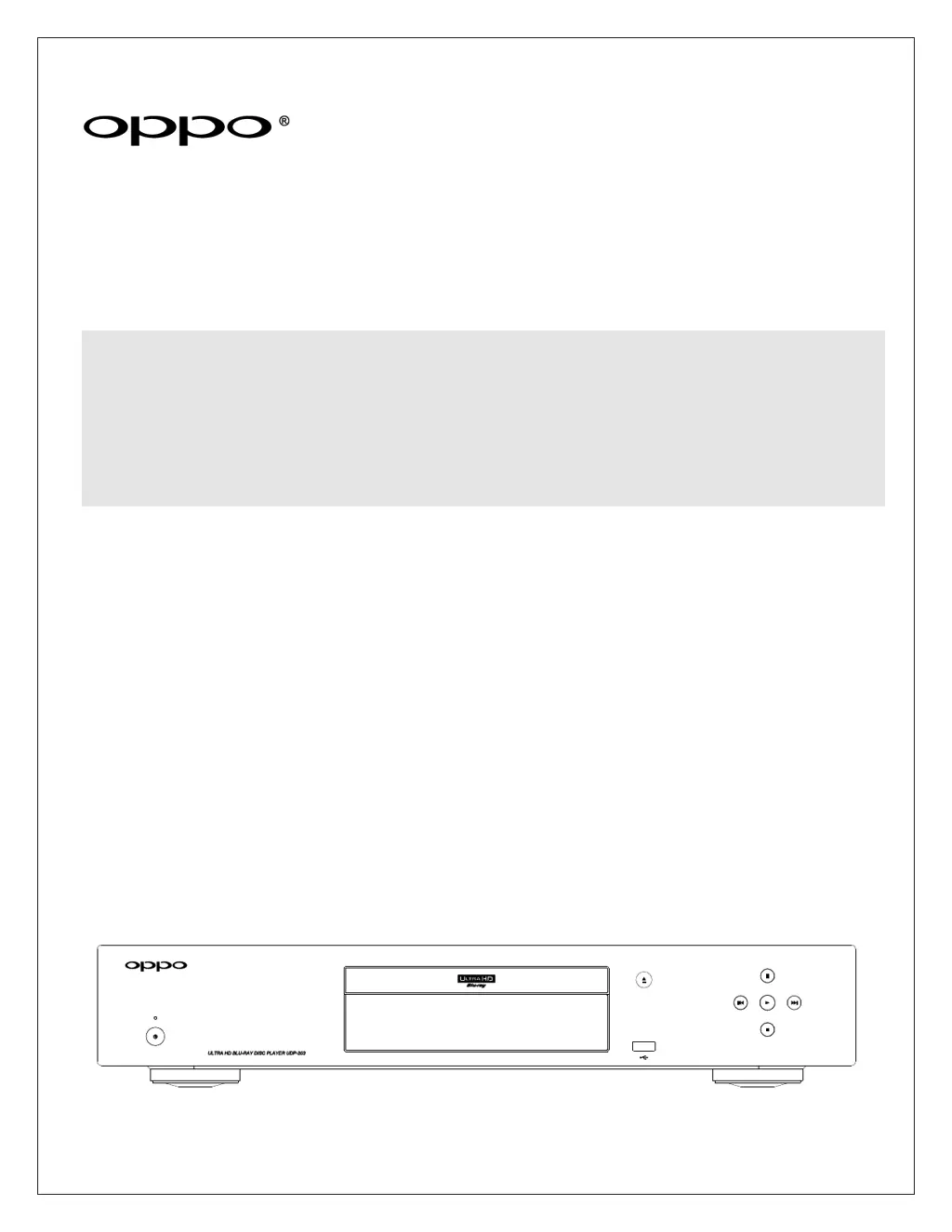
USER MANUAL
READ CAREFULLY BEFORE OPERATION
ULTRA HD Blu-ray Disc Player
UDP-203

Table of Contents

Other manuals for Oppo udp-203

Questions and Answers

Summary

IMPORTANT INFORMATION

Important Safety Instructions

Crucial guidelines for safe operation and preventing hazards.

Precautions

Important considerations for proper use and maintenance to avoid damage.

FCC Statement

Regulatory compliance information regarding radio frequency emissions.

Trademarks

Legal notices for brand names and proprietary technologies used.

Compatible Disc Types

Lists supported disc formats like UHD Blu-ray, DVD, CD, and AVCHD.

INTRODUCTION

Front Panel Controls

Identification and function of buttons and indicators on the player's front.

Front Panel Display Window

Explanation of the display elements and their meanings.

Rear Panel Connectors

Details on all physical input and output ports on the rear of the unit.

Remote Control Buttons

Identifies and explains the function of each button on the remote control.

Rear Panel Connectors

Remote Control Operations

Remote Control Buttons

Identifies and explains the function of each button on the remote control.

Remote Control Setup

Back Side

Features and battery compartment on the rear of the remote.

Battery Installation

Steps for inserting batteries into the remote control.

Remote Control Usage

Using the Remote Control

Guidelines for effective operation and aiming the remote.

Changing the Remote Code

Procedure to select different remote control codes for multiple OPPO devices.

Motion Sensitive Backlight

Information about the remote's backlight feature.

Common Connection Methods

Connecting via HDMI

Guide to connecting player to receiver/TV using HDMI for audio and video.

Connecting via Analog and Digital Audio

Connecting player using analog RCA or S/PDIF audio outputs.

Internet and Network Connectivity

Setting up network connections for firmware updates and BD-Live features.

BASIC OPERATIONS

Disc Playback

Step-by-step guide to inserting a disc and starting playback.

OPTION Menu

How to access and use the OPTION menu for playback features.

Playback Navigation Controls

Using fast forward, reverse, pause, and frame-by-frame playback.

ADVANCED OPERATIONS

Zooming and Aspect Ratio Control

Adjusting image zoom and aspect ratio for optimal viewing.

Subtitle Shift and Repeat Functions

Adjusting subtitle position and setting repeat playback modes.

Playback Navigation Modes

Repeat a Selected Section

Repeating a specific segment of content using A-B replay.

Shuffle and Random Playback

Enabling shuffle or random playback modes for music and CDs.

Playback by Chapter or Track Number

Directly jumping to specific chapters or tracks on discs.

Playback Location Control

Playback from a Specific Location

Navigating to a specific time, chapter, or title on discs.

Playback Management Features

Memory and Automatic Resume

How the player saves and resumes playback position.

Pure Audio Mode

Disabling video processing for improved audio quality.

MEDIA FILE PLAYBACK

Playback from a USB Flash Drive

Playing media files stored on a USB drive.

Playback from a Home Network

Streaming media files from computers or NAS devices on a network.

HOME Menu and File Browsing

Accessing media types and browsing files via Home Menu and file browser.

Media File Browsing

Playing Music Files

Browsing and playing digital music files from discs or USB drives.

Movie File Playback

Playing Movie Files

Browsing and playing video files from discs or USB drives.

Photo File Viewing

Viewing Photo Files

Browsing and viewing digital photo files, including slideshows.

Media File Playback Enhancements

Adding Background Music

Playing music files in the background during photo slideshows.

SETUP MENU OPTIONS

Using the Setup Menu System

Overview of navigating and adjusting player settings.

Playback Setup

Configuring preferences for disc and media playback.

Video Output Setup

Adjusting video output resolution, HDR, and aspect ratio settings.

Audio Output and Processing Setup

Audio Output Setup

Configuring digital and analog audio output formats and settings.

Audio Processing Setup

Adjusting audio processing parameters for analog outputs.

Speaker Configuration

Down Mix Mode

Converting multi-channel audio to fewer channels to match speaker setup.

Speaker Settings

Setting speaker size, distance, and trim level for each channel.

Device Setup

Firmware Upgrade

Updating the player's system software to the latest version.

Remote Control Code

Configuring remote control codes for compatibility with other devices.

Network Setup

Internet Connection

Selecting Ethernet or Wi-Fi for internet connection.

Wireless Setting

Configuring wireless network settings using a setup assistant.

RS-232 Control Protocol

RS-232 Pin Configuration

Pinout details for the RS-232C port.

Communication Settings

Required communication parameters like Baud Rate and Data Bits.

Command Structure

Format for sending commands to the player.

RS-232 Control Commands

Command List

Mapping of remote control keys to RS-232 commands.

Specifications

LIMITED WARRANTY

Summary

IMPORTANT INFORMATION

Important Safety Instructions

Crucial guidelines for safe operation and preventing hazards.

Precautions

Important considerations for proper use and maintenance to avoid damage.

FCC Statement

Regulatory compliance information regarding radio frequency emissions.

Trademarks

Legal notices for brand names and proprietary technologies used.

Compatible Disc Types

Lists supported disc formats like UHD Blu-ray, DVD, CD, and AVCHD.

INTRODUCTION

Front Panel Controls

Identification and function of buttons and indicators on the player's front.

Front Panel Display Window

Explanation of the display elements and their meanings.

Rear Panel Connectors

Details on all physical input and output ports on the rear of the unit.

Remote Control Buttons

Identifies and explains the function of each button on the remote control.

Rear Panel Connectors

Remote Control Operations

Remote Control Buttons

Identifies and explains the function of each button on the remote control.

Remote Control Setup

Back Side

Features and battery compartment on the rear of the remote.

Battery Installation

Steps for inserting batteries into the remote control.

Remote Control Usage

Using the Remote Control

Guidelines for effective operation and aiming the remote.

Changing the Remote Code

Procedure to select different remote control codes for multiple OPPO devices.

Motion Sensitive Backlight

Information about the remote's backlight feature.

Common Connection Methods

Connecting via HDMI

Guide to connecting player to receiver/TV using HDMI for audio and video.

Connecting via Analog and Digital Audio

Connecting player using analog RCA or S/PDIF audio outputs.

Internet and Network Connectivity

Setting up network connections for firmware updates and BD-Live features.

BASIC OPERATIONS

Disc Playback

Step-by-step guide to inserting a disc and starting playback.

OPTION Menu

How to access and use the OPTION menu for playback features.

Playback Navigation Controls

Using fast forward, reverse, pause, and frame-by-frame playback.

ADVANCED OPERATIONS

Zooming and Aspect Ratio Control

Adjusting image zoom and aspect ratio for optimal viewing.

Subtitle Shift and Repeat Functions

Adjusting subtitle position and setting repeat playback modes.

Playback Navigation Modes

Repeat a Selected Section

Repeating a specific segment of content using A-B replay.

Shuffle and Random Playback

Enabling shuffle or random playback modes for music and CDs.

Playback by Chapter or Track Number

Directly jumping to specific chapters or tracks on discs.

Playback Location Control

Playback from a Specific Location

Navigating to a specific time, chapter, or title on discs.

Playback Management Features

Memory and Automatic Resume

How the player saves and resumes playback position.

Pure Audio Mode

Disabling video processing for improved audio quality.

MEDIA FILE PLAYBACK

Playback from a USB Flash Drive

Playing media files stored on a USB drive.

Playback from a Home Network

Streaming media files from computers or NAS devices on a network.

HOME Menu and File Browsing

Accessing media types and browsing files via Home Menu and file browser.

Media File Browsing

Playing Music Files

Browsing and playing digital music files from discs or USB drives.

Movie File Playback

Playing Movie Files

Browsing and playing video files from discs or USB drives.

Photo File Viewing

Viewing Photo Files

Browsing and viewing digital photo files, including slideshows.

Media File Playback Enhancements

Adding Background Music

Playing music files in the background during photo slideshows.

SETUP MENU OPTIONS

Using the Setup Menu System

Overview of navigating and adjusting player settings.

Playback Setup

Configuring preferences for disc and media playback.

Video Output Setup

Adjusting video output resolution, HDR, and aspect ratio settings.

Audio Output and Processing Setup

Audio Output Setup

Configuring digital and analog audio output formats and settings.

Audio Processing Setup

Adjusting audio processing parameters for analog outputs.

Speaker Configuration

Down Mix Mode

Converting multi-channel audio to fewer channels to match speaker setup.

Speaker Settings

Setting speaker size, distance, and trim level for each channel.

Device Setup

Firmware Upgrade

Updating the player's system software to the latest version.

Remote Control Code

Configuring remote control codes for compatibility with other devices.

Network Setup

Internet Connection

Selecting Ethernet or Wi-Fi for internet connection.

Wireless Setting

Configuring wireless network settings using a setup assistant.

RS-232 Control Protocol

RS-232 Pin Configuration

Pinout details for the RS-232C port.

Communication Settings

Required communication parameters like Baud Rate and Data Bits.

Command Structure

Format for sending commands to the player.

RS-232 Control Commands

Command List

Mapping of remote control keys to RS-232 commands.

Specifications

LIMITED WARRANTY

Oppo udp-203 Specifications

General IconGeneral
Depth311 mm
Width430 mm
Height79 mm
ManualYes
Weight4300 g
Device typeBlu-Ray player
Product colorBlack
Audio decodersDTS-HD Master Audio, Dolby TrueHD
Cables includedAC, HDMI
Wi-Fi standardsWi-Fi 5 (802.11ac)
AC input voltage100-240 V
AC input frequency50 - 60 Hz
Disc types supportedBD-R, BD-RE, CD, CD-R, CD-RW, DVD+R, DVD+R DL, DVD+RW, DVD-R, DVD-R DL, DVD-RW
Supported video modes480i, 480p, 576i, 576p, 720p, 1080i, 1080p
Audio formats supportedAIFF, ALAC, APE, FLAC, WAV
Ethernet LAN data rates1000 Mbit/s
Operating temperature (T-T)5 - 35 °C
Power consumption (standby)0.5 W
Power consumption (typical)40 W
Signal-to-Noise Ratio (SNR)112 dB
Operating relative humidity (H-H)15 - 75 %
Audio output channels7.1 channels
Total Harmonic Distortion (THD)0.001 %

Related product manuals