A D V A N C E D O P E R A T I O N S
35
Pure Audio Mode
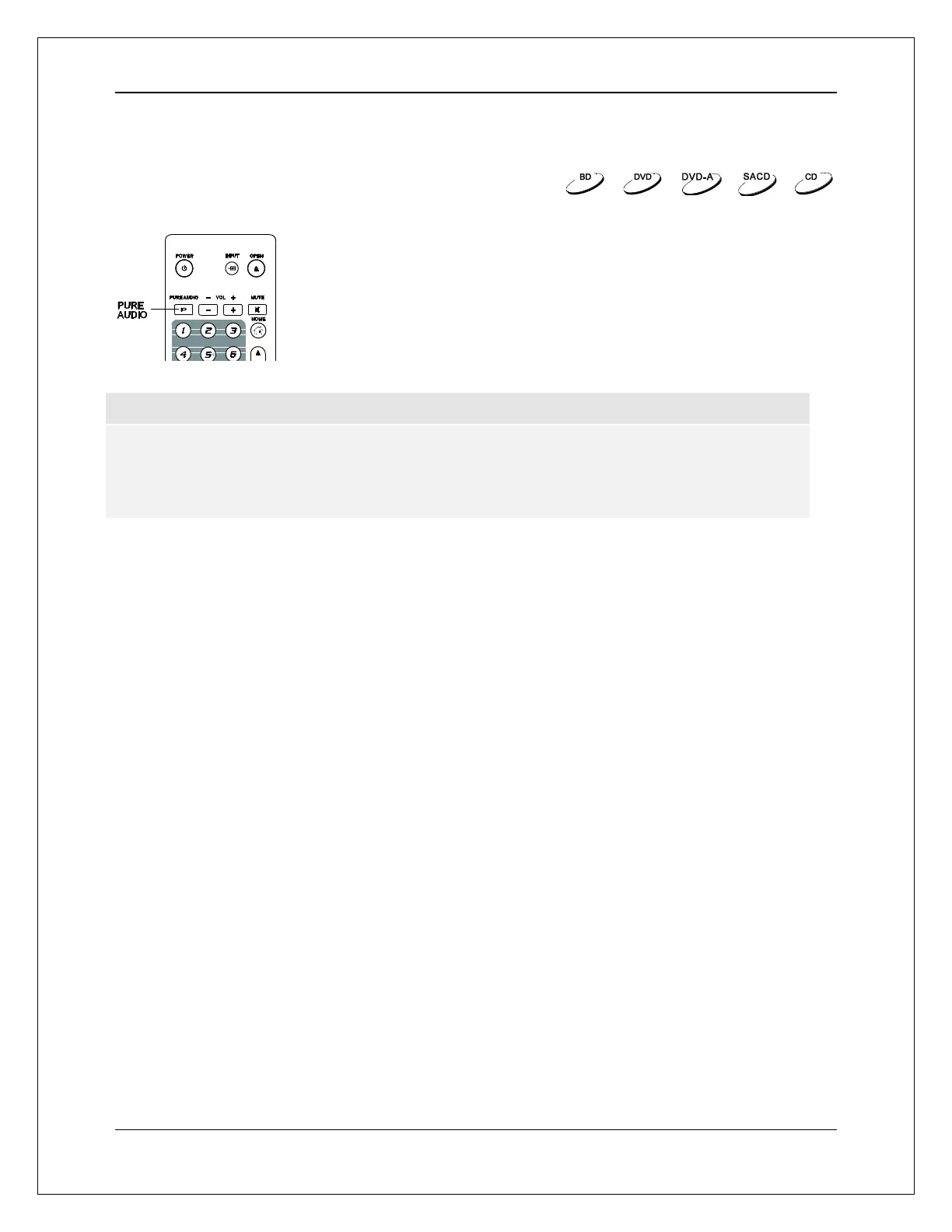
The Pure Audio mode reduces any potential interference between the
video and audio signals by turning off the player’s video processing and
output.
1. Press the PURE AUDIO button on the remote control to turn off
video and enter Pure Audio mode. Video output will cease, the
power light will dim and the front panel displays will turn off.
2. Press the PURE AUDIO button again to resume video and
cancel Pure Audio mode.
NOTE
Pure Audio mode is automatically canceled when the unit is switched off or when playback is
stopped.
Because HDMI carries audio together with video, the HDMI video signal cannot be completely
turned off. A black screen is transmitted instead to minimize any potential interference.



 To Next Page