EasyManua.ls Logo

Oppo BDP-93EU - User Manual

Oppo BDP-93EU
92 pages
Print Icon
To Next Page IconTo Next Page
Loading...
®
USER MANUAL
READ CAREFULLY BEFORE OPERATION
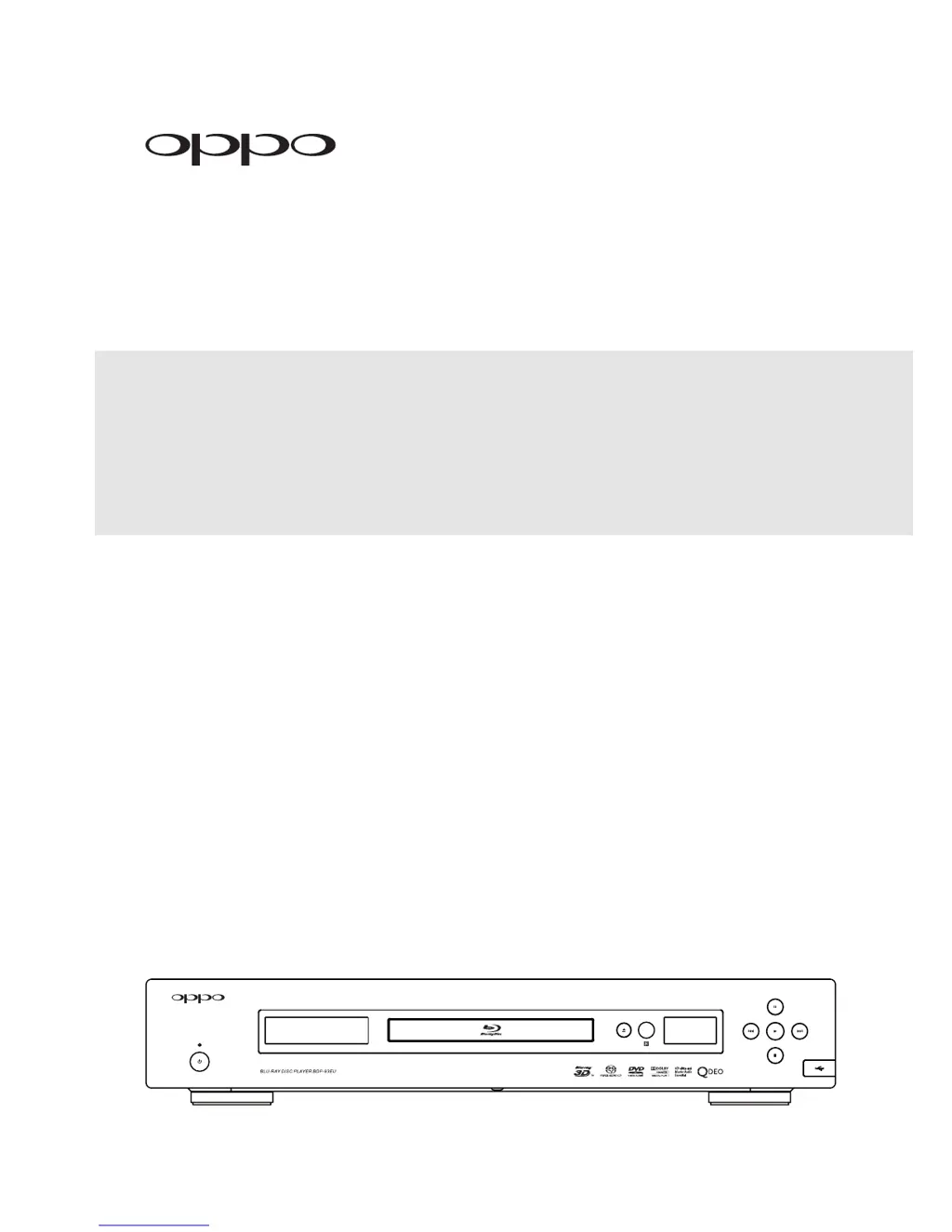
Blu-ray Disc Player BDP-93EU

Table of Contents

Questions and Answers

Summary

INSTALLATION

Front Panel Overview

Identifies player controls and explains front panel display information.

Rear Panel Connectors

Details all input and output ports located on the back of the player for connectivity.

Remote Control Operations

Covers remote control functions, battery, usage, and code setting for optimal operation.

Important Safety and Information

Covers safety instructions, general precautions, trademarks, and disc compatibility.

Disc Handling and Compatibility

Details supported/unsupported discs, care instructions, compatibility notes, and copyright.

Display Connections

Guides on connecting the player to displays via HDMI, DVI, and Component video.

Audio System Connections

Provides methods for connecting the player to receivers and amplifiers for audio playback.

Internet Connectivity

Instructions on connecting the player to the internet via Ethernet or wireless adapter.

Custom Installation Options

Options for integrating the player into custom home theater systems via IR or RS-232 control.

Easy Setup Wizard Configuration

Guides through initial player setup for video, audio, and system preferences.

BASIC OPERATIONS

Playback Controls

Basic functions for playing discs, including pause, slow motion, and fast forward/reverse.

Disc Menu Navigation

Guides on navigating Blu-ray and DVD menus and understanding on-screen display information.

Audio Playback Settings

Covers volume control, muting, and selecting preferred audio languages or tracks.

Disc Feature Selection

How to select subtitles, camera angles, and use Picture-in-Picture or Secondary Audio.

BD-Live Features

Information on accessing online content and interactive features available on some Blu-ray Discs.

ADVANCED OPERATIONS

TV System and Resolution

Configures the player's output TV system (PAL/NTSC) and video resolution for optimal display.

Image Adjustment

Adjusts image zoom, aspect ratio, and subtitle position for enhanced viewing.

Playback Modes and Navigation

Covers repeat playback, shuffle modes, direct track/chapter access, and specific location search.

Playback Memory Features

Manages playback position memory, automatic resume, and Pure Audio mode for enhanced audio.

MEDIA FILE PLAYBACK

External Media Playback

Connects and plays media files from USB/e-SATA drives via the Home Menu.

Playing Music Files

Instructions for browsing, selecting, and playing music files from various sources.

Playing Movie Files

Guides on browsing, selecting, and playing movie files from different media.

Viewing Photo Files

How to browse, view, and create slideshows for photo files.

Background Music for Photos

Instructions on how to add background music to photo slideshows.

SETUP MENU OPTIONS

Navigating the Setup Menu

Explains the structure and navigation of the player's setup menu for configuration.

Playback Setup Configuration

Configures preferences for SACD, DVD-Audio, auto-play, auto-resume, and parental controls.

Video Setup Options

Adjusts video output settings including primary output, 3D mode, aspect ratio, and TV system.

Audio Format Configuration

Configures audio output formats for HDMI, coaxial/optical, SACD, and HDCD.

Audio Processing Settings

Settings for speaker configuration, crossover frequency, and dynamic range control for multi-channel audio.

Device Setup Options

Manages firmware upgrades, remote control codes, HDMI CEC, and front panel display settings.

Network Setup Configuration

Configures internet connection types (Ethernet/Wireless), BD-Live access, and network settings.

REFERENCES

Useful Notes

General tips for prolonging player life and handling common issues.

Troubleshooting Guide

A guide to diagnose and resolve common operational problems with the player.

Technical Specifications

Lists the technical specifications of the Blu-ray Disc Player, including disc types, output capabilities, and dimensions.

Language Code List

A reference list of language codes used for player settings.

Online Manual Updates

Information on how to access the latest version of the user manual online.

LIMITED WARRANTY

Warranty Coverage

Details the terms, conditions, and coverage of the product's two-year limited warranty.

Warranty Claims Procedure

Step-by-step instructions on how to initiate a warranty claim for product repair or replacement.

Summary

INSTALLATION

Front Panel Overview

Identifies player controls and explains front panel display information.

Rear Panel Connectors

Details all input and output ports located on the back of the player for connectivity.

Remote Control Operations

Covers remote control functions, battery, usage, and code setting for optimal operation.

Important Safety and Information

Covers safety instructions, general precautions, trademarks, and disc compatibility.

Disc Handling and Compatibility

Details supported/unsupported discs, care instructions, compatibility notes, and copyright.

Display Connections

Guides on connecting the player to displays via HDMI, DVI, and Component video.

Audio System Connections

Provides methods for connecting the player to receivers and amplifiers for audio playback.

Internet Connectivity

Instructions on connecting the player to the internet via Ethernet or wireless adapter.

Custom Installation Options

Options for integrating the player into custom home theater systems via IR or RS-232 control.

Easy Setup Wizard Configuration

Guides through initial player setup for video, audio, and system preferences.

BASIC OPERATIONS

Playback Controls

Basic functions for playing discs, including pause, slow motion, and fast forward/reverse.

Disc Menu Navigation

Guides on navigating Blu-ray and DVD menus and understanding on-screen display information.

Audio Playback Settings

Covers volume control, muting, and selecting preferred audio languages or tracks.

Disc Feature Selection

How to select subtitles, camera angles, and use Picture-in-Picture or Secondary Audio.

BD-Live Features

Information on accessing online content and interactive features available on some Blu-ray Discs.

ADVANCED OPERATIONS

TV System and Resolution

Configures the player's output TV system (PAL/NTSC) and video resolution for optimal display.

Image Adjustment

Adjusts image zoom, aspect ratio, and subtitle position for enhanced viewing.

Playback Modes and Navigation

Covers repeat playback, shuffle modes, direct track/chapter access, and specific location search.

Playback Memory Features

Manages playback position memory, automatic resume, and Pure Audio mode for enhanced audio.

MEDIA FILE PLAYBACK

External Media Playback

Connects and plays media files from USB/e-SATA drives via the Home Menu.

Playing Music Files

Instructions for browsing, selecting, and playing music files from various sources.

Playing Movie Files

Guides on browsing, selecting, and playing movie files from different media.

Viewing Photo Files

How to browse, view, and create slideshows for photo files.

Background Music for Photos

Instructions on how to add background music to photo slideshows.

SETUP MENU OPTIONS

Navigating the Setup Menu

Explains the structure and navigation of the player's setup menu for configuration.

Playback Setup Configuration

Configures preferences for SACD, DVD-Audio, auto-play, auto-resume, and parental controls.

Video Setup Options

Adjusts video output settings including primary output, 3D mode, aspect ratio, and TV system.

Audio Format Configuration

Configures audio output formats for HDMI, coaxial/optical, SACD, and HDCD.

Audio Processing Settings

Settings for speaker configuration, crossover frequency, and dynamic range control for multi-channel audio.

Device Setup Options

Manages firmware upgrades, remote control codes, HDMI CEC, and front panel display settings.

Network Setup Configuration

Configures internet connection types (Ethernet/Wireless), BD-Live access, and network settings.

REFERENCES

Useful Notes

General tips for prolonging player life and handling common issues.

Troubleshooting Guide

A guide to diagnose and resolve common operational problems with the player.

Technical Specifications

Lists the technical specifications of the Blu-ray Disc Player, including disc types, output capabilities, and dimensions.

Language Code List

A reference list of language codes used for player settings.

Online Manual Updates

Information on how to access the latest version of the user manual online.

LIMITED WARRANTY

Warranty Coverage

Details the terms, conditions, and coverage of the product's two-year limited warranty.

Warranty Claims Procedure

Step-by-step instructions on how to initiate a warranty claim for product repair or replacement.

Oppo BDP-93EU Specifications

General IconGeneral
BrandOppo
ModelBDP-93EU
CategoryBlu-ray Player
LanguageEnglish

Related product manuals