EasyManua.ls Logo

Oppo BDP-103D - User Manual

Oppo BDP-103D
96 pages
Print Icon
To Next Page IconTo Next Page
Loading...
USER MANUAL
READ CAREFULLY BEFORE OPERATION
®
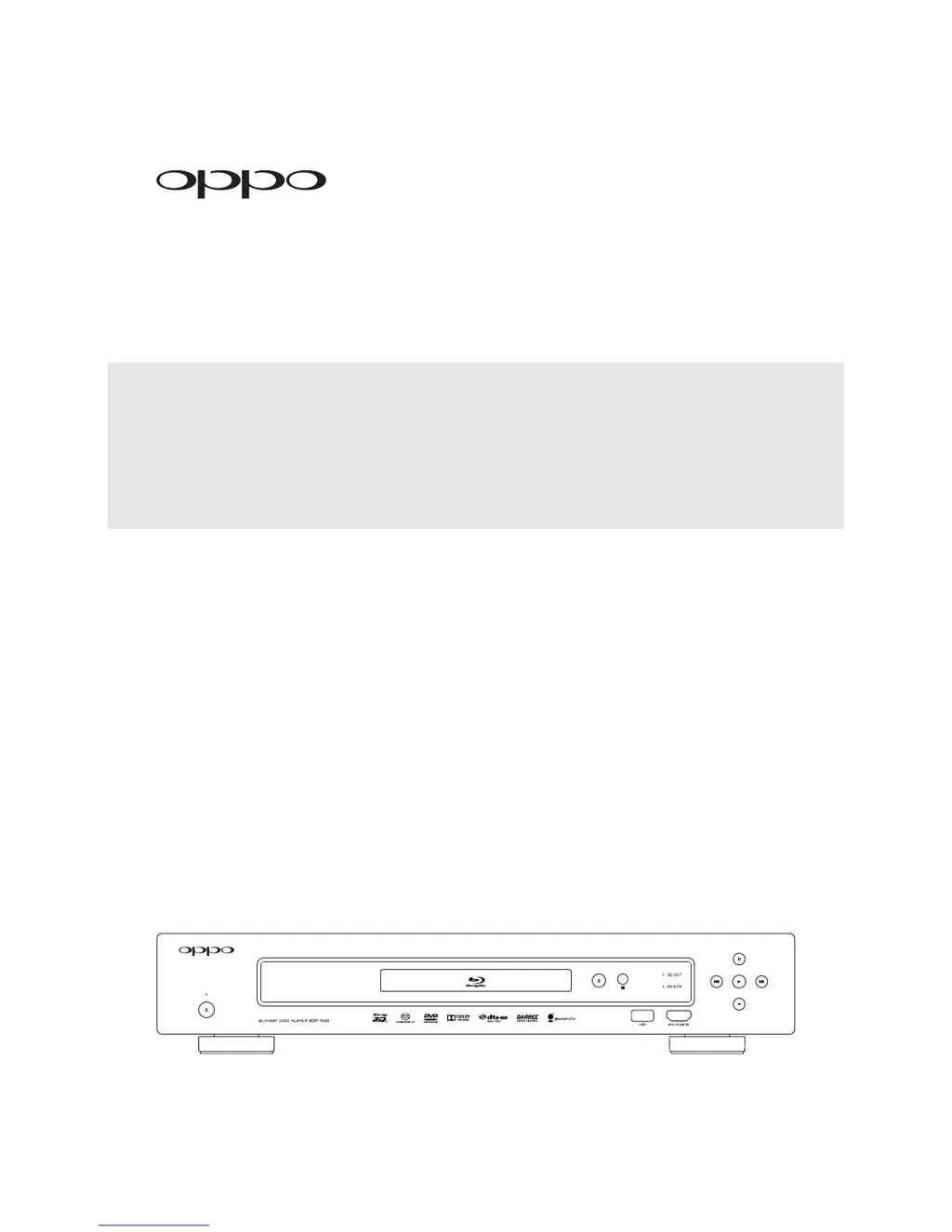
Blu-ray Disc Player BDP-103D (EU)

Table of Contents

Other manuals for Oppo BDP-103D

Questions and Answers

Summary

IMPORTANT INFORMATION

Safety and Precautions

Essential guidelines for safe operation, product longevity, and preventing damage.

Disc Information and Handling

Details supported disc formats, playback restrictions, and proper handling.

Notices and Information

Information on Gracenote service, region codes, and package contents.

INSTALLATION

Front Panel Overview

Overview of buttons, indicators, and display elements on the player's front.

Remote Control

Details on the remote control's functions, battery installation, and operation.

Rear Panel Connectors

Identifies and explains all input and output ports on the player's back panel.

Connection Methods

Step-by-step guides for connecting the player to TVs and receivers via various cables.

Network Connectivity

Instructions for connecting the player to the internet for streaming and updates.

Custom Installation Options

Guides for integrating the player into custom home theatre systems via IR or RS232.

BASIC OPERATIONS

Disc Playback and Menu Navigation

How to play discs, access menus, and use playback options.

Playback Controls and Modes

Using controls for playback speed, pausing, and advanced playback modes.

Display and Audio Settings

Adjusting on-screen display, volume, mute, audio/subtitle tracks, and HDMI/MHL inputs.

BD-Live Feature

Information on accessing downloadable content and interactive features via BD-Live.

ADVANCED OPERATIONS

Video Output and Display Adjustments

Fine-tuning video output resolution, aspect ratio, and subtitle positioning.

Playback Features and Modes

Using features like chapter/track selection, resume playback, and pure audio mode.

Media File Playback

Playing media files from USB, network, and internet sources.

SETUP MENU OPTIONS

Navigating the Setup Menu

How to access and navigate the player's comprehensive setup menu.

Playback Configuration Settings

Configuring playback preferences like SACD priority, auto play, and parental controls.

Video Configuration Settings

Adjusting video output, picture settings, aspect ratio, and resolution.

Audio Configuration Settings

Selecting audio formats, processing, and speaker configurations for optimal sound.

Device and Network Configuration

Managing firmware, remote codes, HDMI CEC, standby modes, and network connections.

REFERENCES

Troubleshooting Common Issues

A guide to diagnose and resolve common operational problems with solutions.

Product Information and Support

Reference information including language codes, warranty details, and manual updates.

Legal and License Agreements

Legal terms, license agreements, and warranty conditions for the product.

Summary

IMPORTANT INFORMATION

Safety and Precautions

Essential guidelines for safe operation, product longevity, and preventing damage.

Disc Information and Handling

Details supported disc formats, playback restrictions, and proper handling.

Notices and Information

Information on Gracenote service, region codes, and package contents.

INSTALLATION

Front Panel Overview

Overview of buttons, indicators, and display elements on the player's front.

Remote Control

Details on the remote control's functions, battery installation, and operation.

Rear Panel Connectors

Identifies and explains all input and output ports on the player's back panel.

Connection Methods

Step-by-step guides for connecting the player to TVs and receivers via various cables.

Network Connectivity

Instructions for connecting the player to the internet for streaming and updates.

Custom Installation Options

Guides for integrating the player into custom home theatre systems via IR or RS232.

BASIC OPERATIONS

Disc Playback and Menu Navigation

How to play discs, access menus, and use playback options.

Playback Controls and Modes

Using controls for playback speed, pausing, and advanced playback modes.

Display and Audio Settings

Adjusting on-screen display, volume, mute, audio/subtitle tracks, and HDMI/MHL inputs.

BD-Live Feature

Information on accessing downloadable content and interactive features via BD-Live.

ADVANCED OPERATIONS

Video Output and Display Adjustments

Fine-tuning video output resolution, aspect ratio, and subtitle positioning.

Playback Features and Modes

Using features like chapter/track selection, resume playback, and pure audio mode.

Media File Playback

Playing media files from USB, network, and internet sources.

SETUP MENU OPTIONS

Navigating the Setup Menu

How to access and navigate the player's comprehensive setup menu.

Playback Configuration Settings

Configuring playback preferences like SACD priority, auto play, and parental controls.

Video Configuration Settings

Adjusting video output, picture settings, aspect ratio, and resolution.

Audio Configuration Settings

Selecting audio formats, processing, and speaker configurations for optimal sound.

Device and Network Configuration

Managing firmware, remote codes, HDMI CEC, standby modes, and network connections.

REFERENCES

Troubleshooting Common Issues

A guide to diagnose and resolve common operational problems with solutions.

Product Information and Support

Reference information including language codes, warranty details, and manual updates.

Legal and License Agreements

Legal terms, license agreements, and warranty conditions for the product.

Oppo BDP-103D Specifications

General IconGeneral
3D SupportYes
4K UpscalingYes
Dimensions430 x 311 x 79 mm
Video ProcessingDarbee Visual Presence
Video OutputHDMI, Component Video, Composite Video
Audio OutputHDMI, Optical, Coaxial
NetworkingEthernet, Wi-Fi
USB Ports2
Disc FormatsBlu-ray, DVD, CD, SACD, DVD-Audio
Disc TypesBD-R/RE, DVD\u00b1R/RW, CD-R/RW
InputHDMI, USB
DACCirrus Logic CS4382A

Related product manuals