ADVANCED OPERATIONS
38
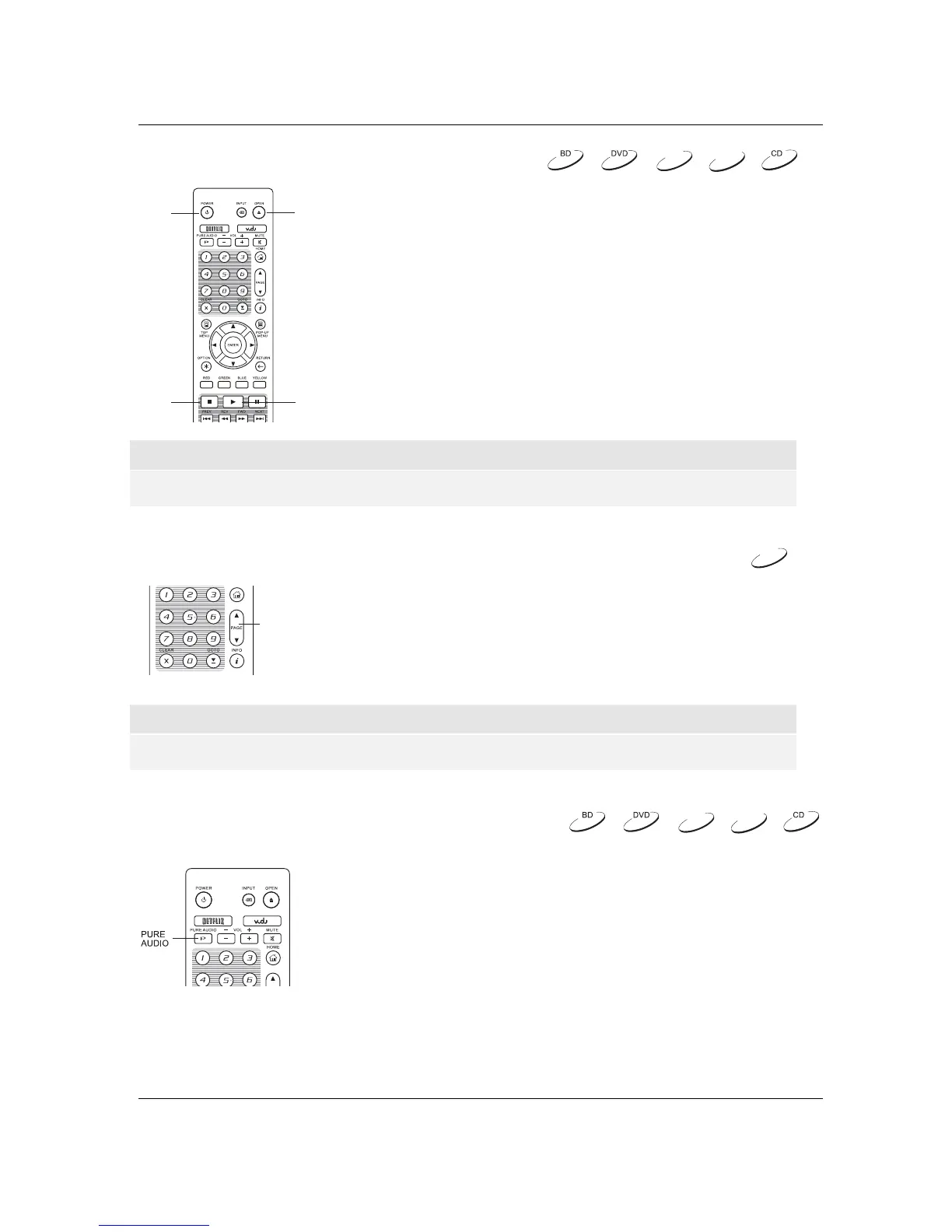
Memory and Automatic Resume
POWER
OPEN
YALPPOTS
1. The player automatically saves the current position when playback
is interrupted. Operations such as OPEN,andPOWER cause the
player to save the current playing position.
2. This position is saved even after turning off the unit or changing
the disc.
3. The next time a disc with a saved playing position is inserted, the
player will resume playback from that point. If you wish to cancel
the automatic resume and start playback from the beginning, you
must press the STOP button when prompted.
4. The pl
ayer can save the playback position for up to 5 discs. When
the position from the sixth disc is saved, the oldest saved position
is replaced.
NOTE
x Some Blu-ray Discs do not support resuming and will always play from the beginning.
Viewing Pictures on DVD-Audio Discs
PAGE
UP/DOWN
Some DVD-Audio discs contain static pictures, such as photos of the
band as well as album narration. When a DVD-Audio track is playing,
you may use the PAGE UP button to select the previous picture or the
PAGE DOWN button to select the next picture.
NOTE
x Availability of static pictures depends on the DVD-Audio disc.
Pure Audio Mode
You can enjoy higher quality audio by turning off the video processing and
output. The Pure Audio mode reduces any potential interference between
the video and audio signals.
1. Press the PURE AUDIO button on the remote control to turn off
video and enter Pure Audio mode. Video output will cease, the
power light will dim and the front panel displays will turn off.
2. Press the PURE AUDIO button again to resume video and
cancel Pure Audio mode.
DVD-A
SACD
DVD-A
DVD-A
SACD



 To Next Page