MEDIA FILE PLAYBACK
43
NOTE
The Network feature is not officially supported due to the variation in hardware and
software configurations. OPPO does not offer technical support via email or phone for this
feature. The OPPO Wiki located at wiki.oppodigital.com can be a useful resource to learn
about this feature.
Playing Music Files
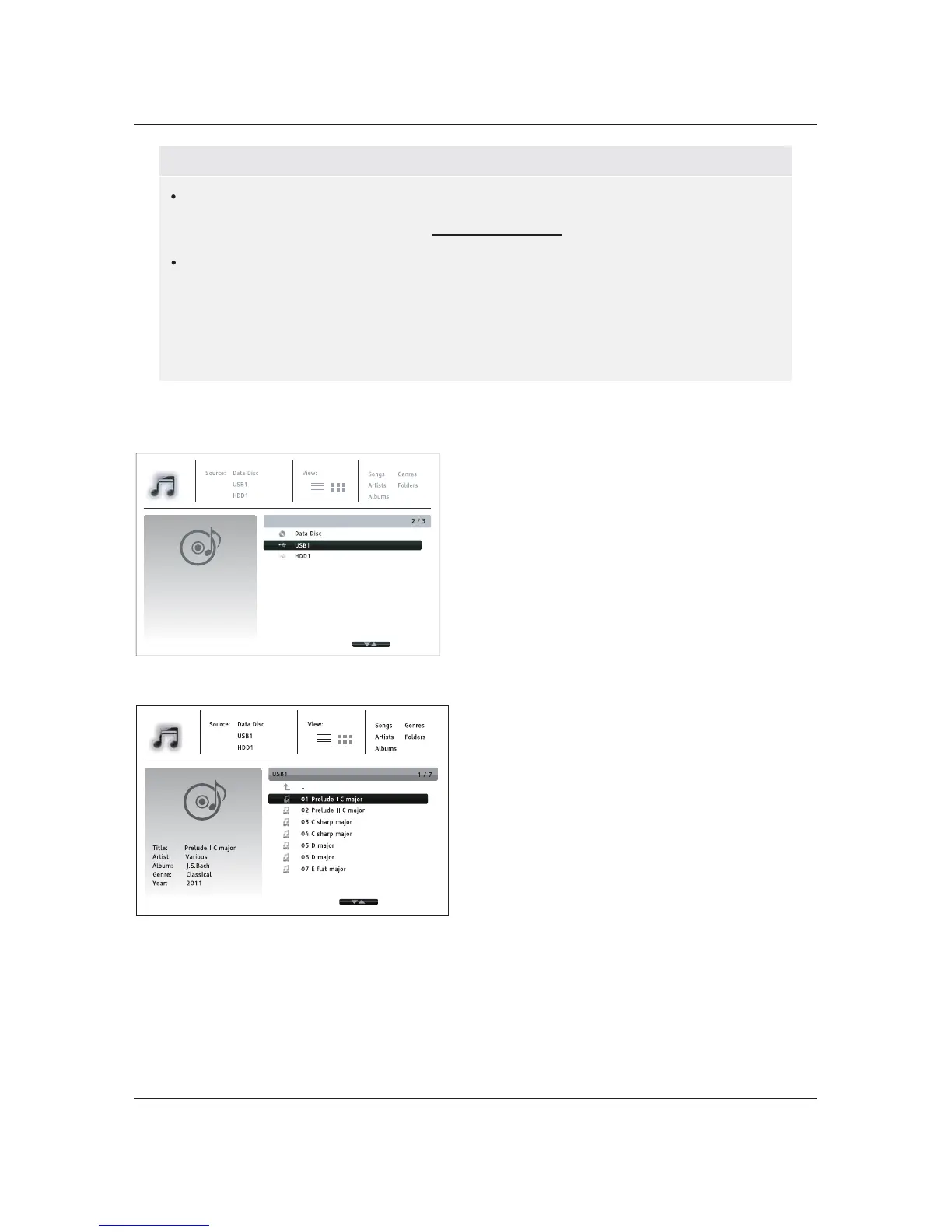
To play digital music files stored on an optical
disc or USB drive, select Music from the Home
Menu. A file browser will appear to assist you in
navigating the files and folders.
The first step is to select the Data Disc or USB
device that contains the music files. The player
will take a moment to read the media and list the
folders and music files.
In the music browser, you can perform the
following operations:
x Press the UP/DOWN ARROW or PAGE
UP/DOWN buttons to move the cursor and
select music files.
x Press the OPTION button to gain access
to features such as music information.
Details can be found on page
24.
Different internet streaming applications may have different function mappings on the
BDP-103D remote control. To exit Netflix, YouTube, Rhapsody and BBC iPlayer, press
HOME button. To exit VUDU, Film Fresh or Picasa, either press HOME button or
repeatedly press
RETURN button until the Home Menu appears. To exit Pandora, either
press
HOME button or select Exit Pandora in Pandora’s Menu selection. To exit
CinemaNow, either press
HOME button or select Exit in CinemaNow’s Menu selection.
Please contact OPPO customer support if you need assistance.



 To Next Page