EasyManua.ls Logo

Oppo BDP-103 - User Manual

Oppo BDP-103
93 pages
Print Icon
To Next Page IconTo Next Page
Loading...
USER MANUAL
READ CAREFULLY BEFORE OPERATION
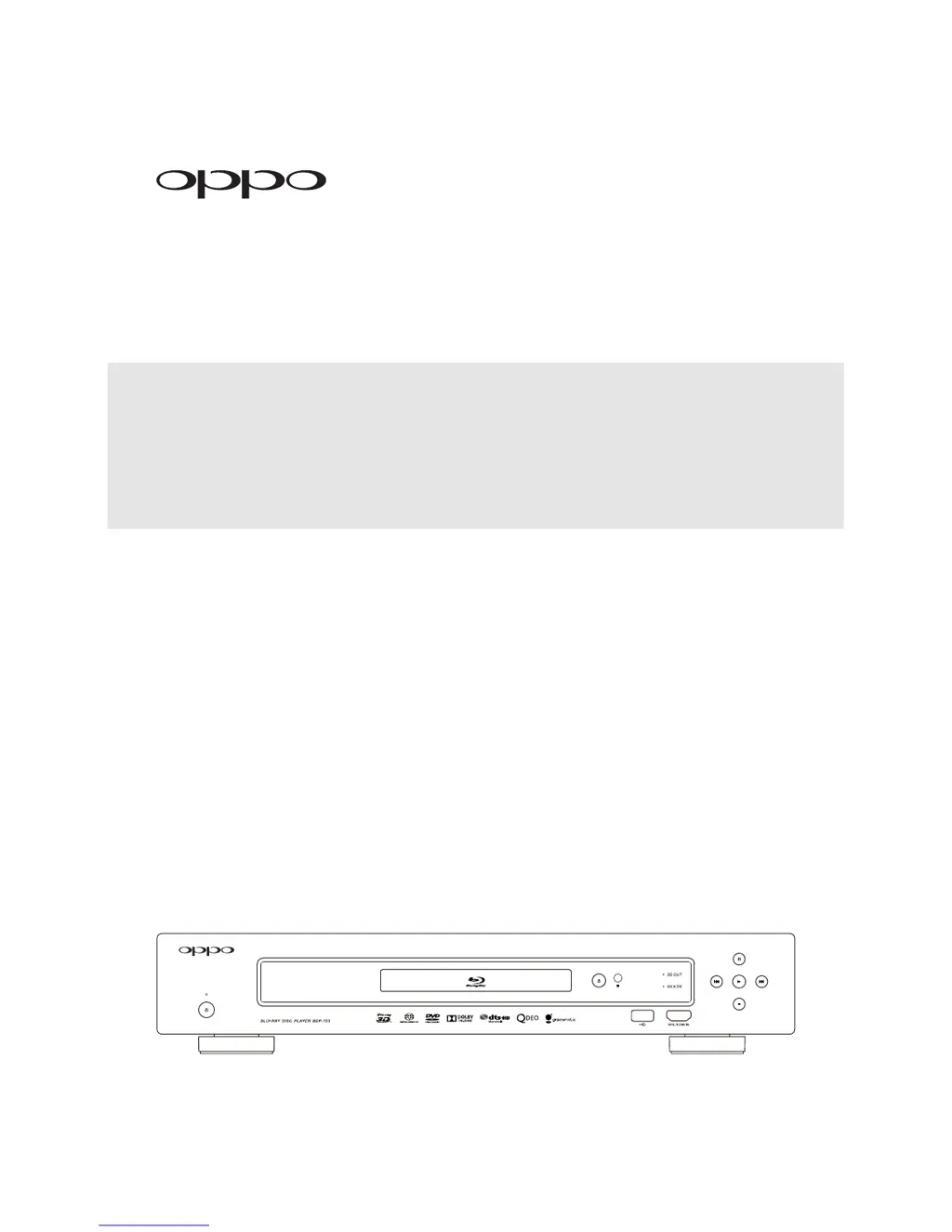
Blu-ray Disc Player BDP-103
®

Table of Contents

Other manuals for Oppo BDP-103

Questions and Answers

  • L
    lstevensonAug 17, 2025
    Why is there no sound on my Oppo BDP-103?
    • T
      Tyler MannAug 18, 2025
      There could be several reasons for the lack of sound. First, check that the audio cable is properly connected. If it is, make sure the mute function isn't activated by pressing the MUTE button. Also, verify that the volume isn't too low by pressing the VOL + button to increase the volume. If you are playing SACD or DVD-Audio via coaxial or optical digital audio, this is not supported due to copyright restrictions; use the analog or HDMI audio output instead. For SACD, you can also set SACD Priority to CD mode.
  • O
    Omar EvansAug 20, 2025
    What to do if Oppo Blu-ray Player remote control is not working?
    • S
      Stacey MillerAug 20, 2025
      If the remote control isn't working, first ensure you are within the effective range. Then, replace the batteries, as they may be low. If that doesn't work, the remote control code may be incorrect. To reset it, open the disc tray, aim the remote at the player, and press and hold the ENTER button on the remote for 5 seconds.
  • E
    Edward AlexanderAug 22, 2025
    What to do if my Oppo BDP-103 says 'No Disc' or 'Unknown Disc' error?
    • N
      Nicholas PhillipsAug 23, 2025
      If you're getting a 'No Disc' or 'Unknown Disc' error, first, eject the disc and check if it's compatible. Make sure that the disc recording surface is clean of any dirt or fingerprints. Also, ensure the disc is properly loaded with the label side facing up and the record side facing down. If condensation is on the Laser pick-up head, turn on the player, eject the disc, and leave the player on for about an hour.
  • D
    dhickmanAug 26, 2025
    How to fix no picture on Oppo Blu-ray Player?
    • L
      Latasha Burton DDSAug 26, 2025
      If you're not getting a picture, start by checking the video cable and reconnect it if necessary. Ensure that your TV input is correctly selected to the input where the player is connected. If “Pure Audio” mode is engaged, press the PURE button to cancel it. The issue may also be that the video output format or video system is not supported by your TV. Try selecting a supported output resolution and setting the correct TV System in the Setup Menu when playback is completely stopped.
  • J
    Javier GonzalesAug 27, 2025
    How to resolve Oppo BDP-103 Blu-ray Player internet streaming failure?
    • N
      Nathan AustinAug 28, 2025
      If internet streaming fails, make sure the player is communicating with the router by checking in Setup Menu > Network Setup > Connection Information. Try changing the DNS server information (use Google Public DNS / OpenDNS). If you're using a wireless connection, ensure your connection strength is greater than 50%. If it's lower, connect via Ethernet or use the USB extension cable to move the Wi-Fi adapter closer to your router.
  • B
    Bill ThompsonAug 30, 2025
    Why does my Oppo BDP-103 Blu-ray Player show no server in Network?
    • J
      Jasmine AtkinsAug 30, 2025
      If the 'Network' feature shows no server, the issue could be due to no network connection, an improperly configured media server, or being connected to the wrong network. Verify that other network features (like YouTube or Netflix) are working. If the network issues are isolated to the 'Network' feature, consult your media server’s documentation to ensure proper configuration.
  • D
    danny34Sep 1, 2025
    Why are some Setup Menu items grayed out on my Oppo BDP-103?
    • C
      Corey FernandezSep 1, 2025
      Some setup options cannot be changed while a disc is playing, or they may be mutually exclusive with other setup options. To resolve this, fully stop playback, eject the disc, and try the Setup Menu again.
  • S
    Sarah BishopSep 4, 2025
    How to fix temporary function failure on Oppo BDP-103 Blu-ray Player?
    • C
      Christina RiveraSep 4, 2025
      A temporary function failure can occur if a scratched or damaged disc is used; try replacing the disc. Some functions are unavailable during playback, so stop playback completely and try again. Interference from other devices can also cause issues; identify and relocate or replace the offending device.
  • M
    Mr. Kristopher Schmidt MDSep 7, 2025
    What to do if Oppo Blu-ray Player 'Connection Test' fails?
    • B
      Brett HansonSep 7, 2025
      If the 'Connection Test' fails, it indicates there is no internet connection. Verify that your router has a connection to the internet. Try power cycling the modem and router. If possible, try a direct Ethernet connection.
  • J
    Jason BrownSep 9, 2025
    Why is there no color on my Oppo BDP-103?
    • H
      Holly WagnerSep 9, 2025
      If there's no color, the video system may not be supported by the TV. When playback is completely stopped, set the correct TV System in the Setup Menu. Also, check the saturation setting on both the TV and the player. If using the “DIAG.” output, make sure the cable is not incorrectly plugged into a component video jack.

Summary

Important Information

Safety and Precautions

Covers essential safety instructions, warnings, and general precautions for operating the device safely.

Product Information and Compliance

Details trademarks, disc compatibility, region codes, and copyright protection measures.

Accessories and Notices

Lists included accessories and provides notices for Gracenote and region management.

Installation

Hardware Setup

Explains front and rear panel controls, connectors, and display windows for initial setup.

Remote Control

Guides on using the remote control, including battery installation and code settings.

Connection Methods

Details various ways to connect the player to TVs, receivers, and the internet.

Quick Start and Customization

Provides a quick setup guide and options for external IR and RS232 control.

Basic Operations

Disc Playback and Menu Navigation

Covers inserting discs, playback controls, and navigating disc menus for various formats.

Display and Audio Settings

Explains on-screen display, volume control, mute function, and selecting audio/subtitle tracks.

Advanced HDMI and ARC Features

Details HDMI/MHL input selection and Audio Return Channel functionality.

Advanced Operations

Video Output and Aspect Ratio

Guides on setting output resolution, zoom, and aspect ratio for optimal picture quality.

Playback Customization

Covers subtitle shifting, repeat playback, shuffle, and random modes.

Specific Playback and Resume Functions

Explains playing from specific locations, auto-resume, and pure audio mode.

Media File Playback

File Playback from Storage Devices

Details playing files from USB drives, network sharing, and internet streaming services.

Media File Management

Covers playing and managing music, movie, and photo files, including background music.

Setup Menu Options

Navigating the Setup Menu System

Explains how to access and use the player's setup menu for configuration.

Playback and Video Configuration

Covers settings for disc playback, video output, picture adjustment, and HDMI options.

Audio and Speaker Configuration

Details audio format preferences, speaker setup, and audio processing options.

Network and Device Settings

Guides on network connection, firmware updates, remote control codes, and device settings.

References

Troubleshooting and Support

Provides solutions for common operational problems and contact information for service.

Specifications and Warranty

Lists technical specifications, warranty details, and online manual updates.

Language and Legal Information

Includes a language code list and terms of use for Gracenote service.

Oppo BDP-103 Specifications

General IconGeneral
Depth311 mm
Width430 mm
Height79 mm
Weight4900 g
Device typeBlu-Ray player
Built-in HDDYes
HDD capacity1 GB
Product colorBlack
Audio decodersDolby Digital, Dolby Digital Plus, Dolby TrueHD, DTS, DTS-HD, DTS-HD Master Audio
AC input voltage100 - 240 V
AC input frequency50 - 60 Hz
HDMI ports quantity3
Disc types supportedBD, BD-R, BD-RE, CD, CD-R, CD-RW, DVD, DVD+R, DVD+RW, DVD+RW DL, DVD-R, DVD-RW, DVD-RW DL
Playback disc formatsBlu-Ray video
Supported video modes1080i, 480i, 480p, 576i, 576p, 720p
Card reader integrated-
USB 2.0 ports quantity2
Video formats supportedAVCHD, AVI, MKV, MP4
Digital audio coaxial out1
Operating temperature (T-T)5 - 35 °C
Power consumption (standby)0.5 W
Power consumption (typical)35 W
Signal-to-Noise Ratio (SNR)115 dB
Operating relative humidity (H-H)15 - 75 %
Audio output channels7.1 channels

Related product manuals