S E T U P M E N U O PTIONS
67
Audio Processing Setup
The Audio Processing section of the Setup Menu allows you to configure how the player will process audio
signals before sending them to the output. In this section, all of the settings only affect the analog audio outputs,
with a few exceptions listed in the “Note” section below.
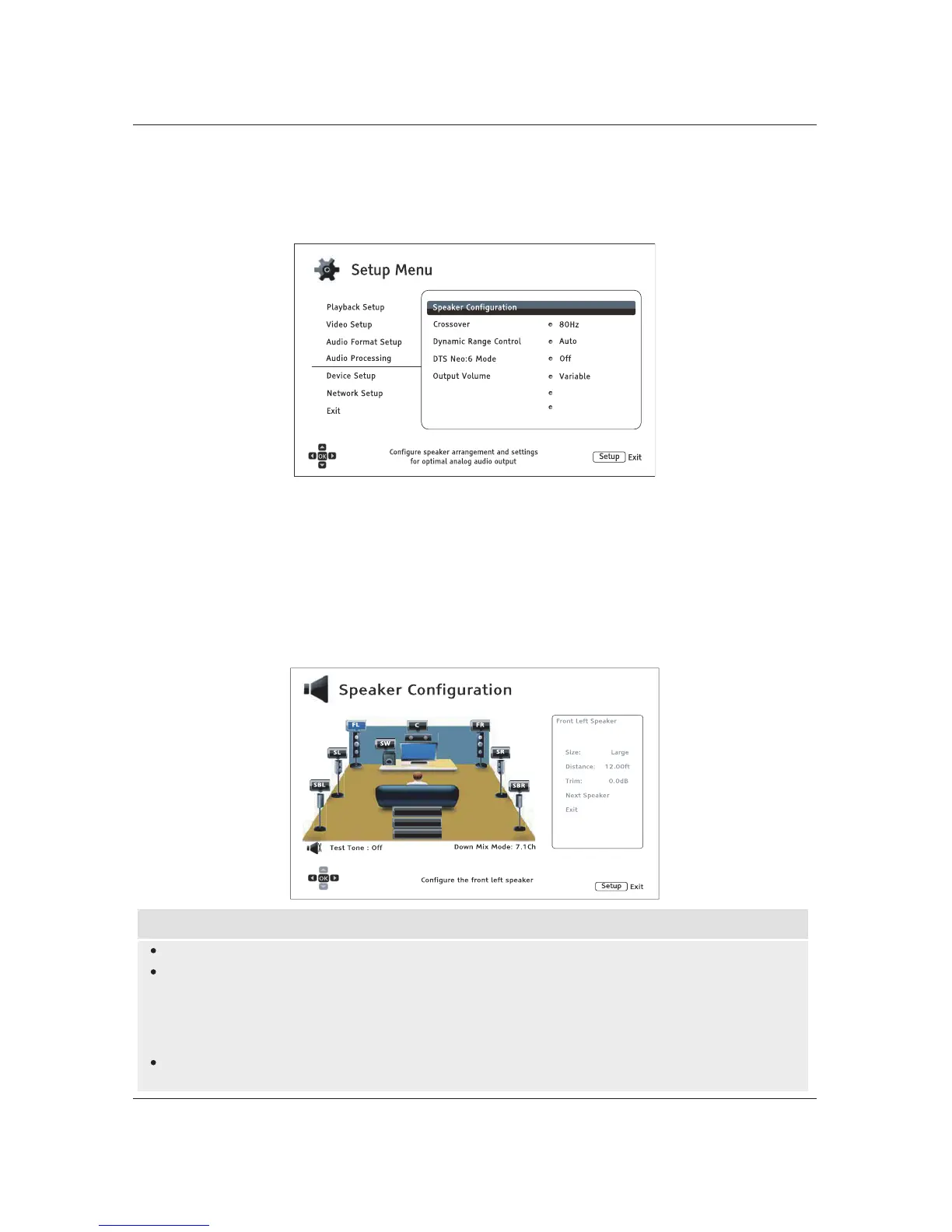
Speaker Configuration
In the Speaker Configuration menu you can configure speaker settings such as down-mix mode,
number of speakers, their distance, size and trim level. The Speaker Configuration menu shows an
illustration of speaker placement to assist you in properly configuring your speakers.
Down Mix
Test Tone
Exit
Upon entering this menu, the cursor is positioned on the front left speaker. You may use the LEFT/RIGHT
ARROW buttons to move the cursor. The RIGHT ARROW button moves the cursor clockwise, and the
LEFT ARROW button moves the cursor counterclockwise. When the cursor is over the Down Mix, Test
Tone or Exit options, you can also use the UP/DOWN ARROW buttons to highlight these options.
NOTE
Dynamic Range Control (DRC) and A/V Sync also affect the HDMI, coaxial, and optical outputs.
Speaker Configuration mainly applies to the multi-channel analog audio outputs. However,
when Coaxial/Optical Output is set to LPCM in the Setup Menu, its signal becomes a
down-mixed stereo version of the multi-channel signal that is sent to the multi-channel analog
audio outputs. As a result, the LPCM signal from the coaxial and optical output is affected by the
settings in Speaker Configuration.
HDMI is unaffected by the settings in Speaker Configuration, and the coaxial and optical outputs
are also unaffected by these settings when Coaxial/Optical Output is set to Bitstream.
Maximum Volume
Power On Volume Last
100



 To Next Page