SETUP MENU OPTIONS
72
Device Setup
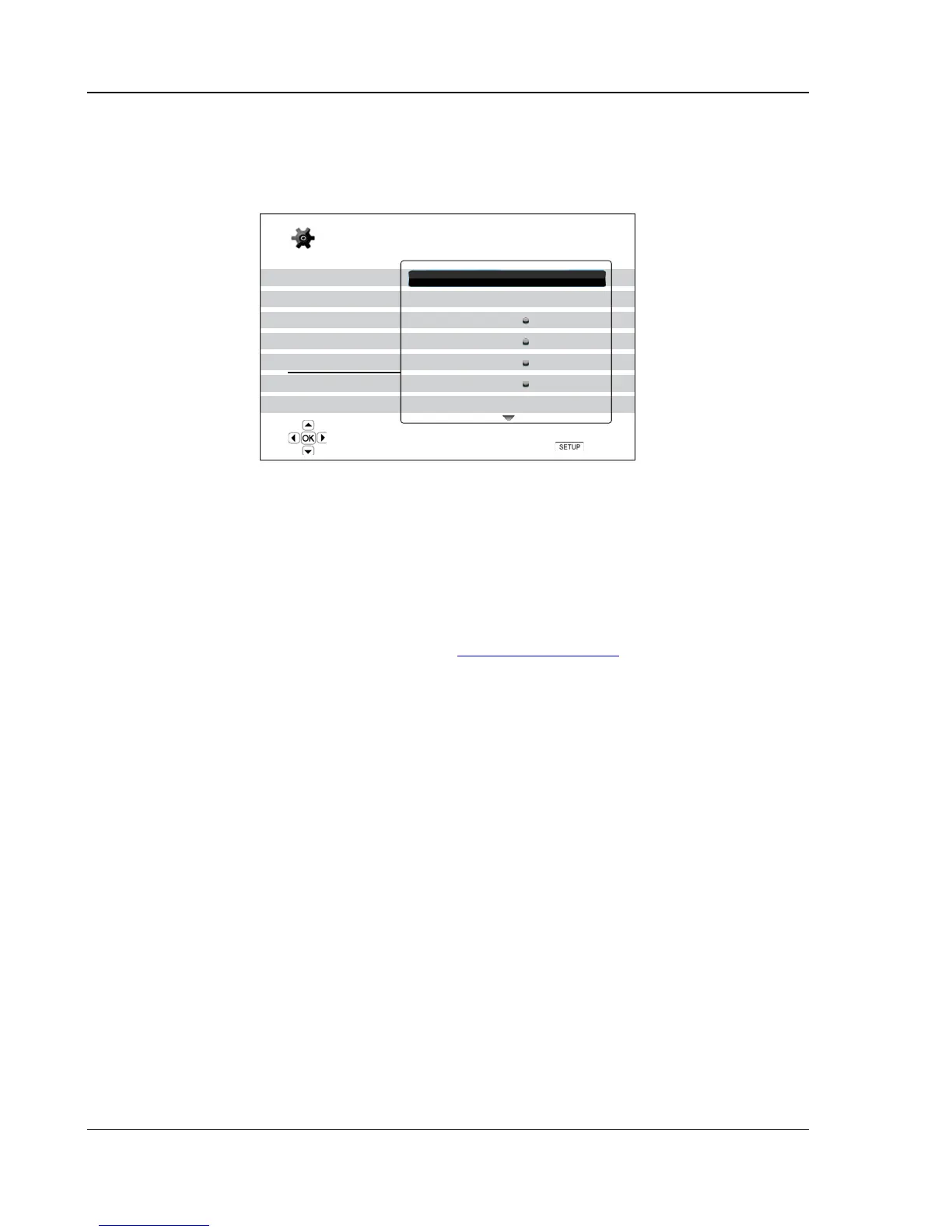
The “Device Setup” section of the Setup Menu system allows you to configure additional player options related
to the hardware and control functions. The menu items in this section are:
Playback Setup
Video Setup
Audio Format Setup
Audio Processing
Device Setup
Network Setup
Exit
Firmware Information
Firmware Upgrade
Firmware Notification
Remote Control Code
HDMI CEC
Front Panel Display
Persistent Storage
On
Code 1
Off
Standard
Setup Menu
Exit
View current firmware version and system information
1. Firmware Information: To display the currently installed firmware version.
2. Firmware Upgrade: To upgrade the player’s firmware. Should be performed with no disc loaded,
the disc tray shut and no USB device connected to the player.
The firmware is the system software that controls the features and functions of the player. Since
the Blu-ray Disc specifications are new and evolving, it is possible that a Blu-ray disc manufactured
after the player was manufactured uses certain new features of the Blu-ray Disc specifications. To
ensure the best possible viewing experience, the player may need a firmware update from time to
time. Please visit the OPPO BD UK Ltd web site www.oppo-bluray.co.uk
to check for firmware
updates and instructions on installing the updates.
There are three ways to upgrade the player’s firmware. The options are:
• Via Disc – You may requests a firmware upgrade disc from OPPO BD UK Ltd or download
a disc image from the OPPO BD UK Ltd web site and burn your own upgrade disc. Please
follow the instructions that come with the upgrade disc.
• Via USB – You may download the firmware files from the OPPO BD UK Ltd web site to a
USB drive and then use the USB drive to upgrade the player. Please follow the instructions
on the firmware download web page.
• Via Network – If the player has a working Internet connection (see
page 19 and 75), you
may upgrade the player directly over the Internet. Please follow the instructions on your TV
screen.
3. Firmware Notification: To set whether the player should automatically check if new firmware
versions are available on the Internet server and notify the user about new firmware. The options
are:
• On – Check for new firmware version automatically and notify the user about new firmware.
Requires a working network connection.
• Off – Do not check for new firmware version automatically.
4. Remote Control Code: The OPPO BDP-93EU Blu-ray Disc Player can respond to one of 4 sets of
remote control codes. The default is “Code 1”. If you have other OPPO products placed close to the



 To Next Page