C O M M O N C O N N E C T I O N M E T H O D S
17
HDMI INPUT to UDP-203
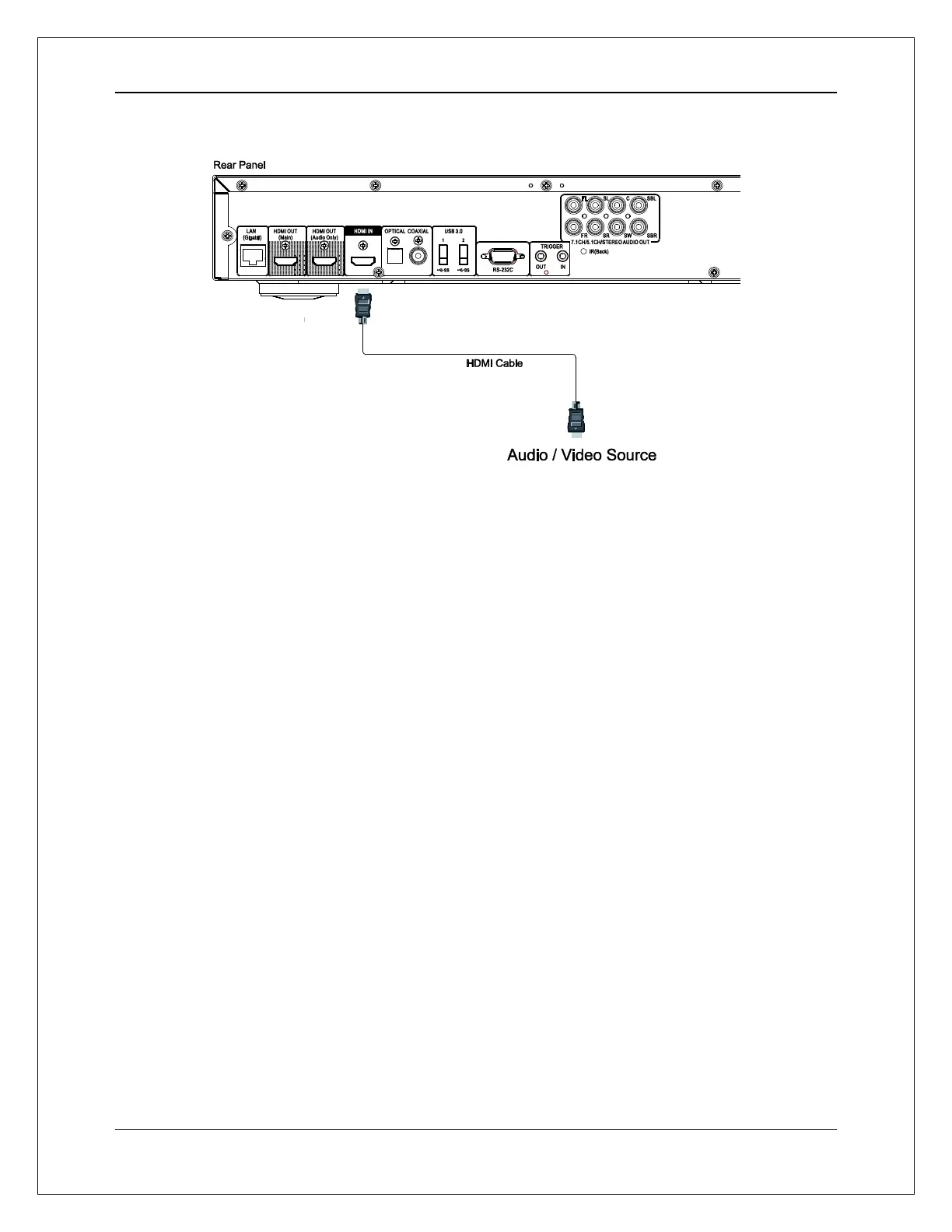
The HDMI IN port on the rear of the player allows for the connection of native 4K content from
external sources such as a streaming set-top box, cable/satellite boxes, game consoles,
computers and even other Blu-ray and UHD players. The incoming signal is processed by the
player and output to your connected devices, allowing you to take advantage of the player's built-
in audio and video processing capabilities.
Use the INPUT button on the OPPO remote to select HDMI IN from the input menu.



 To Next Page