23
Checking Stereo Pair Connections
You can check the connection status of each speaker in a stereo pair.
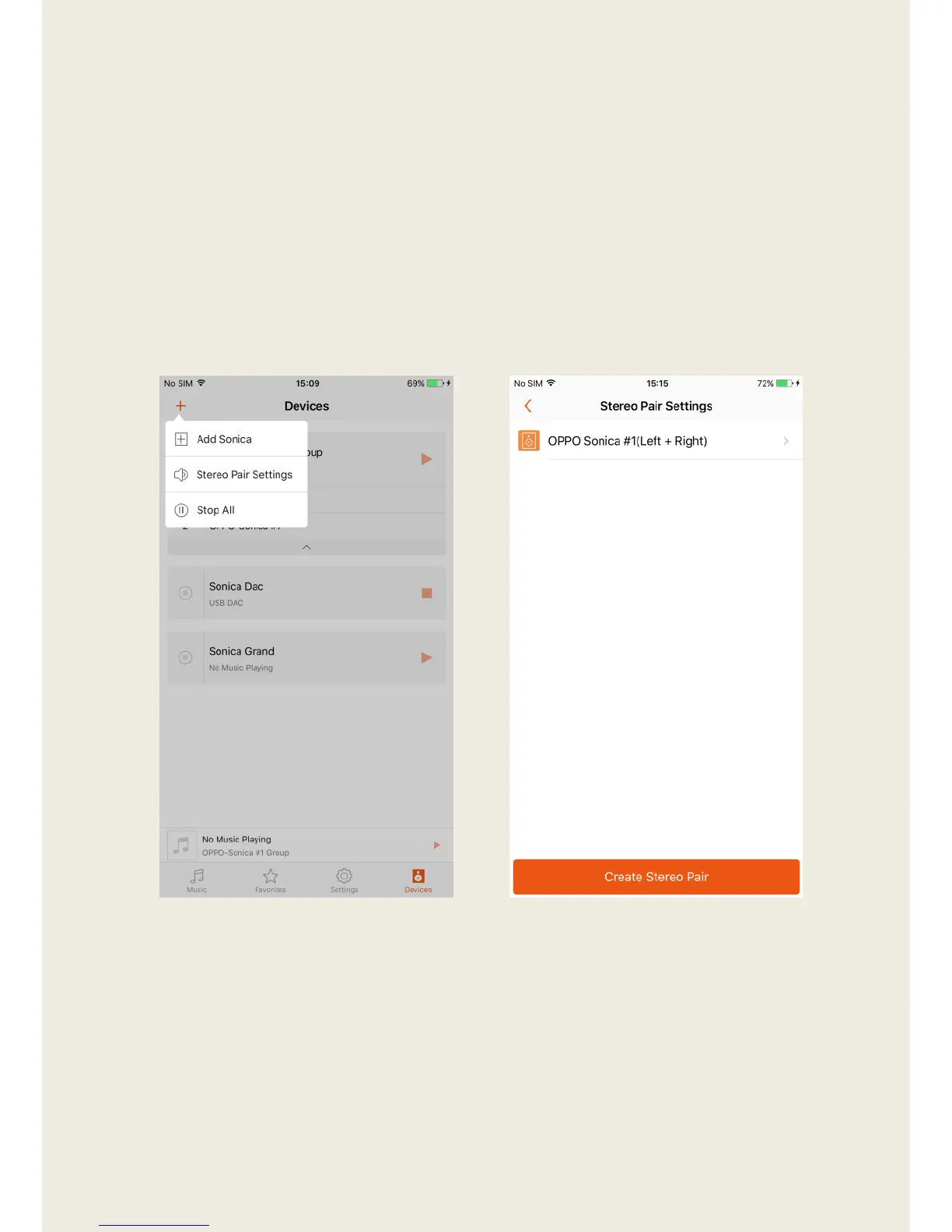
1. Tap the “+” on the upper left, and then select “Stereo Pair Settings”.
2. In Stereo Pair Settings page, you can either create a new stereo pair by
tapping Create Stereo Pair button or dismiss the current stereo pair by
tapping the name of your stereo pair with (Left + Right) appended to the
title.



 To Next Page