46
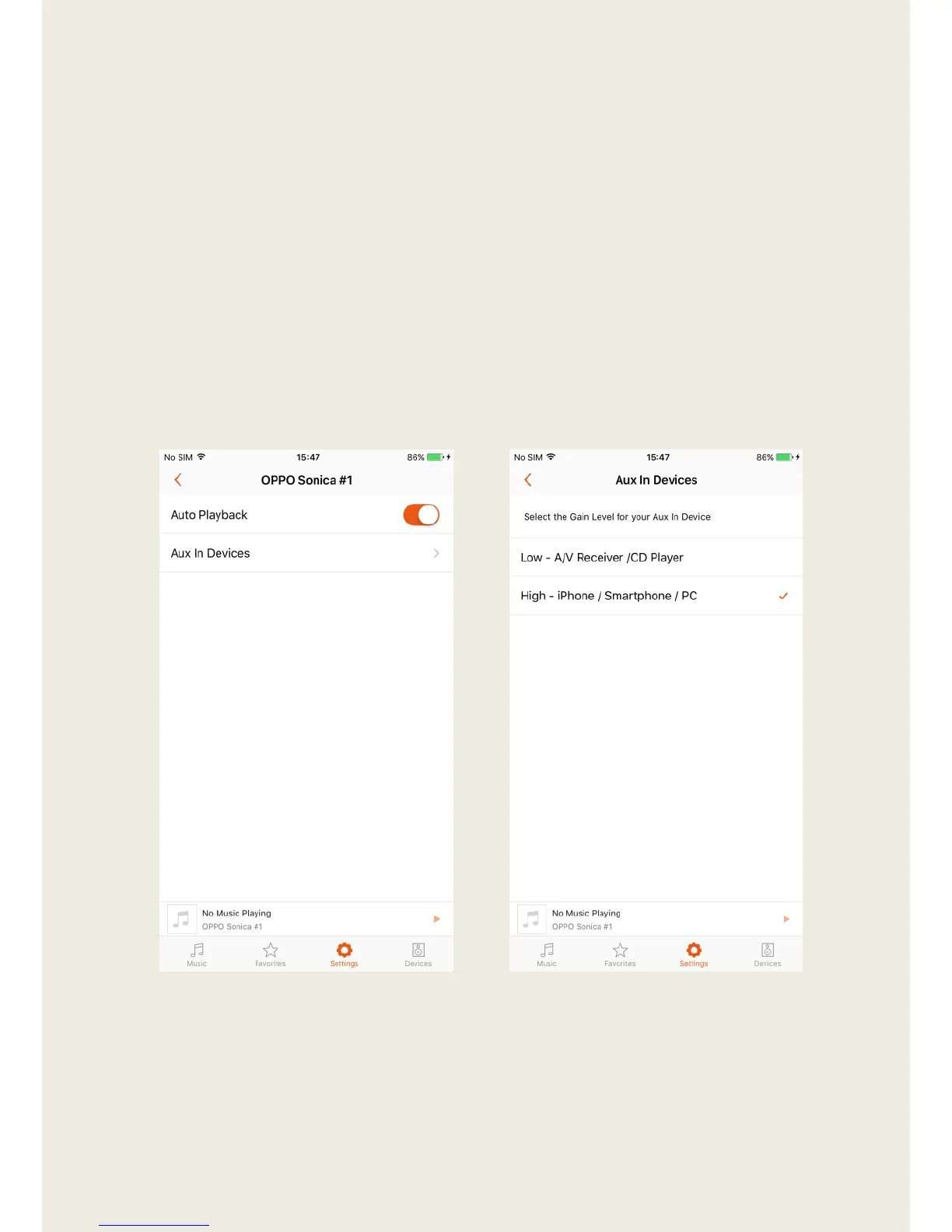
Aux In (For Speakers Only)
Aux In settings include “Auto Playback” and Aux-In Devices with Gain
Settings.
1. When “Auto Playback” is enabled, Sonica will automatically play the
music from the Aux In whenever you connect an Aux In device.
2. Gain Settings help prevent your speakers from being too loud or too
quiet. Select the gain level best suited for your source device.
Suggestions for which gain mode to choose are provided for Low and
High gain modes.


 To Next Page