45
For Sonica DAC
1. To pair Sonica DAC to a device via Bluetooth, you can activate Sonica
DAC’s pairing mode by selecting “Enter Pairing Mode” from the
“Bluetooth Connection” screen or by enabling the “Pairing Mode” under
“Settings” within the Sonica app. When the Pairing Mode is enabled on
Sonica DAC, enable Bluetooth on your device and pair it with Sonica DAC
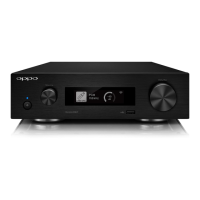
according to your device’s instructions. Sonica DAC’s Front Panel Display
will show the device name when pairing is successful. Sonica DAC will exit
Pairing Mode after two minutes if pairing is unsuccessful.
2. For devices that have already paired with Sonica DAC, enable Bluetooth
on both Sonica DAC and your mobile device, choose Sonica DAC under
paired devices to connect, and start streaming.


 To Next Page