50
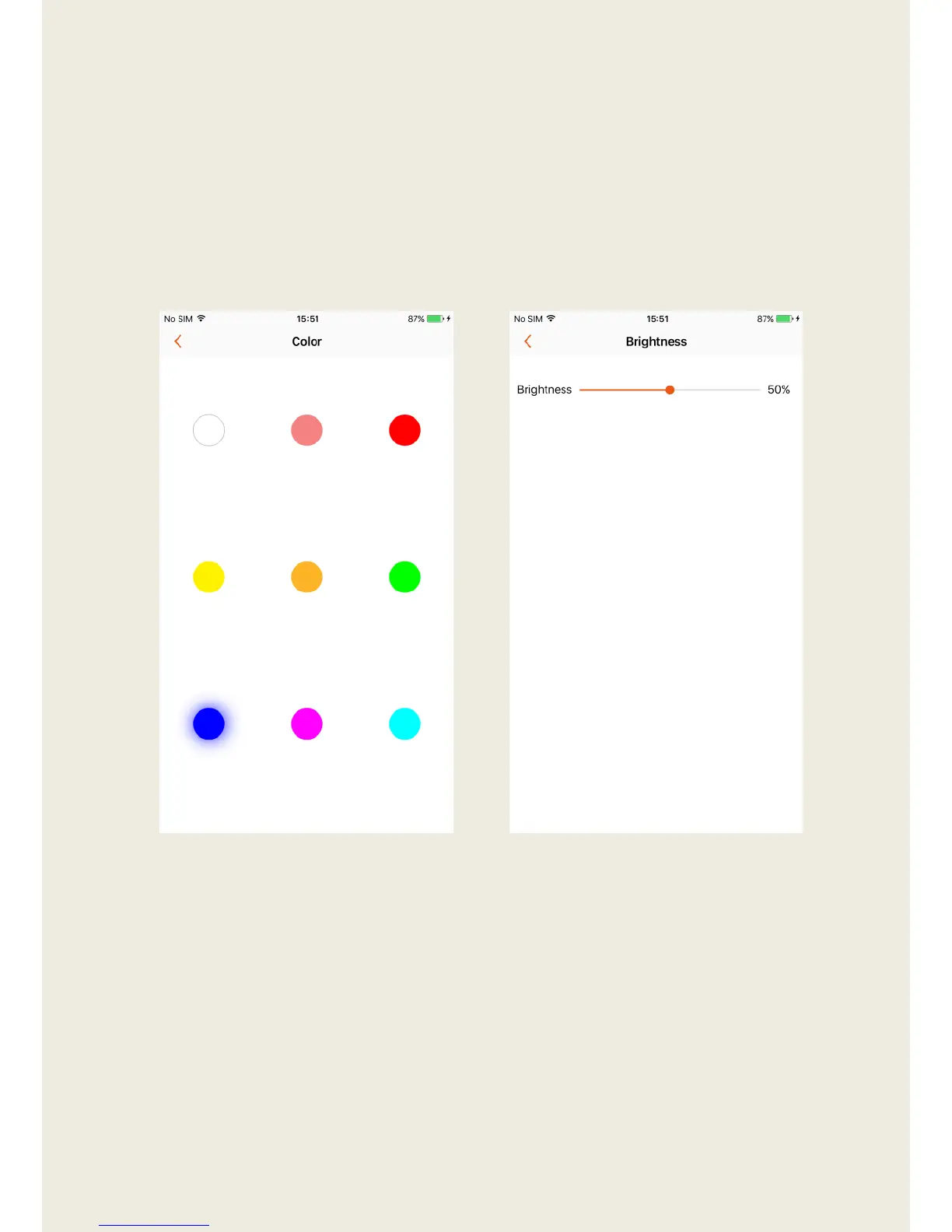
3. Enter the Color page to change the color of the mood light. There are
nine available colors to choose from.
4. Enter the Brightness page to change the brightness of the mood light.
5. If you want to apply these indicator light settings to other speakers, tap
“Apply These Settings to Other Speakers” at the bottom of the previous
page and select the speakers you’d like to use the new light settings.


 To Next Page