53
Upgrading the App
When you open the Sonica app, it will automatically prompt you to upgrade
when a new version of the Sonica app is available. To ensure the best user
experience, we strongly encourage you to upgrade the app whenever a new
version is available.
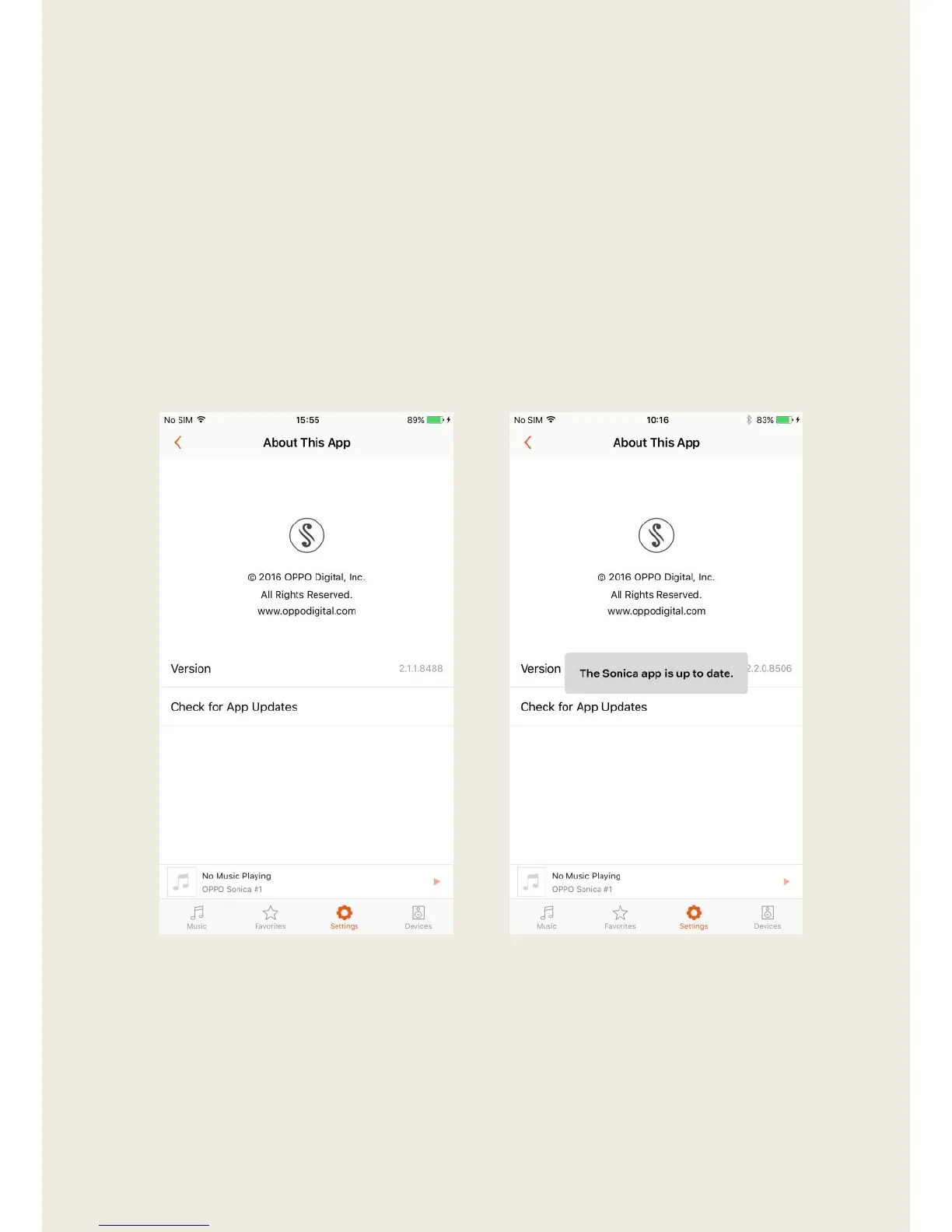
1. Enter “About This App” and tap “Check for App Updates”.
2. A prompt will alert you if there is an upgrade available or if your
software is up to date.


 To Previous Page