Optelec ClearReader
+
English Page 13
3. Getting Started
Using the ClearReader
+
for the first time
When you use the Optelec ClearReader
+
for the first time, the battery
needs to be charged. To charge the battery, connect the ClearReader
+
to
a mains power outlet using the ClearReader
+
power supply. Charging
takes approximately 3 hours.
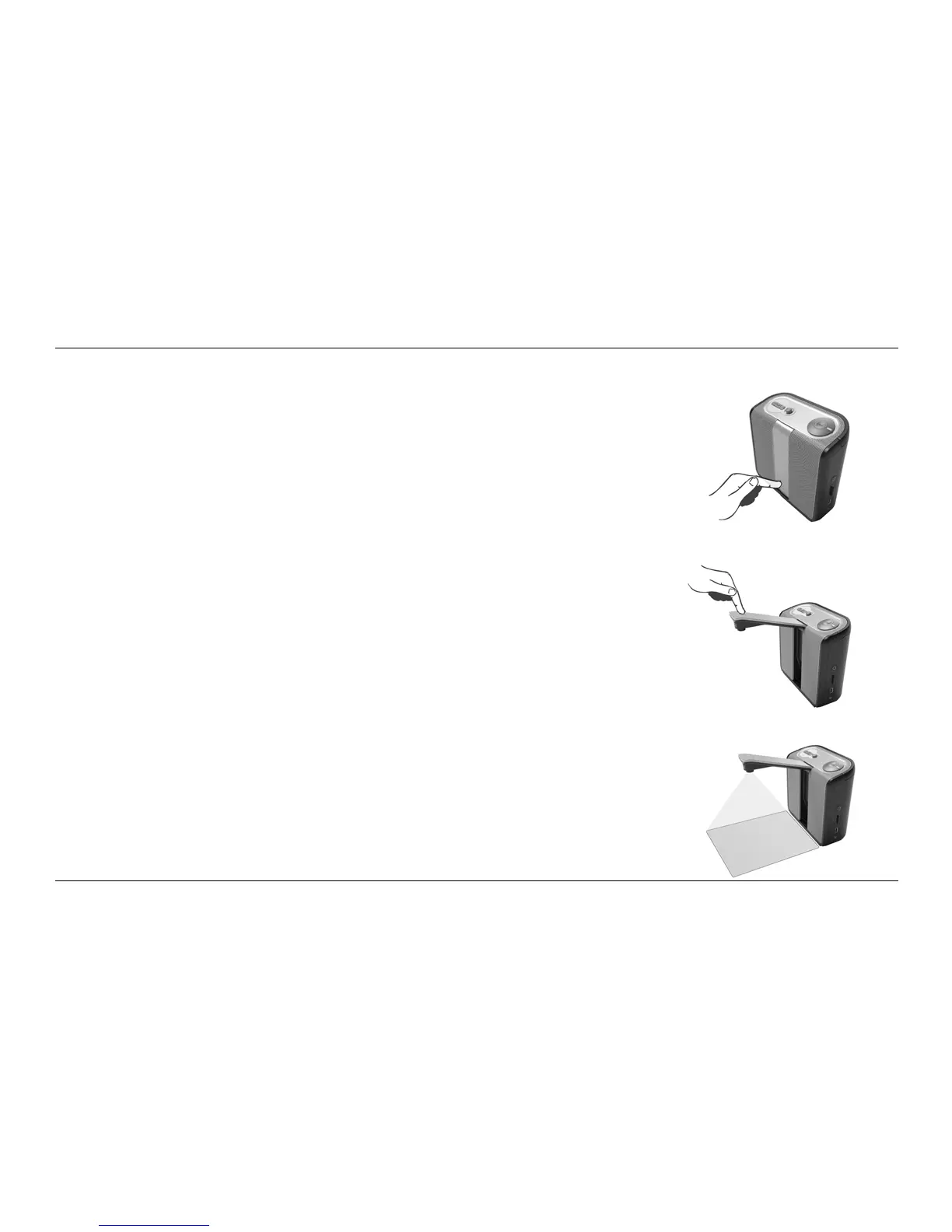
Opening the camera arm
To open the camera, locate the “push” sign on the camera arm at the
front of the ClearReader
+
between the speakers. Gently push on the
camera arm until you hear a click. The arm will eject and move towards
you. Close the camera arm in the same way by pushing the end of the
arm back to the closed position until you hear a click.
Positioning a document
The Optelec ClearReader
+
camera can capture an area of an A4 or
letter-size page measured from the front side of the ClearReader
+
. To
position the document, place it in front of the ClearReader
+
between the
two document positioning indicators with the top edge of the document
aligned towards the front of the unit. The orientation of the document will
not influence the recognition of the text.















 To Next Page