CRYO-LINE Manual for installation and use
OPTIKON 2000
Code 131002 EN 2014-02-06 Rev.F
8. USER INTERFACE
8.1 LANGUAGE SELECTION
Approximately three seconds after turning on the instrument it is possible to access the
language selection interface by pressing one of the silicone buttons on the front panel.
Once this interface appears, it is possible to choose the desired language from the list
on the display by pressing the corresponding button. To exit the interface, you must
then press the Save key.
Your choice will be saved also for subsequent use of the device.
8.2 STANDARD OPERATION
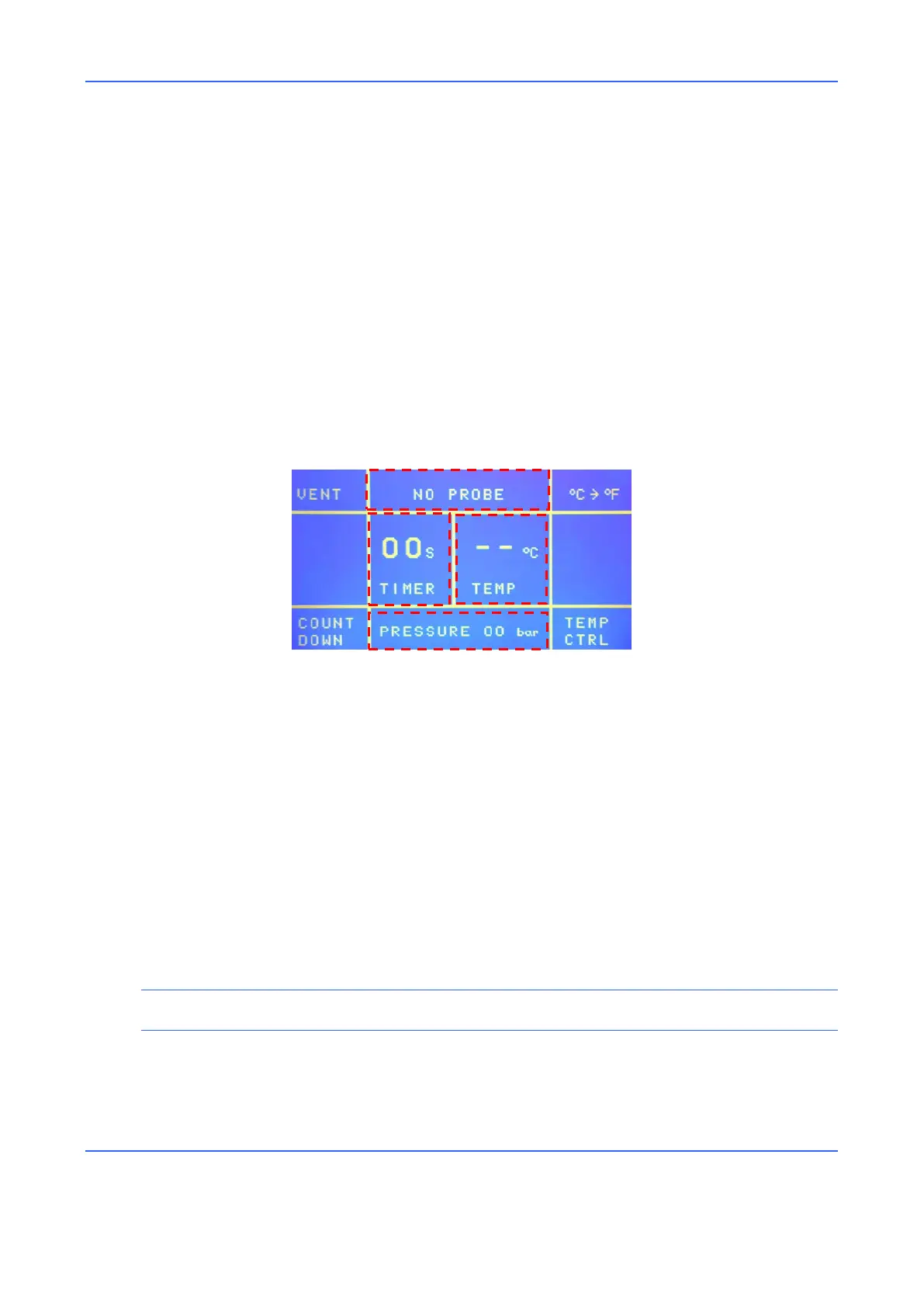
The important parameters are the application time, probe temperature, pneumatic
circuit pressure and system state.
Operation
1. Select a cryosurgical probe.
2. Insert the probe connector into the relative connection on the console. If the
probe is equipped with a thermocouple, insert the relative connector into the
connection on the console.
NOTE
Screw the probe connector onto the console until it is fully tightened.
3. Wait for the probe cleaning phase (Purge) to finish before beginning the surgical
procedure. The end of the purge phase is accompanied by a sound signal.



 To Next Page