10
CALIBRATION PROCEDURE
1. Turn on the scale by holding ON/OFF .
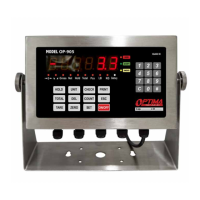
2. Press
SET
and
ESC
together to access the setup menu.
3. If done correctly, the display should now show
4. Press
#
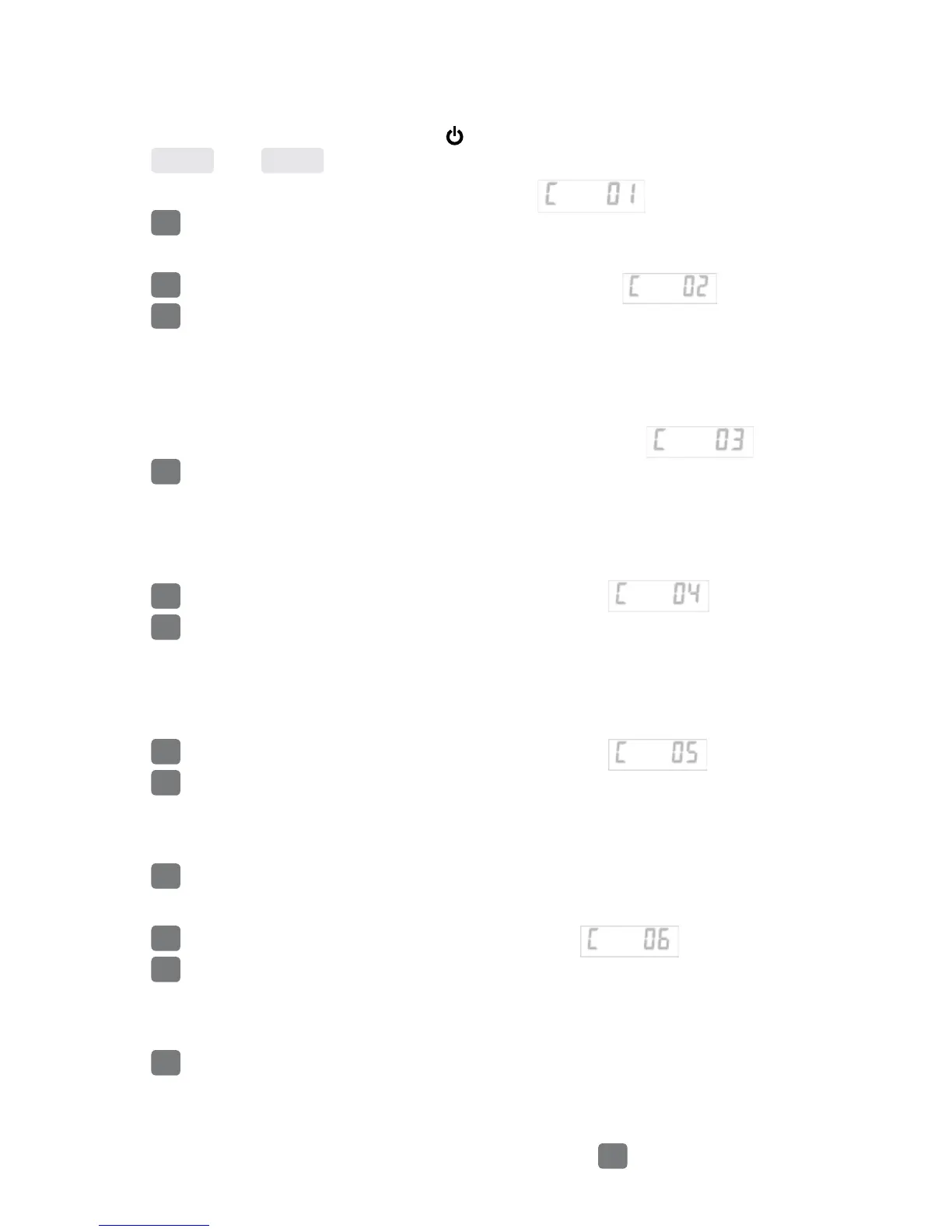
to access the C1 channel. The display should show [
C01
01
]
.
5. On they keypad enter which unit you want to calibrate in (1 = kg, 2 = lb).
6. Press
#
to save your value. The display will now show
7. Press
#
to access the C2 channel. The display should show [
C02
00
]
.
8. Use the keypad enter the setting for the decimal places desired (The C2 channel is
used to adjust the decimal point on the scale. A value of 1 means there is one digit
behind the decimal point 1= 0.0, a value of 2 = 0.00)
9. On they keypad set your value. The display will now show
10. Press
#
to access the C3 channel. The display should show [
C03
01
]
.
11. On they keypad enter the value of your desired graduation.
(The C3 channel adjusts the divisions on the scale. A value of 1 selected and C2 set
to 1, the scale will read in 0.1 lb. increments.)
12. Press
#
to set your value. The display will now show
13. Press
#
to access the C4 channel. The display will show [
000000
].
14. On they keypad enter the maximum capacity you want to use for your scale.
(The C4 channel is used to enter in the max capacity of the scale; Make sure the
number you enter does not exceed the max capacity of your scale.)
15. Press
#
to set your value. The display will now show
16. Press
#
to access the C5 channel. The display should show [
C05 00
].
17. The C5 channel calibrates zero on the scale. Make sure the scale is empty.
18. Press 1 on the keypad to change the value to 1.
19. Press
#
to zero calibrate. The display will count down from 10-1 while the scale is
calibrating. When the display shows 0 the zero calibration is complete.
20. Press
#
to to continue. The display will now show
21. Press
#
to access the C06 channel. The display will show [
C06 00
].
22. The C6 channel is used to calibrate the scale with a known weight. Press 1 on the
keypad to set the value of C6 to
[
C06 01
].
23. Press
#
to to continue. The display will ash
SPAN
, and then show [
000000
].
24. On the keypad enter the weight of the calibration weight you will use
(must be at least 10% of your max capacity you set in C04.
25. Place your calibration weight on the empty scale and
#
.


 To Next Page