EasyManua.ls Logo

Optimus STA-795 - Problem-Solving; No Power; No Sound

Optimus STA-795
20 pages
Print Icon
To Next Page IconTo Next Page
To Previous Page IconTo Previous Page
Loading...
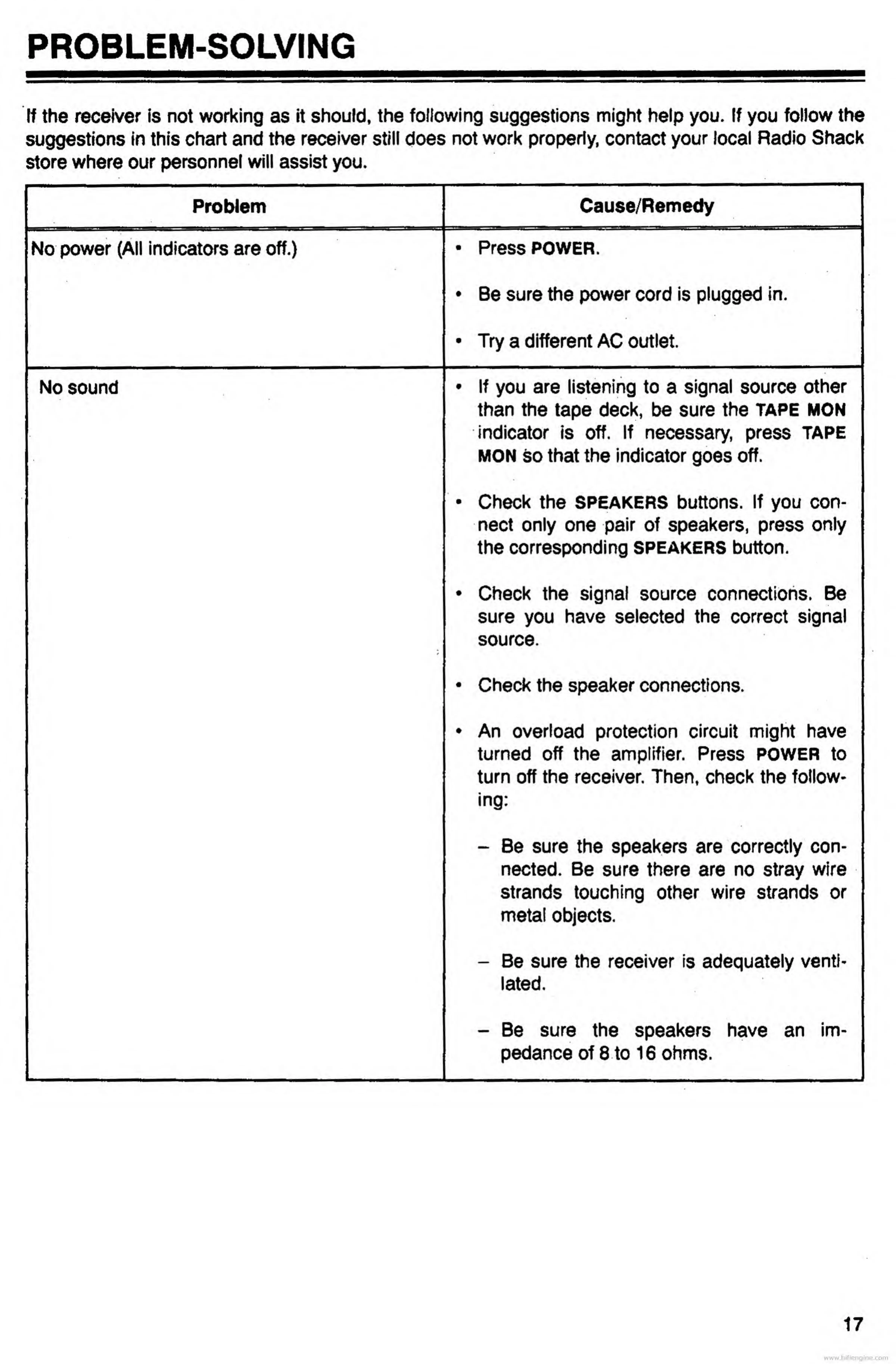
PROBLEM-SOLVING
If
the
receiver
is
not
working
as
it
should,
the
following
suggestions
might
help
you.
If
you
follow
the
suggestions
in
this
chart
and
the
receiver
still
does
not
work
properly,
contact
your
local
Radio
Shack
store
where
our
personnel
will
assist
you.
Problem
No
power
(All
indicators
are
off.)
No
sound
Cause/Remedy
Press
POWER.
Be
sure
the
power
cord
is
plugged
in.
Try
a
different
AC
outlet.
If
you
are
listening
to
a
signal
source
other
than
the
tape
deck,
be
sure
the
TAPE
MON
indicator
is
off.
If
necessary,
press
TAPE
MON
so
that
the
indicator
goes
off.
Check
the
SPEAKERS
buttons.
If
you
con¬
nect
only
one
pair
of
speakers,
press
only
the
corresponding
SPEAKERS
button.
Check
the
signal
source
connections.
Be
sure
you
have
selected
the
correct
signal
source.
Check
the
speaker
connections.
An
overload
protection
circuit
might
have
turned
off
the
amplifier.
Press
POWER
to
turn
off
the
receiver.
Then,
check
the
follow¬
ing:
Be
sure
the
speakers
are
correctly
con¬
nected.
Be
sure
there
are
no
stray
wire
strands
touching
other
wire
strands
or
metal
objects.
Be
sure
the
receiver
is
adequately
venti¬
lated.
Be
sure
the
speakers
have
an
im¬
pedance
of
8
to
16
ohms.
17
www.hifiengine.com

Related product manuals