EasyManua.ls Logo

Optimus System 745 - User Manual

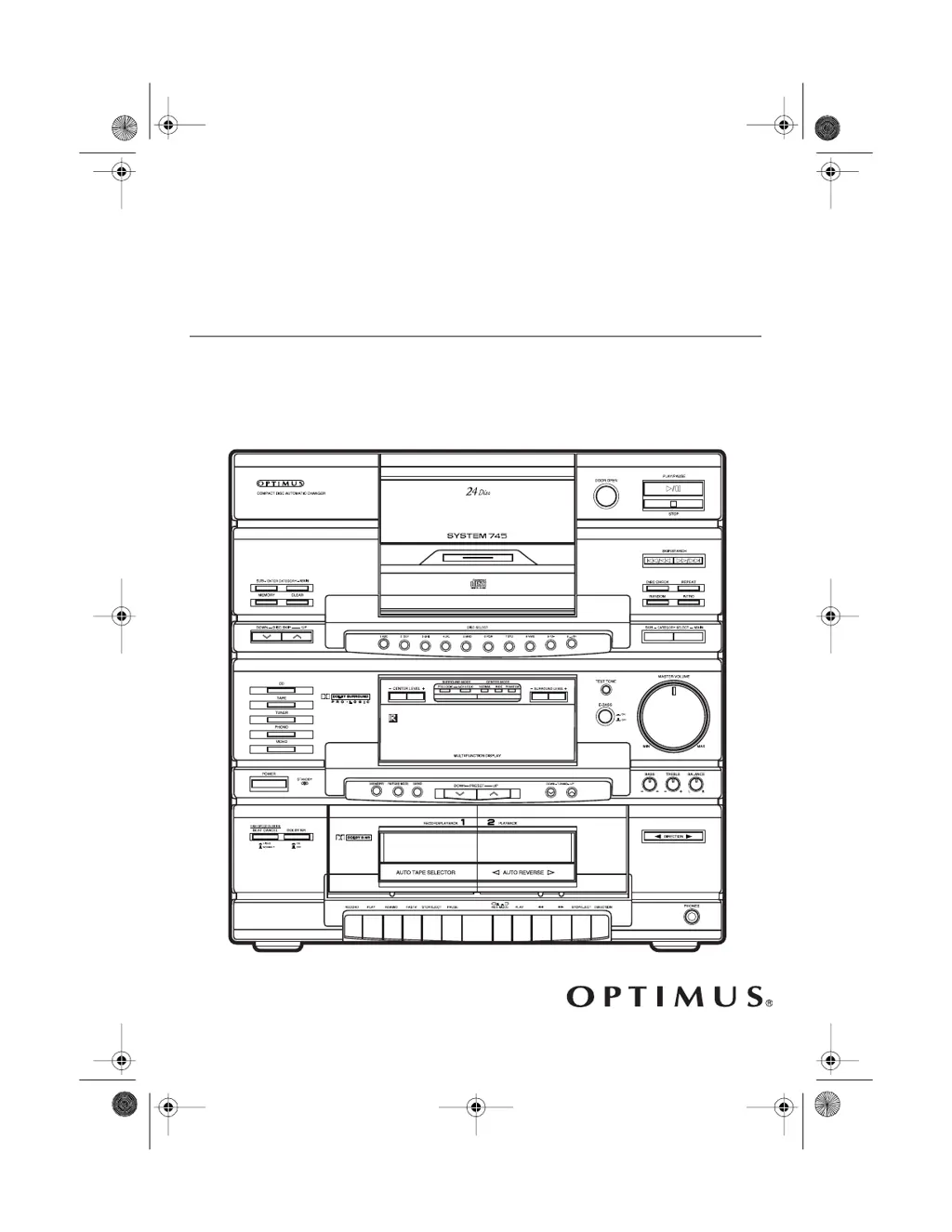
Optimus System 745
52 pages
Print Icon
To Next Page IconTo Next Page
Loading...
Owners Manual
Cat. No. 13-1293
System 745
Stereo Rack System
Please read before using this equipment.
13-1293.fm Page 1 Wednesday, July 14, 1999 6:49 PM

Table of Contents

Questions and Answers

  • D
    dennis98Aug 15, 2025
    Why is there no sound from my Optimus System 745?
    • M
      michaelgarzaAug 15, 2025
      If there is no sound coming from your Optimus Stereo System, the possible causes are: the MASTER VOLUME MIN/MAX is set to MIN (adjust the MASTER VOLUME MIN/MAX); the wrong function is selected (select the correct function); or the speakers are connected incorrectly (check the speaker connections).
  • B
    Brandon CampbellAug 19, 2025
    What to do if the Optimus System 745 Stereo System remote control does not work?
    • T
      Trevor AllenAug 19, 2025
      If the remote control for your Optimus Stereo System isn't working, the batteries might be weak. Replace them with fresh ones.
  • R
    Ryan JohnstonAug 22, 2025
    Why is the output sound not stereo on my Optimus System 745 Stereo System?
    • N
      Nancy WebsterAug 22, 2025
      If the output sound from your Optimus Stereo System is not stereo, it could be due to the FM/TUNE MODE being set to MONO. Repeatedly press FM/TUNE MODE until AUTO STEREO appears on the display. It could also be that you are listening to an AM station, or an FM station that you are not receiving in stereo. Try tuning to an FM stereo station.
  • D
    Dominic KochAug 25, 2025
    What to do if sound from CD skips on Optimus Stereo System?
    • A
      Amanda MoralesAug 25, 2025
      If the sound from the CD skips on your Optimus Stereo System, the CD might be dirty or damaged. Clean the CD and reload it, or try a new one.
  • C
    courtney26Aug 27, 2025
    What to do if Optimus Stereo System CD changer does not work?
    • C
      Christopher ChavezAug 27, 2025
      If the CD changer on your Optimus Stereo System isn't working, make sure CD is selected on the system or remote. If that doesn't work, the CD might be loaded incorrectly. Remove the CD and reload it.
  • T
    Thomas CamachoAug 30, 2025
    Why is there sound from one speaker only on my Optimus Stereo System?
    • M
      Matthew FoxAug 31, 2025
      If you're only getting sound from one speaker on your Optimus Stereo System, check the speaker connections. Also, the BALANCE might be set incorrectly, so adjust the BALANCE.
  • L
    Laura WrightSep 2, 2025
    What to do if DISC ERROR scrolls across the display of Optimus System 745?
    • Q
      qgreenSep 2, 2025
      If 'DISC ERROR' scrolls across the display, or the graphic around the disc number blinks on the display of your Optimus Stereo System, the CD might be loaded incorrectly. Remove the CD and reload it.
  • P
    Patricia ReevesSep 6, 2025
    Why Optimus System 745 Stereo System has no power when POWER is pressed?
    • G
      grantlindaSep 6, 2025
      If your Optimus Stereo System has no power when you press the power button, there may be a power problem. Check the power cord and the AC outlet.
  • B
    Briana HarrisSep 8, 2025
    Why is there poor sound quality when playing back a recording of an AM radio program on Optimus System 745?
    • J
      jacqueline82Sep 9, 2025
      If you experience poor sound quality when playing back a recording of an AM radio program on your Optimus Stereo System, it might be because the HIGH SPEED DUBBING/BEAT CANCEL setting needs adjustment. Press HIGH SPEED DUBBING/BEAT CANCEL to either the HIGH/2 (in) or NORMAL/1 (out) position to find the best recording quality.
  • G
    gregorydoyleSep 12, 2025
    Why is the STEREO indicator flickering on my Optimus System 745?
    • E
      Edward BradleySep 12, 2025
      If the STEREO indicator is flickering on your Optimus Stereo System, the signal might be weak. Try reorienting the FM antenna or install an outdoor FM antenna.

Summary

System Features

Stereo Tuner

Describes the digital synthesized tuning and preset memory functions for radio stations.

CD Changer

Details the 24-disc changer, category playback, programming, and playback modes.

Dual Cassette Deck

Explains the double cassette deck features like dubbing, Dolby NR, and auto-reverse.

System Preparation

Placing the Speakers

Guidance on optimal placement of front, center, and surround speakers for best sound.

Connecting the Speakers

Step-by-step instructions for physically connecting all speakers to the main unit.

Connecting Power

Instructions on how to safely connect the system to an AC power source.

System Operation

Basic Operation

Covers turning the system on/off, selecting audio sources, and starting playback.

Using the Tuner

Instructions for tuning into AM/FM stations using manual, seek, and memory tuning.

Using the CD Changer

Comprehensive guide on loading, selecting, playing, and managing CDs.

Using the Cassette Deck

Instructions for loading, playing, recording, and dubbing cassette tapes.

Troubleshooting

System Specifications

Amplifier Specifications

Details power output and audio control specifications for the amplifiers.

CD Changer Specifications

Lists technical specifications for the CD changer component.

Optimus System 745 Specifications

General IconGeneral
BrandOptimus
ModelSystem 745
CategoryStereo System
LanguageEnglish

Related product manuals