32
Note: If new category names
have been created (see “Creating
and Assigning New Category
Names”), they appear after
CLAS
.
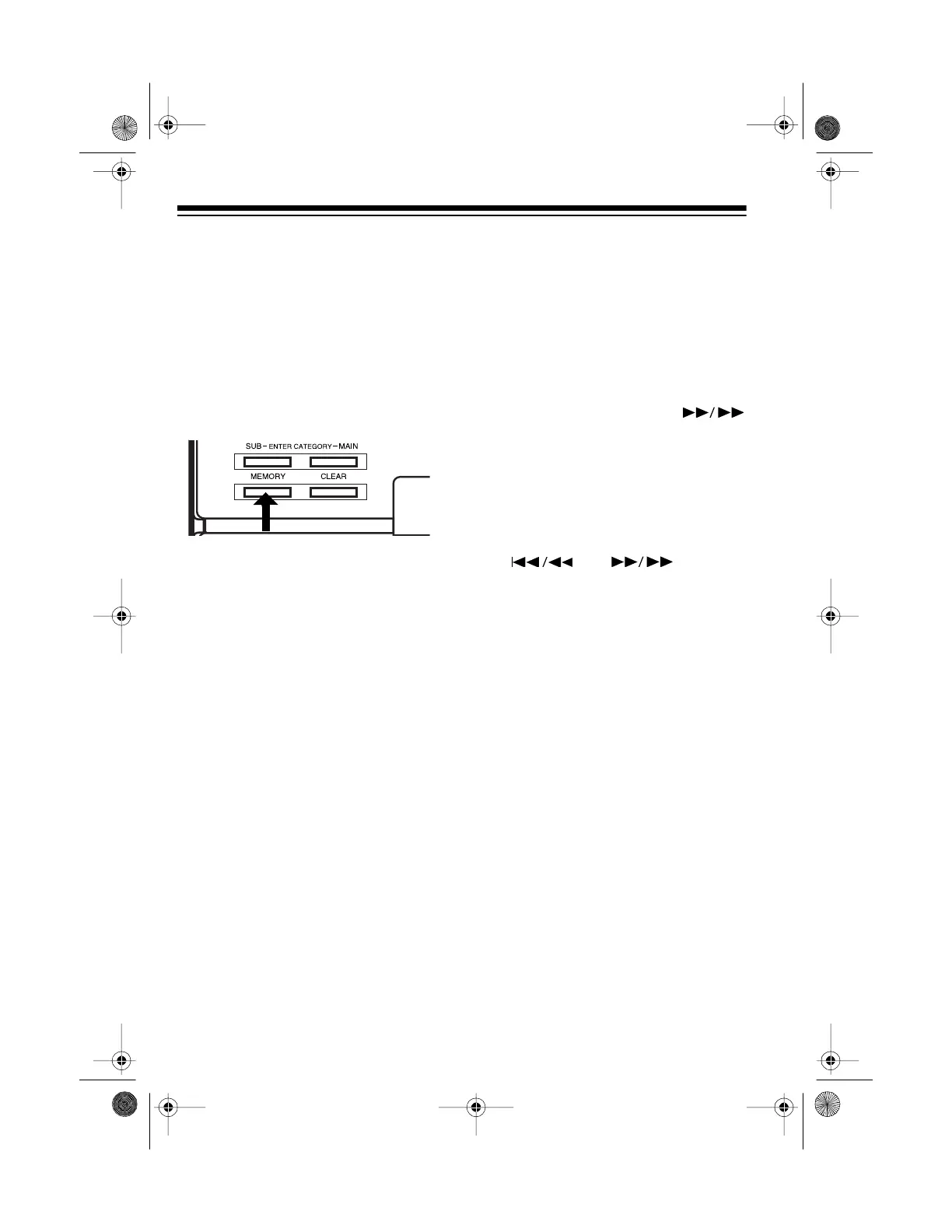
3. When you see the category name
you want, press
MEMORY
(next to
CLEAR
) on the CD changer. The
selected category name and
IS
MEMORIZED
scrolls across the
display.
Note: Use only the
MEMORY
but-
ton next to
CLEAR
on the CD
changer to assign a preset cate-
gory name. (The
MEMORY
button
next to
FM/TUNE MODE
below the
display performs a different func-
tion.)
Creating and Assigning New
Category Names
You can create up to 24 new category
names that contains up to 8 charac-
ters (including letters, numbers, and
special characters). When you create
a new category name, it is automati-
cally assigned to the selected CD.
1. With play stopped, select the
desired CD.
2. Repeatedly press
ENTER CATE-
GORY MAIN
on the CD changer
until _ _ _ _ _ _ _ _ appears on
the display.
3. Repeatedly press the appropriate
DISC SELECT
key on the CD
changer until the desired charac-
ter replaces the flashing _ on the
display.
For example, to select
L
, press
4/
JKL
four times (until
L
flashes on
the display).
4. Press
SKIP/SEARCH
once. The next _ in _ _ _ _ _ _ _ _
flashes.
5. Repeat Steps 3–4 until the display
shows the new category name.
Note: If you make a mistake,
repeatedly press
SKIP/SEARCH
or until the
incorrect character flashes, then
enter the correct character.
6. After you enter the new category
name, press
MEMORY
(next to
CLEAR
) on the CD changer to
store it.
The new category name and
IS
MEMORIZED
scrolls across the dis-
play (for example,
RAP
IS
MEMO-
RIZED
).
Note: Use only the
MEMORY
button
next to
CLEAR
on the CD changer to
store a new subcategory name. (The
MEMORY
button next to
FM/TUNE
MODE
below the display performs an-
other function.)
13-1293.fm Page 32 Wednesday, July 14, 1999 6:49 PM



 To Next Page