16
5. Adjust
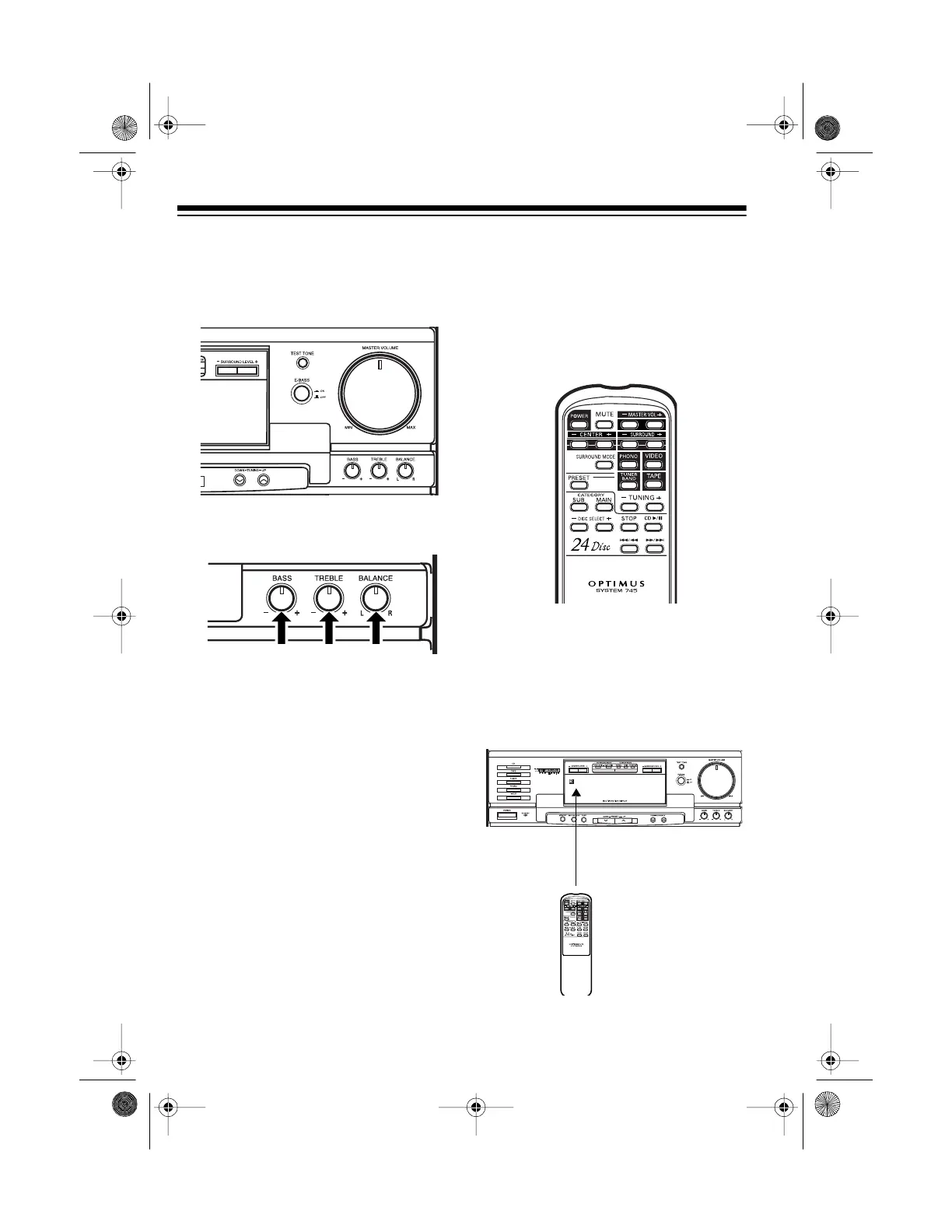
MASTER VOLUME
on the
system (or press
MASTER VOL –
or
+
on the remote control) to a
comfortable listening level.
6. Adjust
BASS
,
TREBLE,
and
BAL-
ANCE
for the desired stereo effect.
7. To turn off the system, press
POWER
again.
GOOD-BYE
scrolls
across the display, the STANDBY
indicator lights, and the system
turns off.
USING THE REMOTE
CONTROL
The buttons on the remote control per-
form the same functions as similarly
marked buttons on the system’s front
panel.
To use the remote control, point it di-
rectly at the infrared sensor on the left
side of the system’s display, then firm-
ly press the desired button. The re-
mote control works up to about 20 feet
away.
Infrared
Sensor
13-1293.fm Page 16 Wednesday, July 14, 1999 6:49 PM



 To Next Page