29
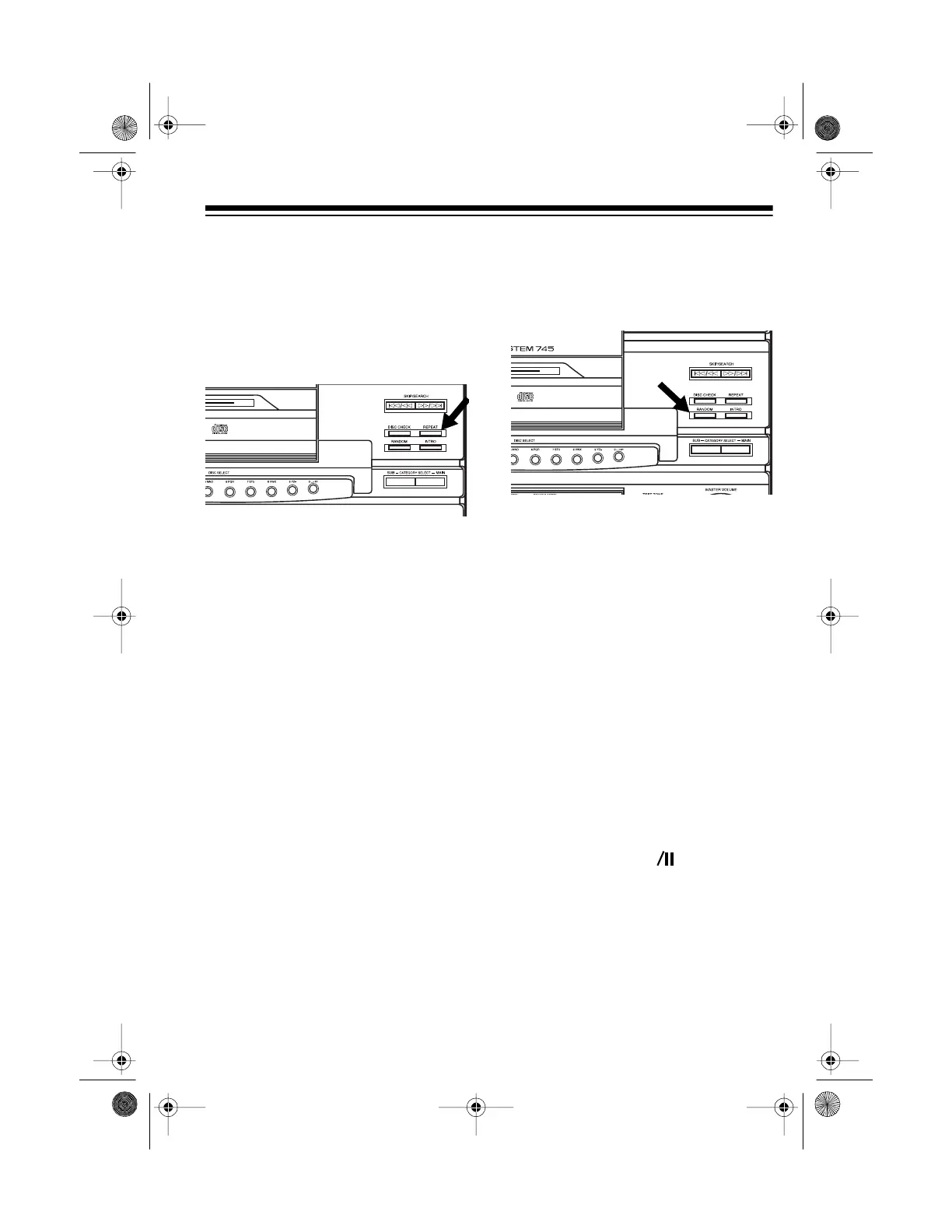
REPEAT PLAY
You can repeat a single track on any
loaded CD, all tracks on a selected
CD, all tracks on all loaded CDs, or a
programmed sequence (see “Pro-
grammed Play” on Page 36).
• To repeat a single track, repeat-
edly press
REPEAT
until
REPEAT
ONE
appears on the display.
• To repeat all tracks on a CD or in a
programmed sequence, repeat-
edly press
REPEAT
until
REPEAT
ALL
appears on the display.
• To repeat all loaded CDs and
tracks, press
REPEAT
until
REPEAT
CONTINUE
appears on
the display.
• To repeat a category (see “Cate-
gory/Subcategory Play” on Page
35), press
CATEGORY SELECT
MAIN
so
CATEGORY
appears on
the display. Then repeatedly press
REPEAT
until
REPEAT
CON-
TINUE
appears on the display.
To cancel repeat play at any time, re-
peatedly press
REPEAT
until
REPEAT
ONE
,
REPEAT
ALL
, and
REPEAT
CONTINUE
disappear from the dis-
play.
RANDOM PLAY
During random play, the CD changer
randomly selects and plays tracks un-
til you stop it.
Note:
You cannot use skip play or au-
dible search during random play.
Follow these steps to play random
tracks.
1. With play stopped, press
RAN-
DOM
once to select
RANDOM
1
, or
twice to select
RANDOM
2
.
•
RANDOM
1
selects a CD and a
track and plays it, then selects
another CD and track.
•
RANDOM
2
selects a CD, then
randomly plays all the tracks on
that CD once, then selects
another CD.
2. Press
PLAY/PAUSE
on the CD
changer (or
CD
on the remote
control) to start random play.
Note:
The CD changer never
selects the same track twice in a
row from a single CD. However, it
might select the same track more
than once.
t
13-1293.fm Page 29 Wednesday, July 14, 1999 6:49 PM



 To Next Page