22
Manually Storing Stations
1. Tune to the station you want to
store.
2. Briefly press
MEMORY
(next to
FM/
TUNE MODE
) on the system.
--
and
CH
appear, and
MEMORY
flashes on the display for about 10
seconds.
Notes:
• Do not hold down
MEMORY
.
This causes the system to auto-
matically store stations into all
of its memory locations.
• Use only the
MEMORY
button
next to
FM/TUNE MODE
on the
tuner to automatically store sta-
tions. (The
MEMORY
button
next to
CLEAR
on the CD
changer performs another func-
tion.)
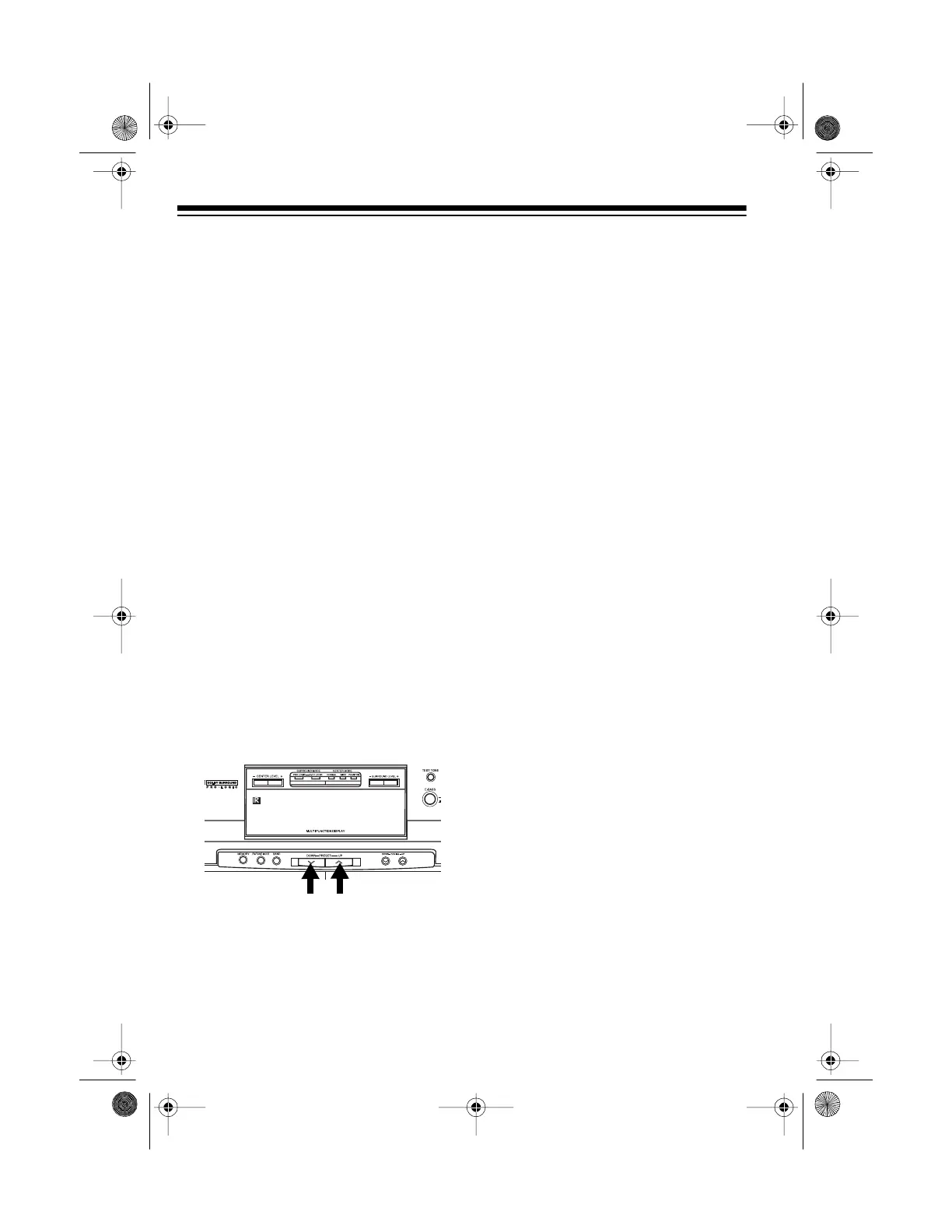
3. Within 10 seconds, repeatedly
press
PRESET DOWN
or
UP
to
select the memory location where
you want to store the station.
Note:
If you do not press
PRE-
SET DOWN
or
UP
within 10 sec-
onds,
–
–
,
CH
, and
MEMORY
disappear from the display. Sim-
ply begin again at Step 2.
4. When the memory location you
want to use appears, press
MEM-
ORY
within 10 seconds.
MEMORY
disappears, and the display
shows the selected memory loca-
tion next to
CH
.
Selecting Preset Stations
To select a preset station, repeatedly
press
PRESET DOWN
or
UP
(or
PRE-
SET
on the remote control).
13-1293.fm Page 22 Wednesday, July 14, 1999 6:49 PM



 To Next Page