27
PLAYING CDS
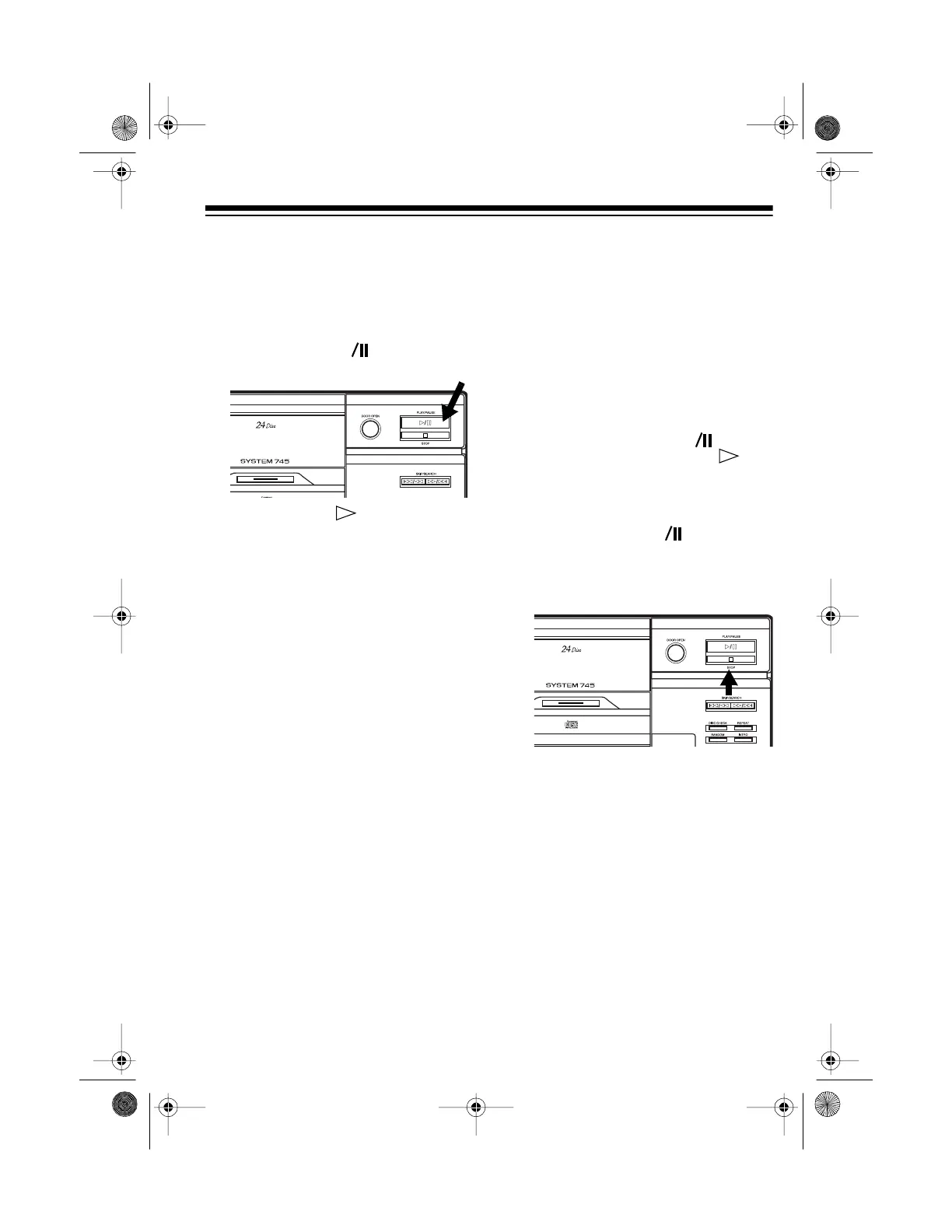
1. With play stopped, select the CD
you want to play.
2. Press
PLAY/PAUSE
on the CD
changer (or
CD
on the remote
control).
PLAY
and appear, and
SEARCHING DISC
and the CD’s
number scroll across the display.
After a few seconds, the selected
CD begins to play from Track 1.
While a CD plays, the CD changer
displays the current disc number
(blinking inside the graphic), the
current disc number and track
number, the current index number
(if the CD has index numbers —
numbers that mark sections within
a track) or
1
if the CD does not
have index numbers, and the
elapsed time for the current track
(in minutes and seconds).
Notes:
•If
DISC
ERROR
scrolls across
the display or if the graphic
around the current disc number
blinks, the CD might be loaded
incorrectly or scratched.
• A sudden shock or jolt while a
CD is playing might suddenly
change the CD’s rotation speed
or make the CD changer skip
the current track. This might
momentarily mute or distort the
sound. This is not a malfunc-
tion.
• To temporarily stop play, press
PLAY/PAUSE
on the CD
changer (or
CD
on the
remote control).
PLAY
, , and
the disc number surrounded by
a graphic flash on the display.
To resume play, press
PLAY/
PAUSE
(or
CD
) again.
3. To stop play, press
STOP
. The CD
changer displays the selected
CD’s total play time.
t
t
t
13-1293.fm Page 27 Wednesday, July 14, 1999 6:49 PM



 To Next Page