19
ADJUSTING THE SOUND
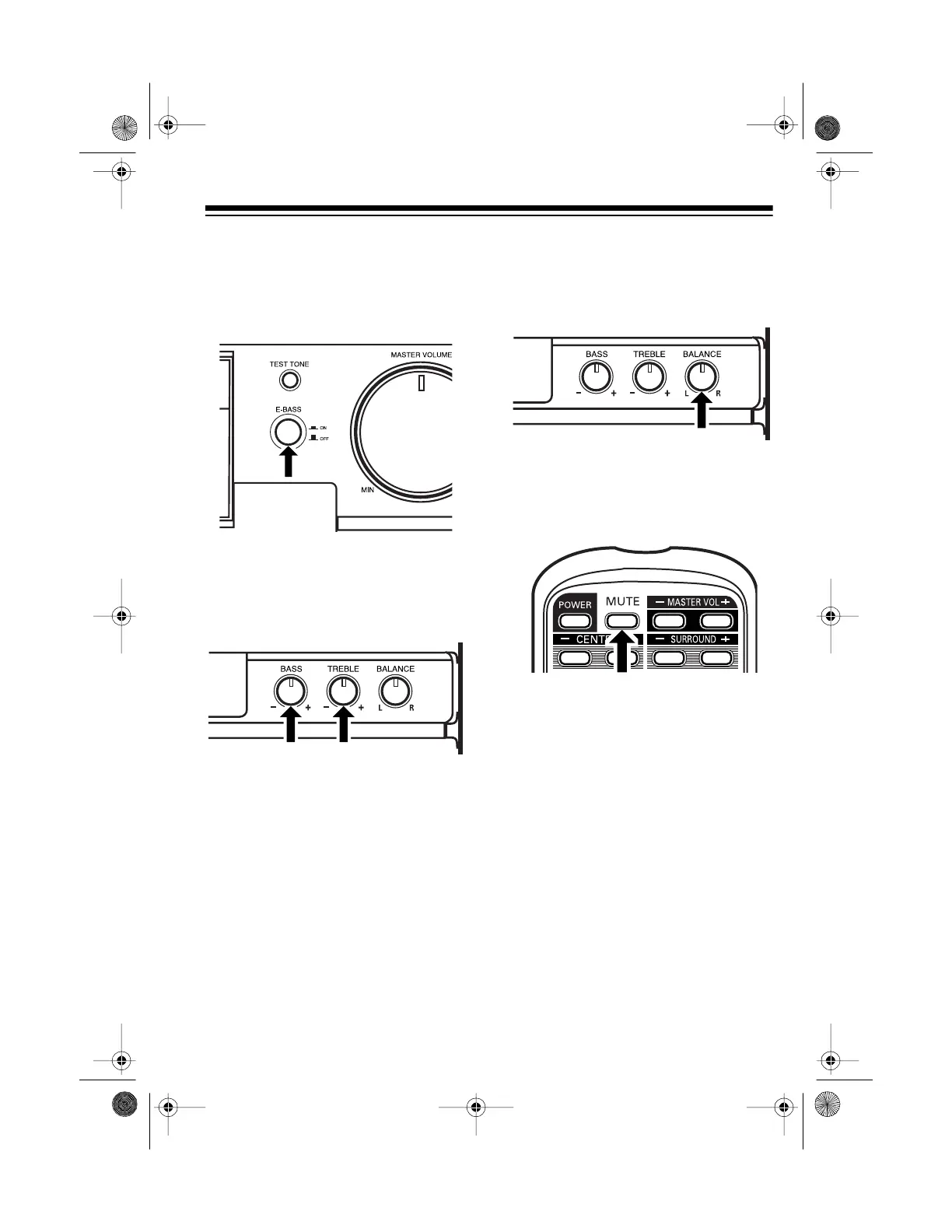
Press
E-BASS
(extended bass) to
ON
to emphasize bass sounds. To cancel
extended bass, press
E-BASS
again.
Adjust
BASS
to increase or decrease
the low frequencies. Adjust
TREBLE
to
increase or decrease the high fre-
quencies.
Use
BALANCE
to adjust the output
level (balance) between the left and
right channel of the front speakers or
headphones.
Press
MUTE
on the remote control to
silence the sound.
MUTE
blinks on the
display. To return to the previous vol-
ume level, press
MUTE
again.
13-1293.fm Page 19 Wednesday, July 14, 1999 6:49 PM



 To Next Page