EP776 Series/EP782 Series
Condential
5-5
5-4 Firmware Upgrade
Procedure
- Take EP776W for example,others are the same
as EP776W
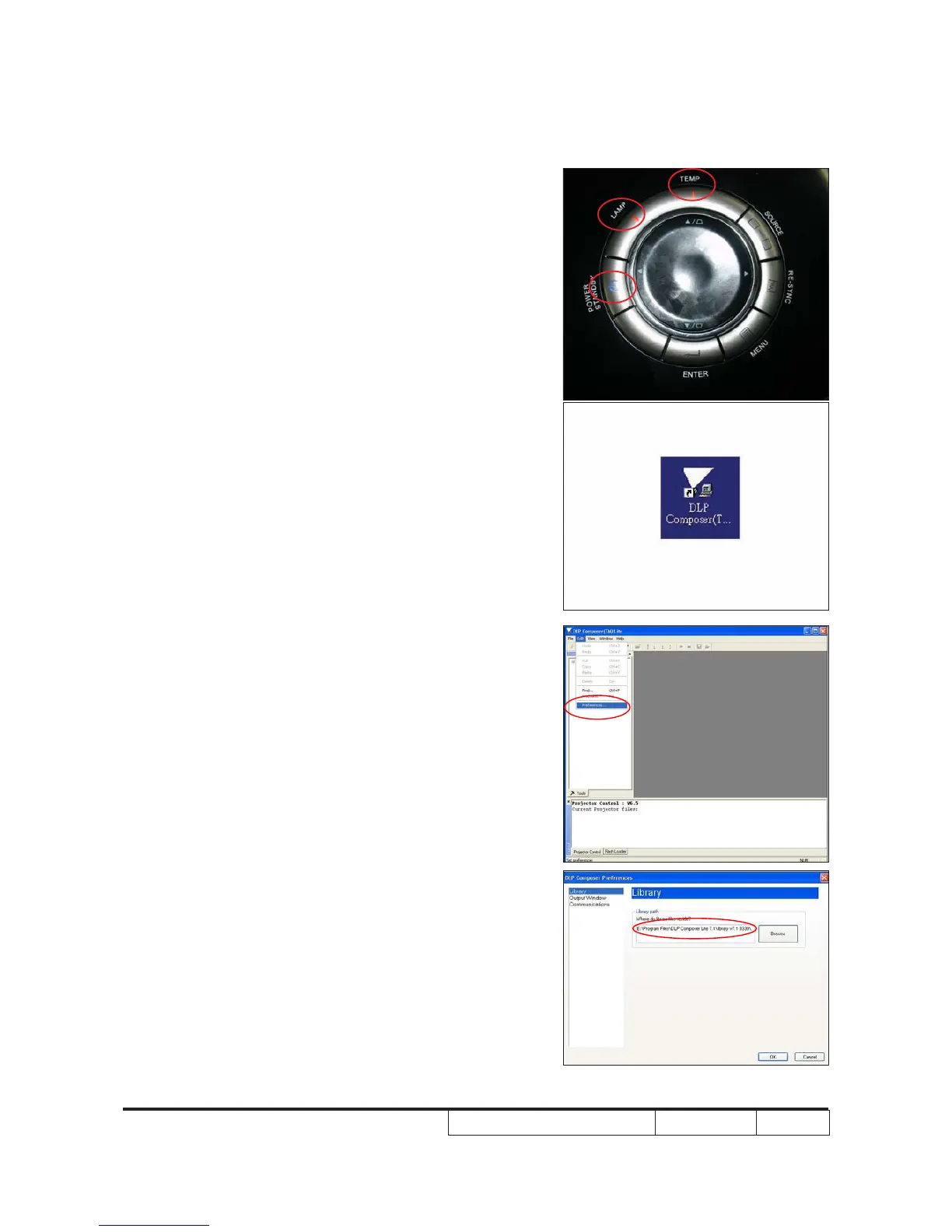
1. Set-up
- Hold on "Power" and plug in power cord
then release "Power" button to enter
rmware upgrade mode.
- Once the Power, Temp and Lamp LED
light up, plug in USB cable into the
projector and link to the USB port of a PC.
Note: The system fan and the light will not
operated.
2. Execute the "DLP Compose
TM
"
le.
3. Click "edit" and "perferences".
4. Click “Library.”
- Click the “browse” button and navigate to
the directory where you put the library le
in.



 To Next Page