EP776 Series/EP782 Series
Condential
4-13
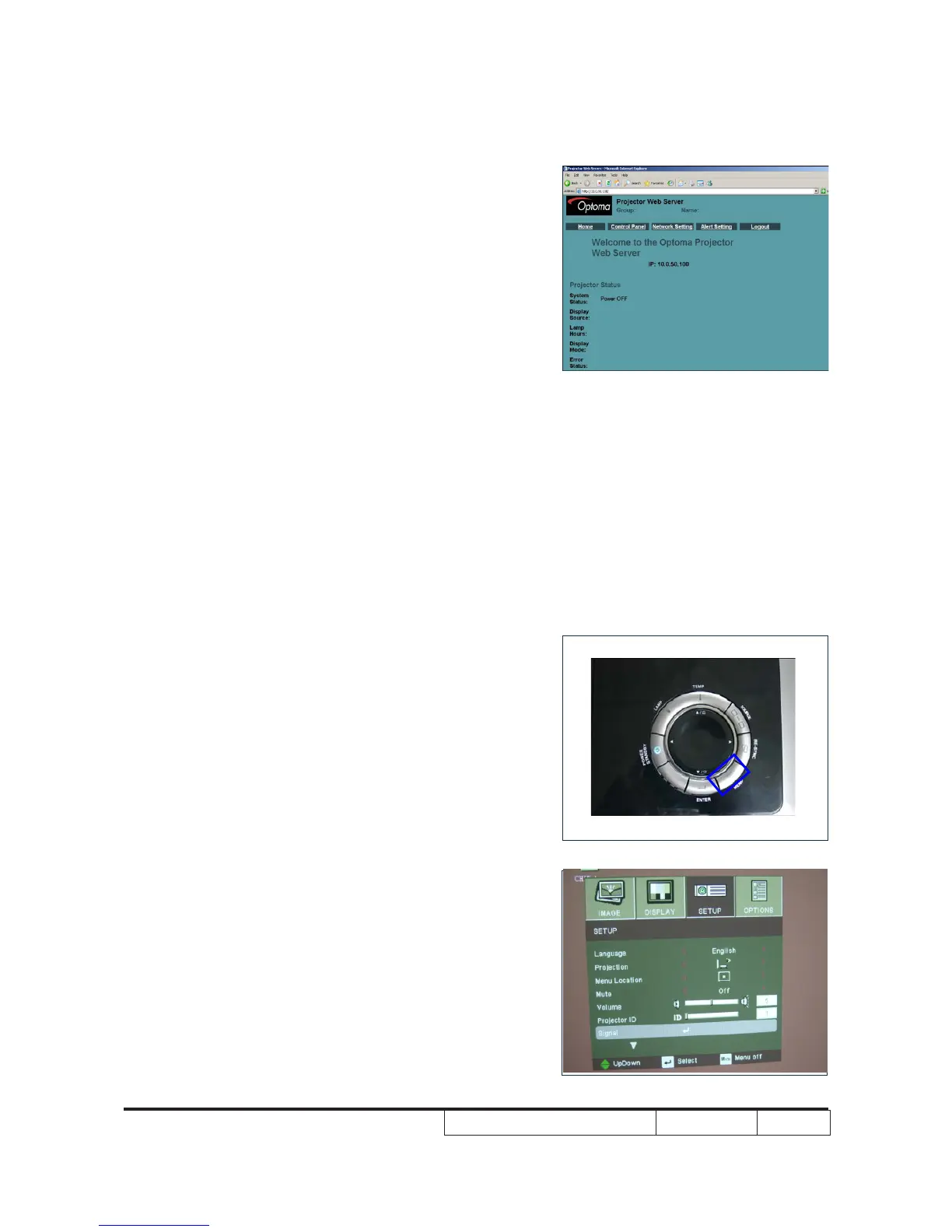
3.Read Projector Information
- Connect the PC and the Projector with LAN
Cable
- Click “Internet Explorer”
- Write the IE address:http://10.0.50.100
- Then the information will be shown on the web
4-10 Wireless Function Test
(ForEP776W/EP782W/
TX776W/TX782W)
1.Projector Setting
- Power on projector
- Wireless module reset:Press “Reset” button on
back cover for 5 seconds,then the LED will be
ashing to steady green light
- Press “Menu” to enter OSD Mode
- Use Left button to select “SETUP”,then press
down button to move the light mark to “▼”,the
picture A will be shown on screen.



 To Next Page