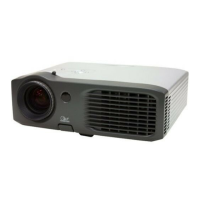
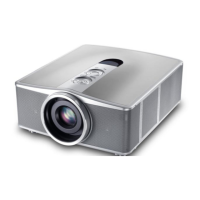
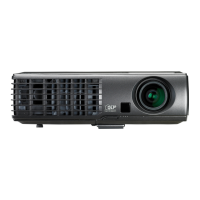
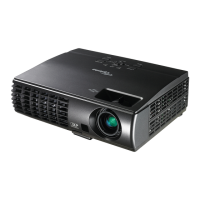
EP776 Series/EP782 Series
Condential
6-7
6-5 DDC Key-In Procedure
(HDMI Interface)
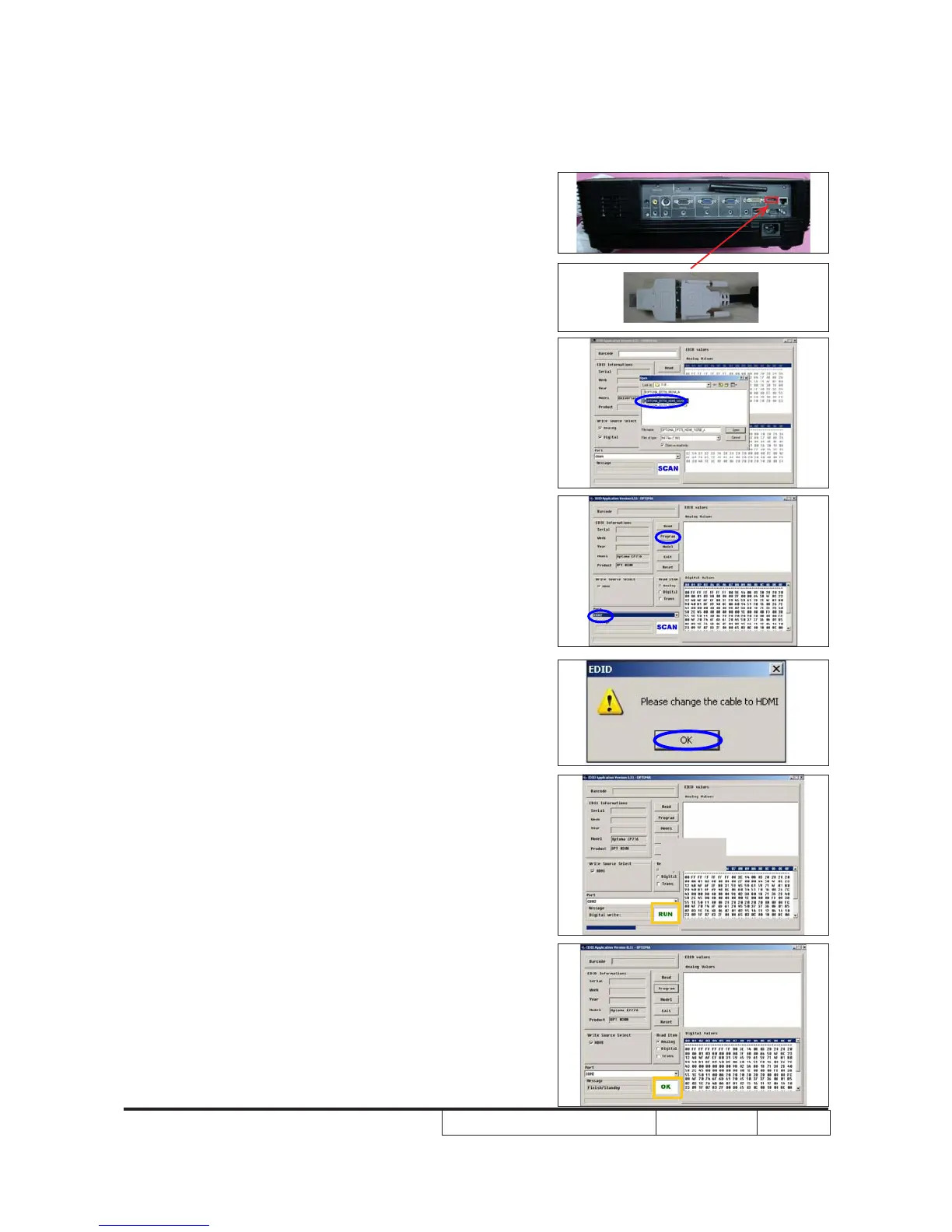
1. Unplug DVI cable from Unit then replug it in
DVI-HDMI adapter then plug in HDMI port
of the unit
2. Choose model
- Click "Model."
- Choose the EDID that responses to the
model that you choose.
3. Programming
- Check the com port is “COM2”
- Click "Program" button.
4. When the message “Please change the
cable to HDMI” is shown on the screen,
click “OK” button.
5. “Run” message will appear on the screen.
6. When the EDID program for HDMI is
completed, a message "OK" will appear
on the screen.


 To Next Page