11. Read EDID information
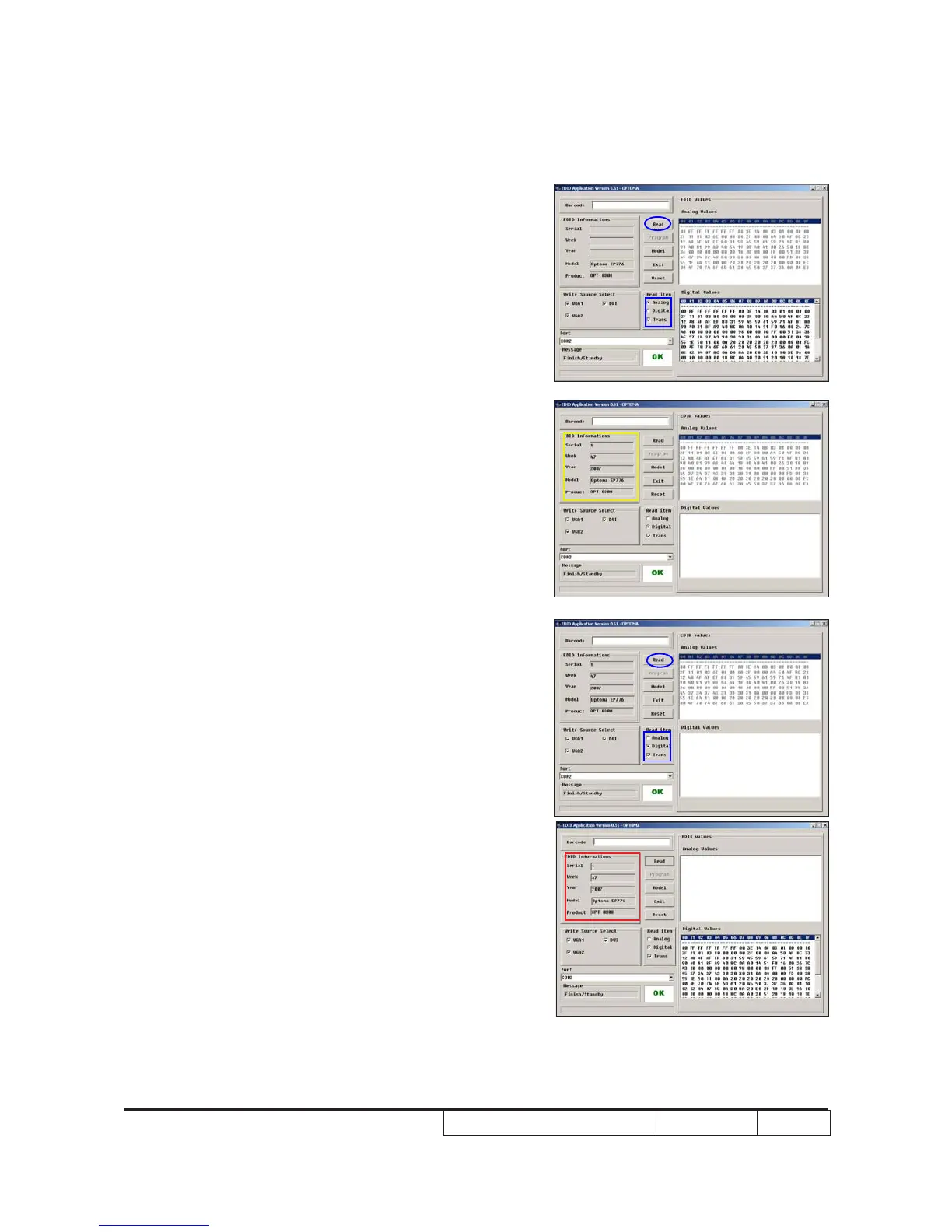
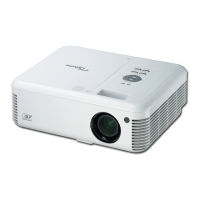
- In the Read item,select “Analog” and
“Trans”.
- Please press “Read” button.
- EDID Informations will show the
result.(As the yellow square)
12. Read EDID information
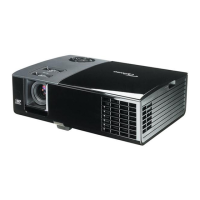
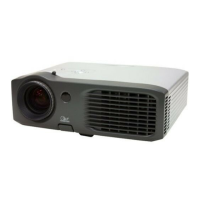
- In the Read item,select “Digital” and
“Trans”.
- Please press “Read” button.
- EDID Informations will show the result.
(As the red square)
Note:(1) Both VGA1 and VGA2 need to read
(2) While read VGA1(VGA2) EDID
Information,please unplug VGA
cable of VGA2(VGA1)
“
“


 To Next Page