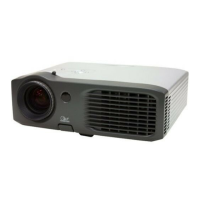
EP776 Series/EP782 Series
Condential
6-5
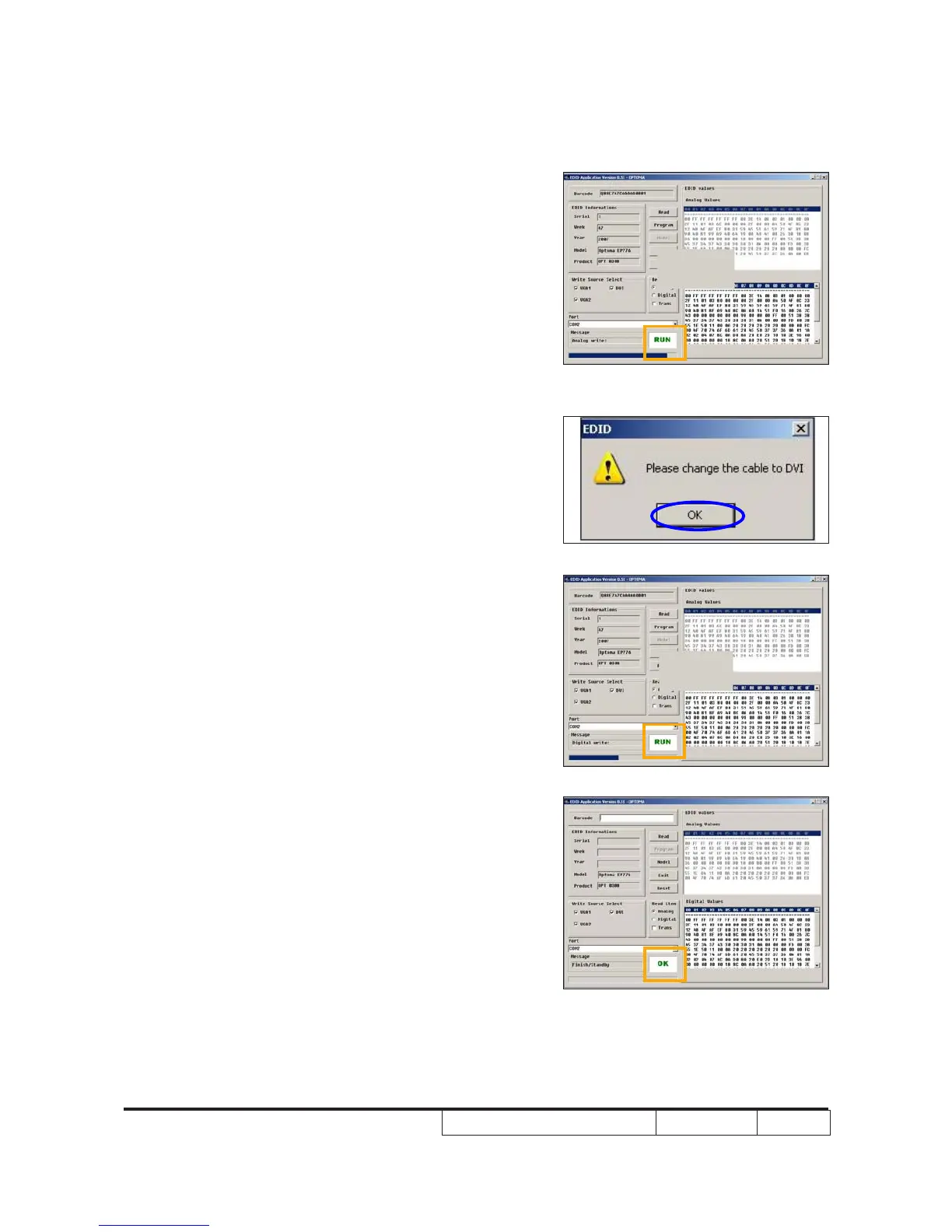
7. “Run” message will appear on the screen.
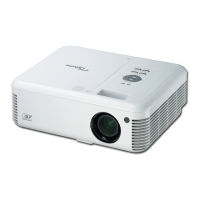
8. When the message “Please change the
cable to DVI” is shown on the screen,click
“OK” button.
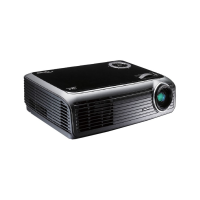
9. “Run” message will appear on the screen.
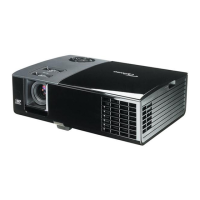
10. When the EDID program is completed, a
message "OK" will appear on the screen.
“


 To Next Page