3. Programming
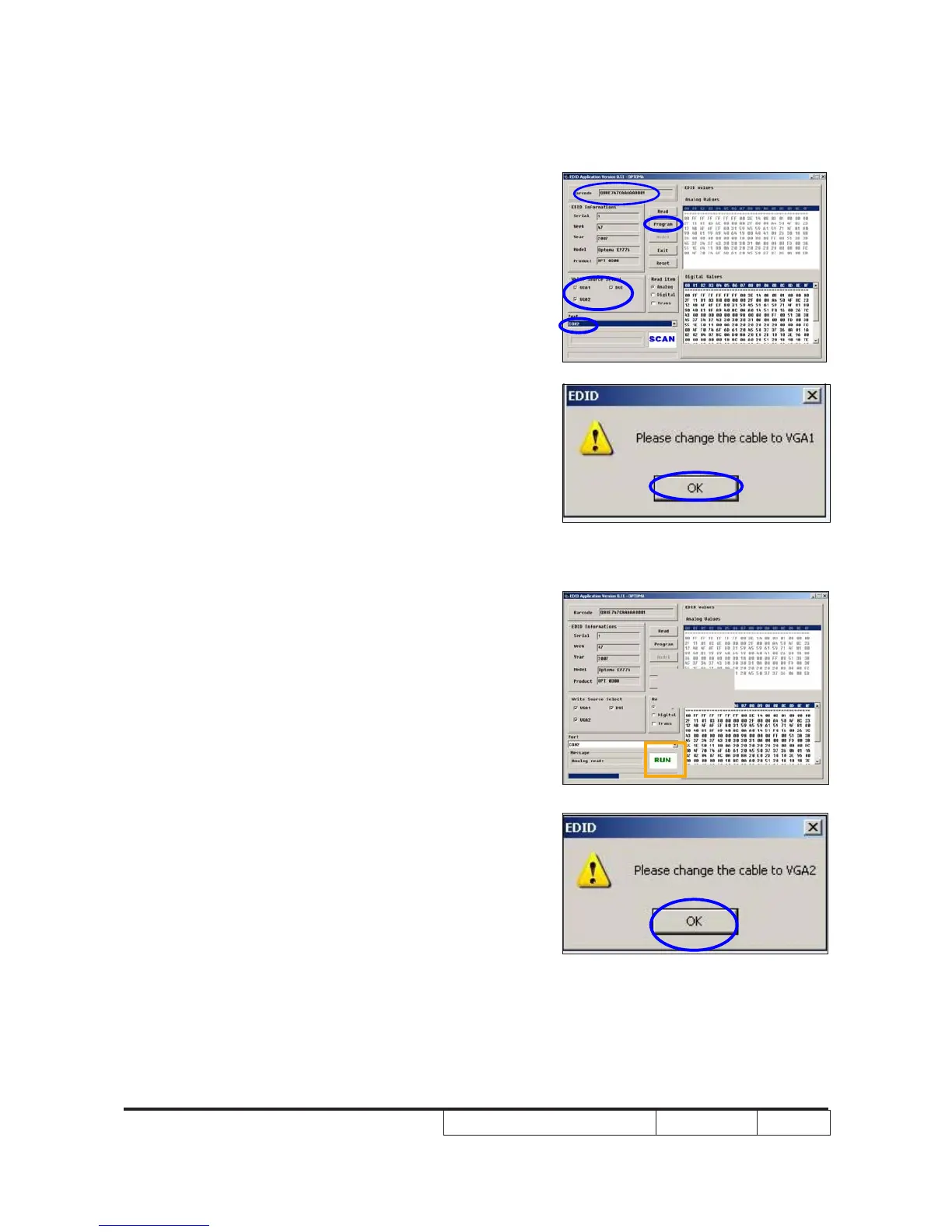
(1) Key in the serial number into the
barcode blank space.
(2) In"Write Source Select"item,select
“VGA1” , “VGA2” and “DVI”.
(3) Check the com port is “COM2”
(4) Click "Program" button.
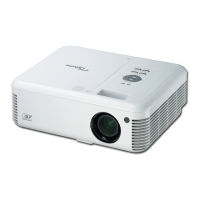
4. When the message “Please change the
cable to VGA1” is shown on the screen,
click “OK” button.
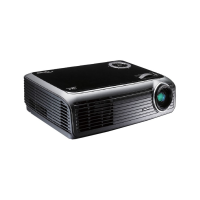
5. “Run” message will appear on the screen.
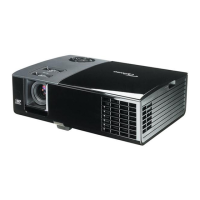
6. When the message “Please change
the cable to VGA2” is shown on the
screen,click “OK” button.
“
“
(4)
(2)
(3)
(1)


 To Next Page