EP776 Series/EP782 Series
Condential
5-7
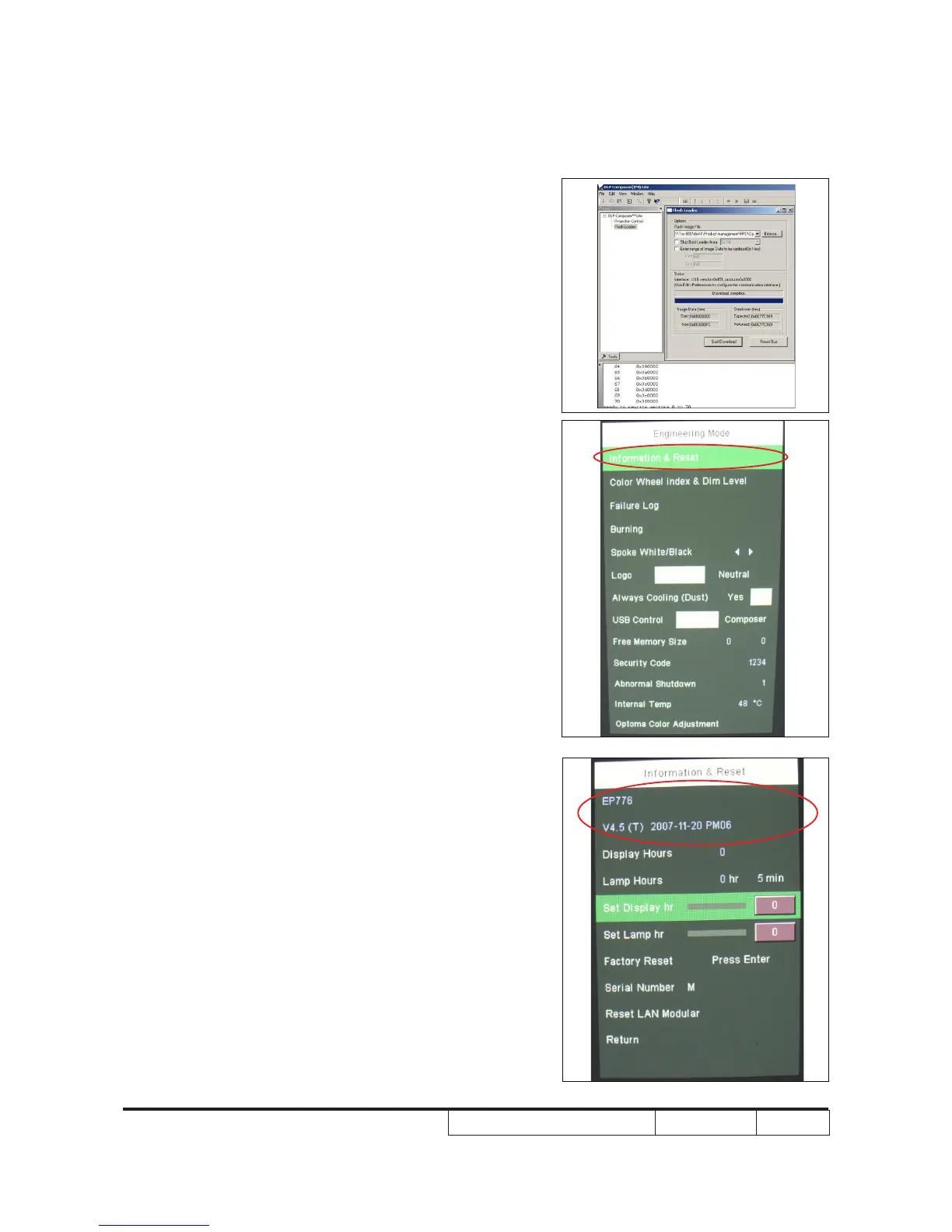
9. When rmware upgrade process is
nished, unplug USB cable and power cord
and replug in power cable.
10. Restart the unit ,enter service mode and
move the light mark to “Information&Reset”
press the “Enter” button to enter in,then
you can check the rmware version.
(To enter service mode, please refer to
Chapter 4 Function Test and Alignment
Procedure.)



 To Next Page