Brightness: Use ◄ or ► to adjust the brightness value of
selected color.
Reset: Choose “Yes” to return the factory default settings
for color adjustments.
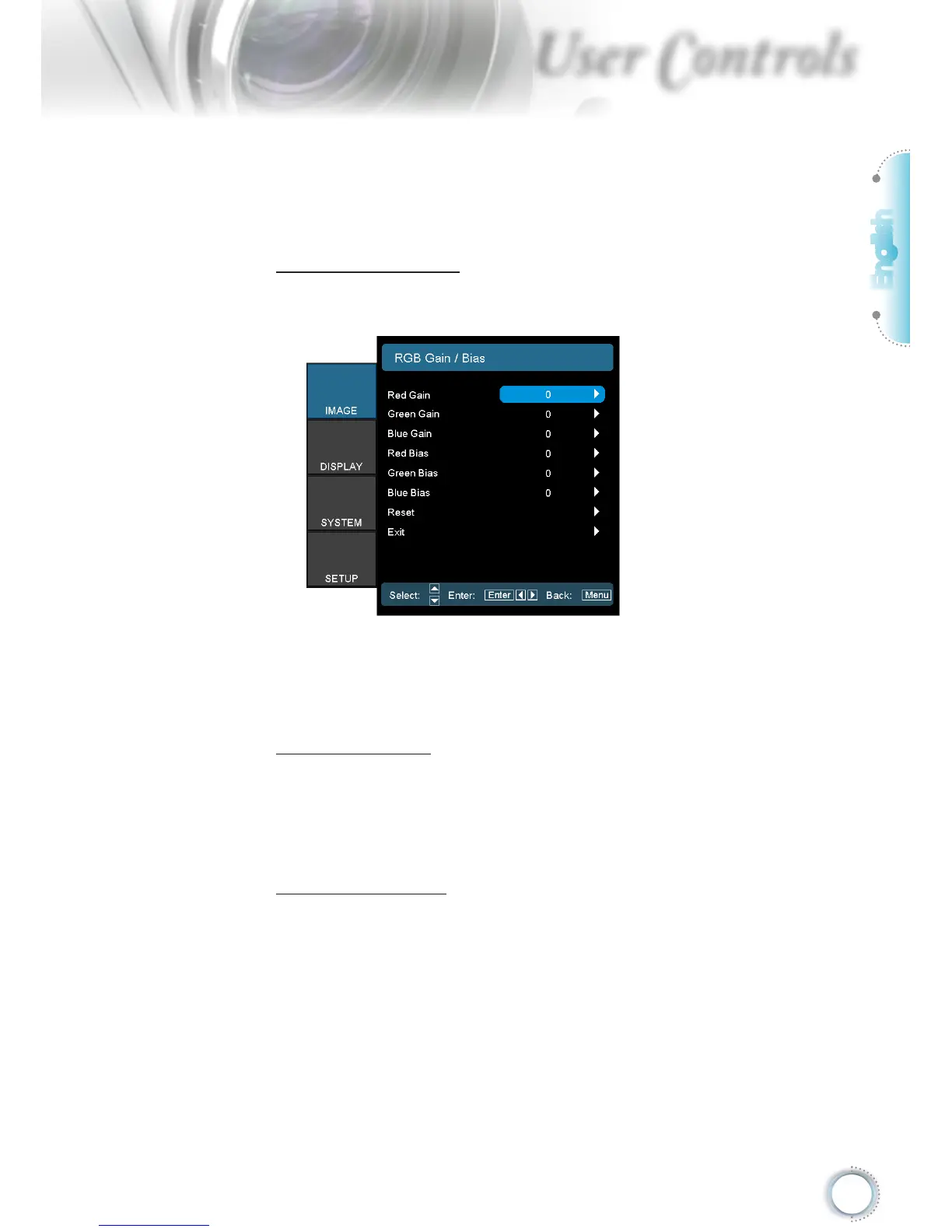
RGB Gain/Bias
Press ► into the next menu as below and then use ▲ or ▼
to select item.
Use ◄ or ► to select Red, Green, or Blue for brightness
(Gain) and contrast (Bias).
Reset: Choose “Yes” to return the factory default settings
for color adjustments.
Color Space
Select an appropriate color matrix type from AUTO, RGB,
YUV.
For HDMI only: Select color matrix from Auto, RGB (0-
255), RGB (16-235), YUV.
RGB Channel
Display image with just blue or just green or just red
channel.
This can be very handy for user to make sure the Tint and
Saturation is correctly adjusted



 To Next Page