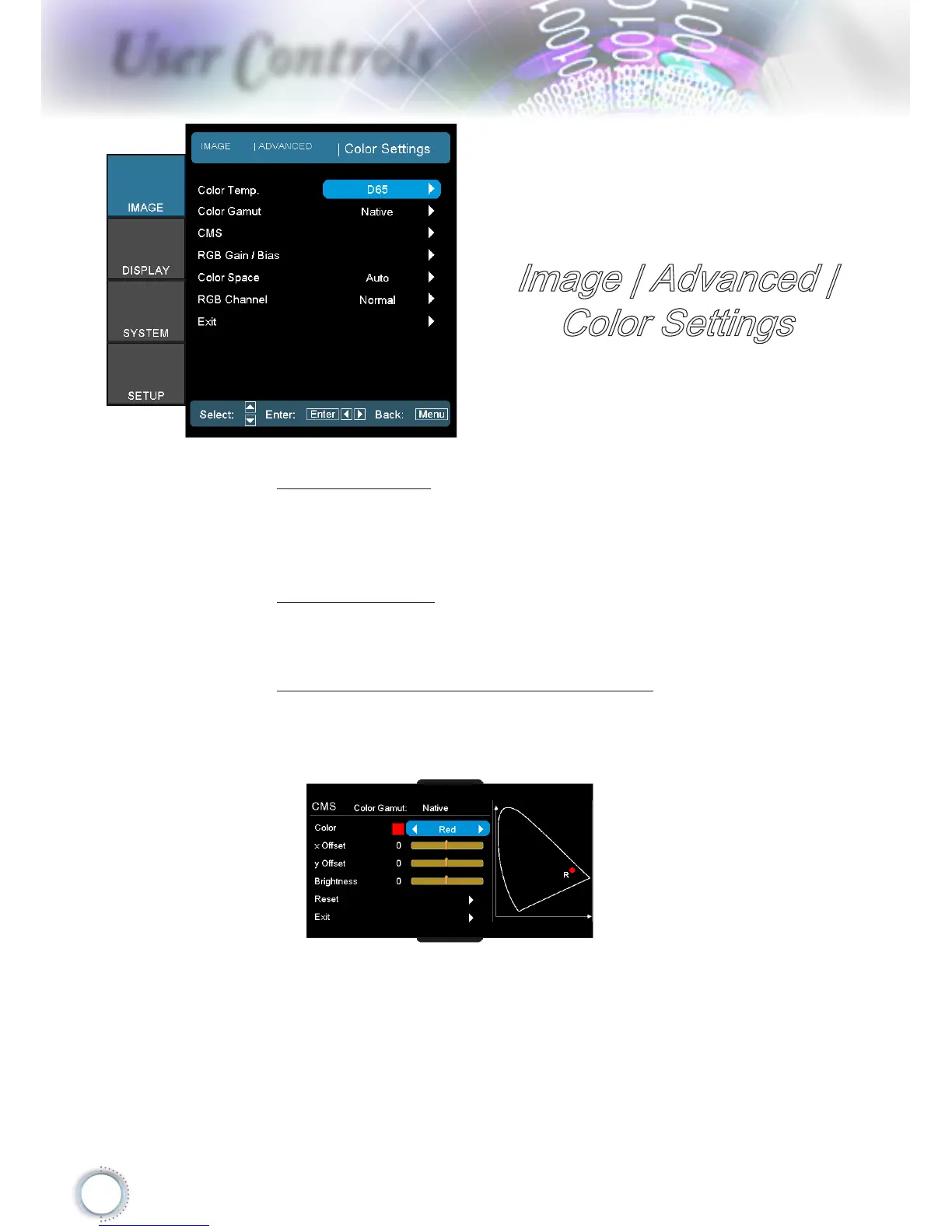
Image | Advanced |
Color Settings
Color Temp.
Adjust the color temperature. Cold temperature, the screen
looks colder; with Warm temperature, the screen looks
warmer.
Color Gamut
Select this menu to optomize the color gamut color range
for Native, DLP-C, HDTV, EBU or SMPTE-C.
CMS (Color Management System)
Press ► into the next menu and then use ▲ or ▼ to select
item. Select one of the colors (R/G/B/C/M/Y) to adjust its
x/y oset and brightness.
Color: Use ◄ or ► to select from Red, Green, Blue,
Cyan, Magenta or Yellow colors.
x Oset: Use ◄ or ► to adjust the x oset value of
selected color.
y Oset: Use ◄ or ► to adjust the y oset value of
selected color.



 To Next Page