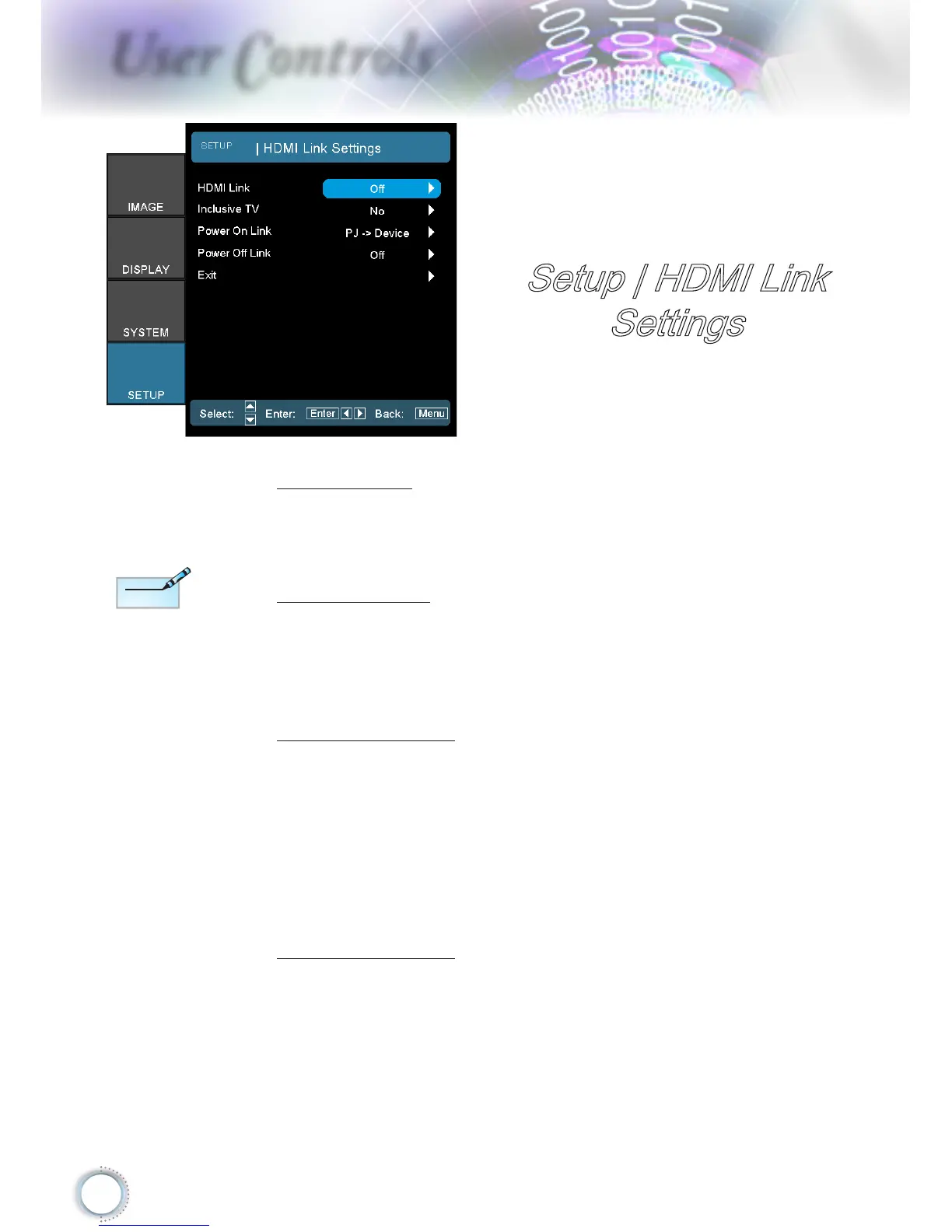
Setup | HDMI Link
Settings
HDMI Link
Enable/Disable the HDMI Link function. The Inclusive
TV, Power on Link, and Power o Link options will only
available if the setting is set to On.
Inclusive TV
If the setting is set to “Yes”, both TV and projector will be
automatically turned o at the same time. To prevent both
devices to be turned o at the same time, set the setting to
“No”.
Power On Link
CEC power on command.
Mutual: Both projector and CEC device will be turned on
simultaneously.
PJDevice: The CEC device will be turned on only after
the projector is switched on.
DevicePJ: The projector will be switched on only after
the CEC device is turned on.
Power O Link
If the setting is set to “On”, both HDMI Link and projector
will be automatically turned o at the same time. Set to
“O”, both HDMI Link and projector will be not automatically
turned o at the same time.



 To Next Page