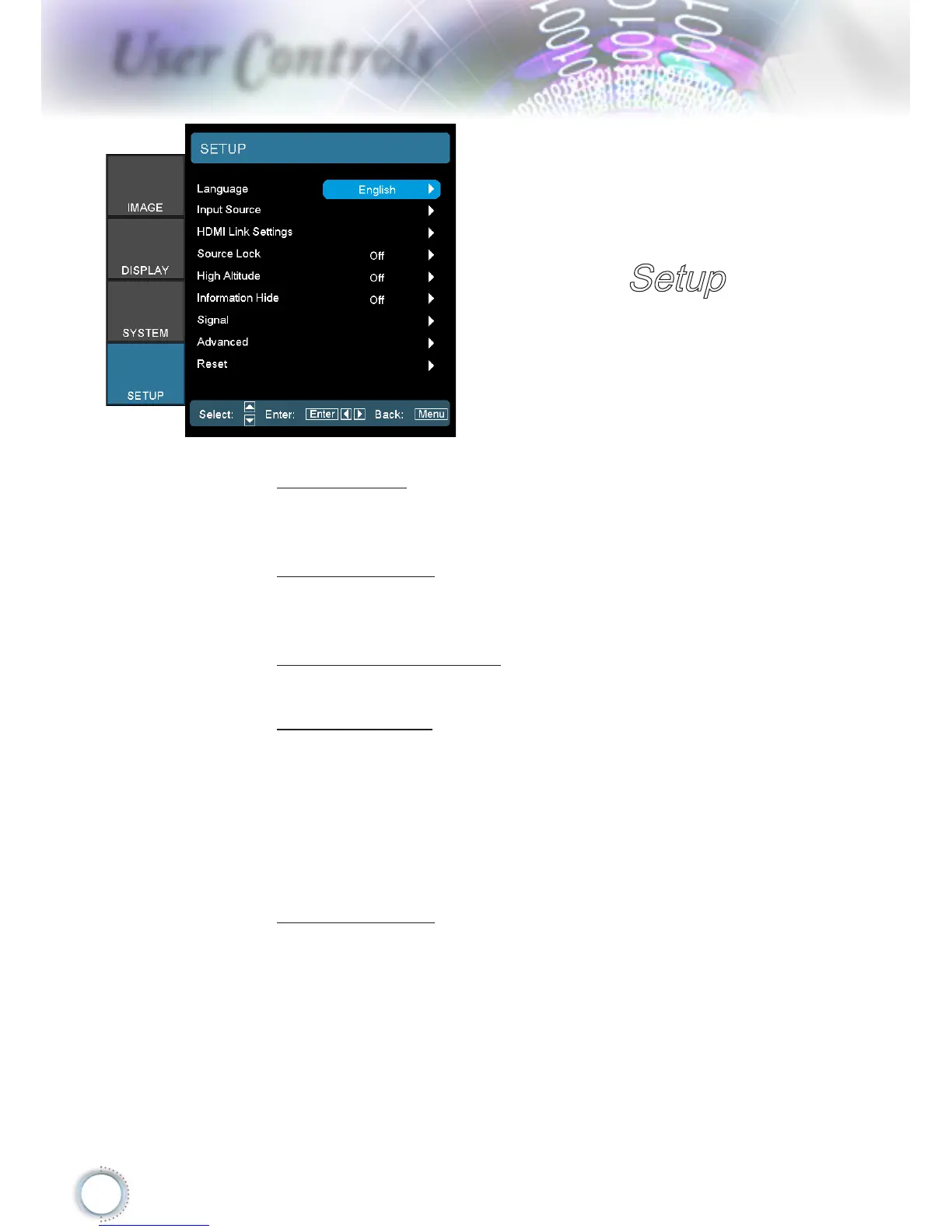
Language
Enter the Language menu. Select the multilingual OSD
menu. See page 46 for more information.
Input Source
Enter the Input Source submenu. Select the sources to
scan for at startup. See page 47 for more information.
HDMI Link Settings
See page 48 for more information.
Source Lock
Lock the current source as the only available source, even
if the cable is unplugged.
On: Only the current source is recognized as an input
source.
O: All sources selected in Setup | Input Source are
recognized as an input source.
High Altitude
Adjust the fan speed to reect the environment.
On: Increases fan speed for high temperature, humidity,
or altitude.
O: Regular fan speed for normal conditions.
Setup



 To Next Page