English
38
User Controls
Test Pattern
Display a test pattern. There are Grid, White and Off.
Background Color
Use this feature to display a “Blue”, “Black”, or “Gray” screen
when no signal is available.
12V Trigger A
12V trigger A provides a standard trigger for motorized screens.
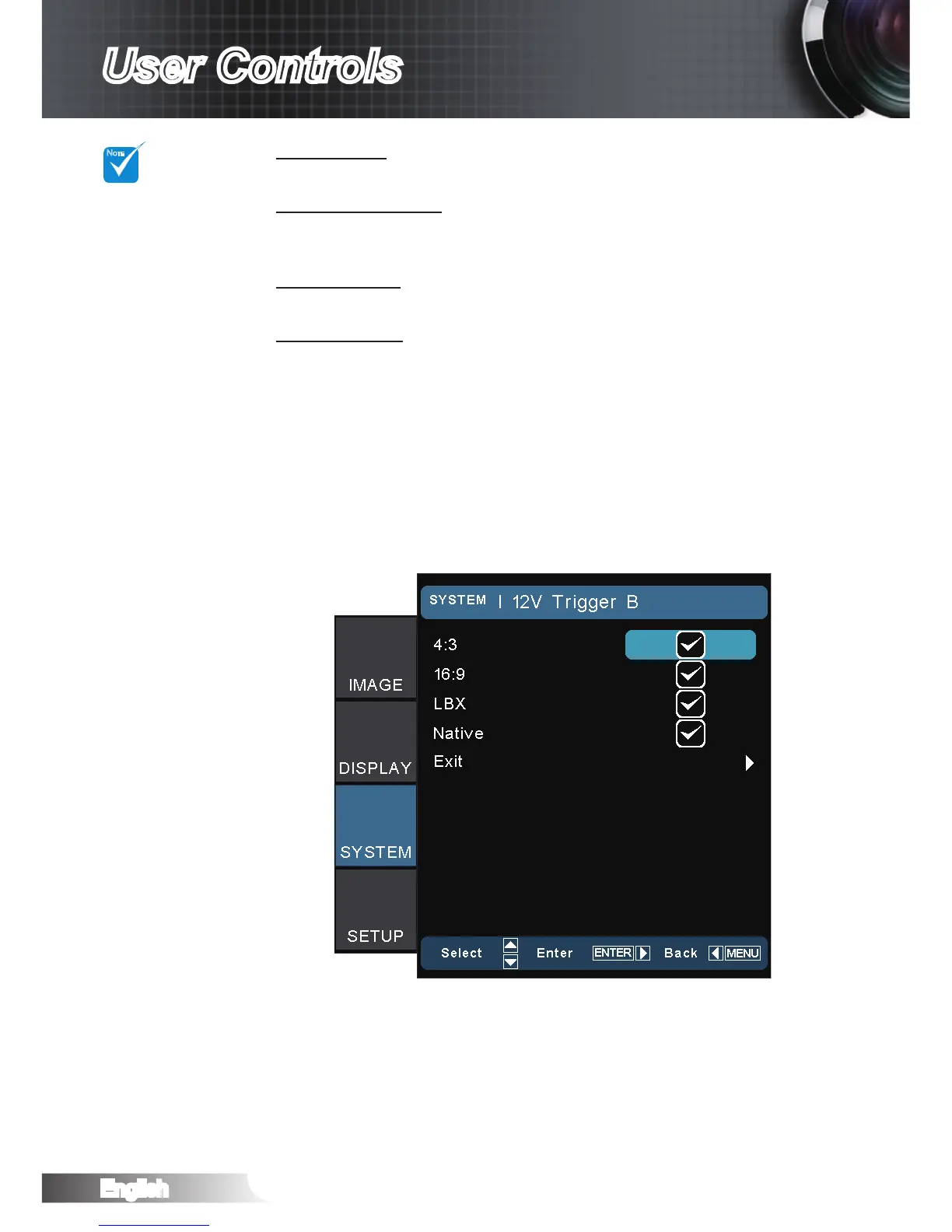
12V Trigger B
Press the “Off” to disable the trigger.
Press the “On” to enable the trigger and the programmable
sub-menu. The sub-menu is accessed by selecting the “On”
option then pressing the “Enter” button on the remote control.
Checking an option in the sub-menu will activate the trigger
when the corresponding display mode is selected. For the ex-
ample, 4:3 has been selected – this means that Trigger B will
be active when the projector display mode is set to 4:3. The
trigger will be inactive for all the other display mode options.
“Test Pattern”
function will gray
out when 3D
is on.



 To Next Page