21
English
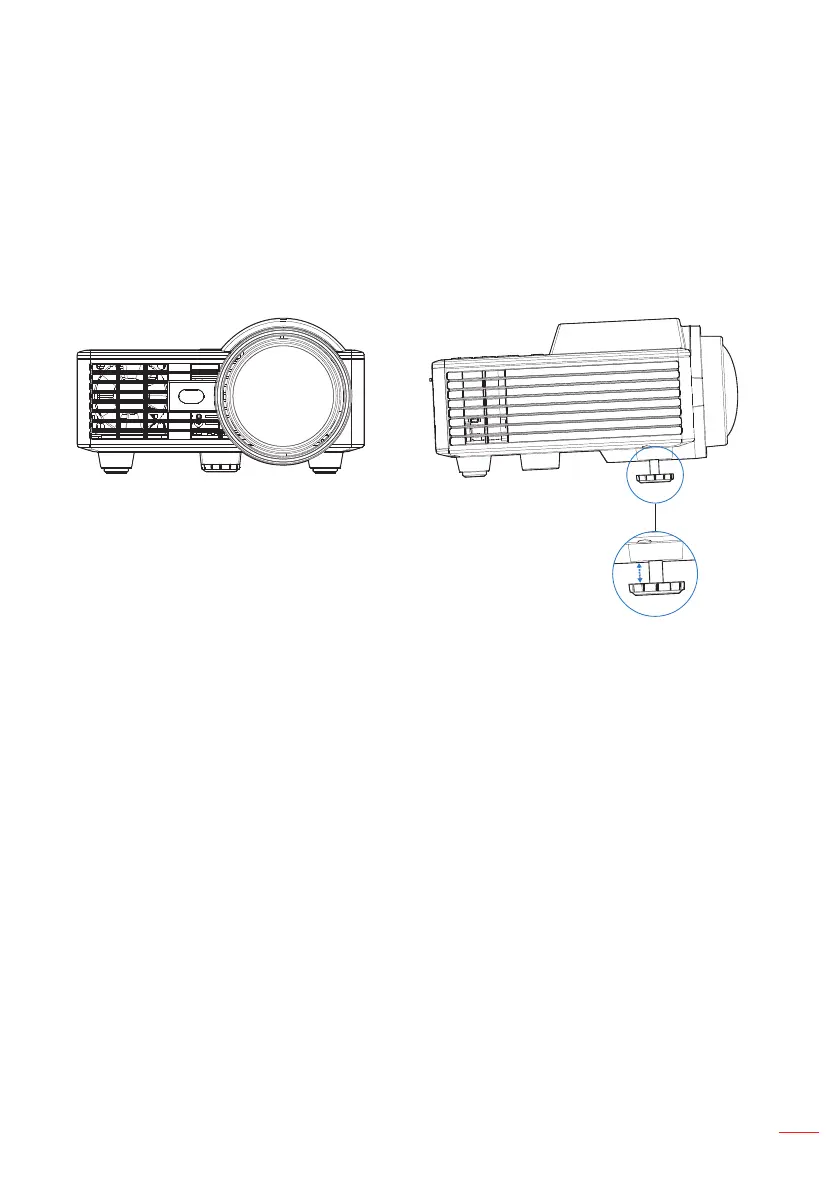
Raising the Projector Height
Raise the projector to the desired display angle, and use the front tilt adjustment wheel
to fine-tune the display angle.
Lowering the Projector Height
Lower the projector, and use the front tilt adjustment wheel to fine-tune the display
angle.
Front tilt adjustment wheel
(Angle of tilt: 0 to 3 degrees)
Important Note: To avoid damaging the projector, ensure that the adjustment wheels are fully
retracted before moving the projector or placing the projector in its carrying case.
Adjusting the Projected Image



 To Next Page