52
English
Error Message
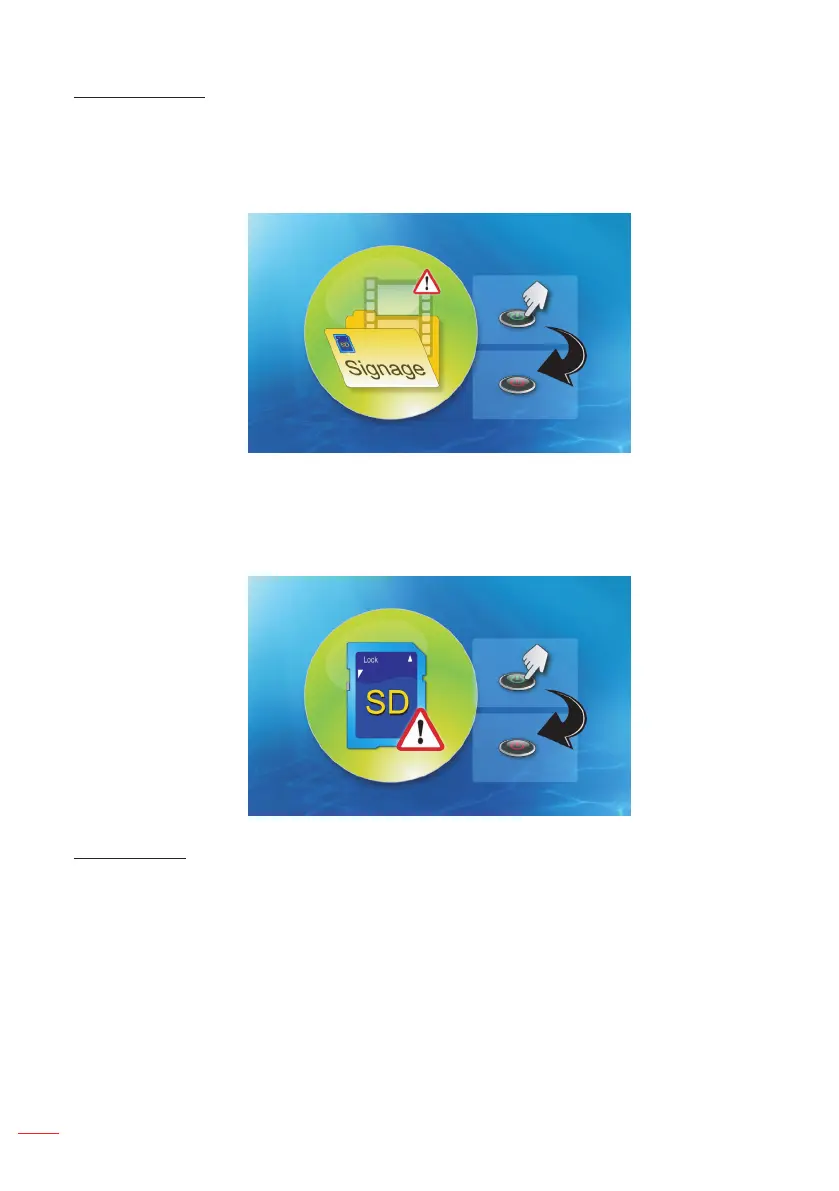
1. No video le
If the microSD card inserted, but no any video le in “Signage” folder, the system will
show a message window to notify the end user.
An example of message window:
2. MicroSD card is removed
If the microSD card is removed during playback, the system will show a message
window to notify the end user.
An example of message window:
Power on/off
1. Direct power-on
When this setting is enabled, the system will change to power on mode directly
(“power off mode” directs to “power on mode”; skip “stand-by mode”) by AC plug-in.
2. Off timer
The system has one parameter for this setting that from 0 to 995 and each step is 5.
“0” means disable this feature and “995” means auto power-off after 995 minutes.



 To Next Page